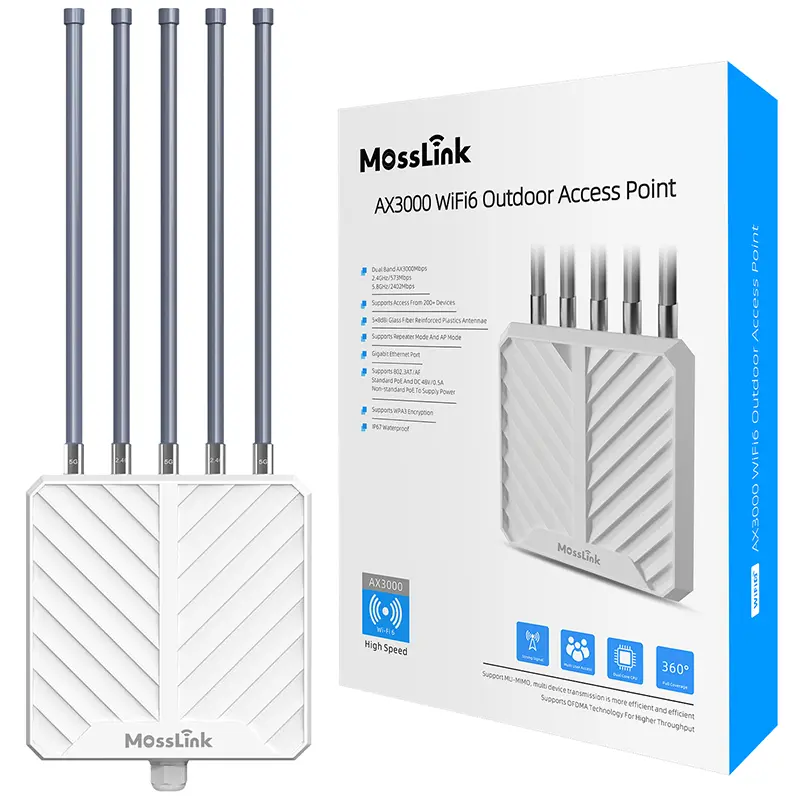
APM6-AX3000 AX3000 Wi-Fi 6 Outdoor Access Point, IP67
APM6-AX3000
Wi-Fi 6 (802.11ax) · Dual-Band (2.4GHz + 5.8GHz) · AX3000 (574 + 2402 Mbps) · 802.3at (48V)
A practical network for extending one Starlink connection across an open farm, a multi-building property, a residential compound, or an off-grid site — with the right mix of outdoor access points, point-to-point or point-to-multipoint bridges, indoor Wi-Fi, PoE, and solar power.
Site-specific topology · Bill of materials · OEM/ODM options
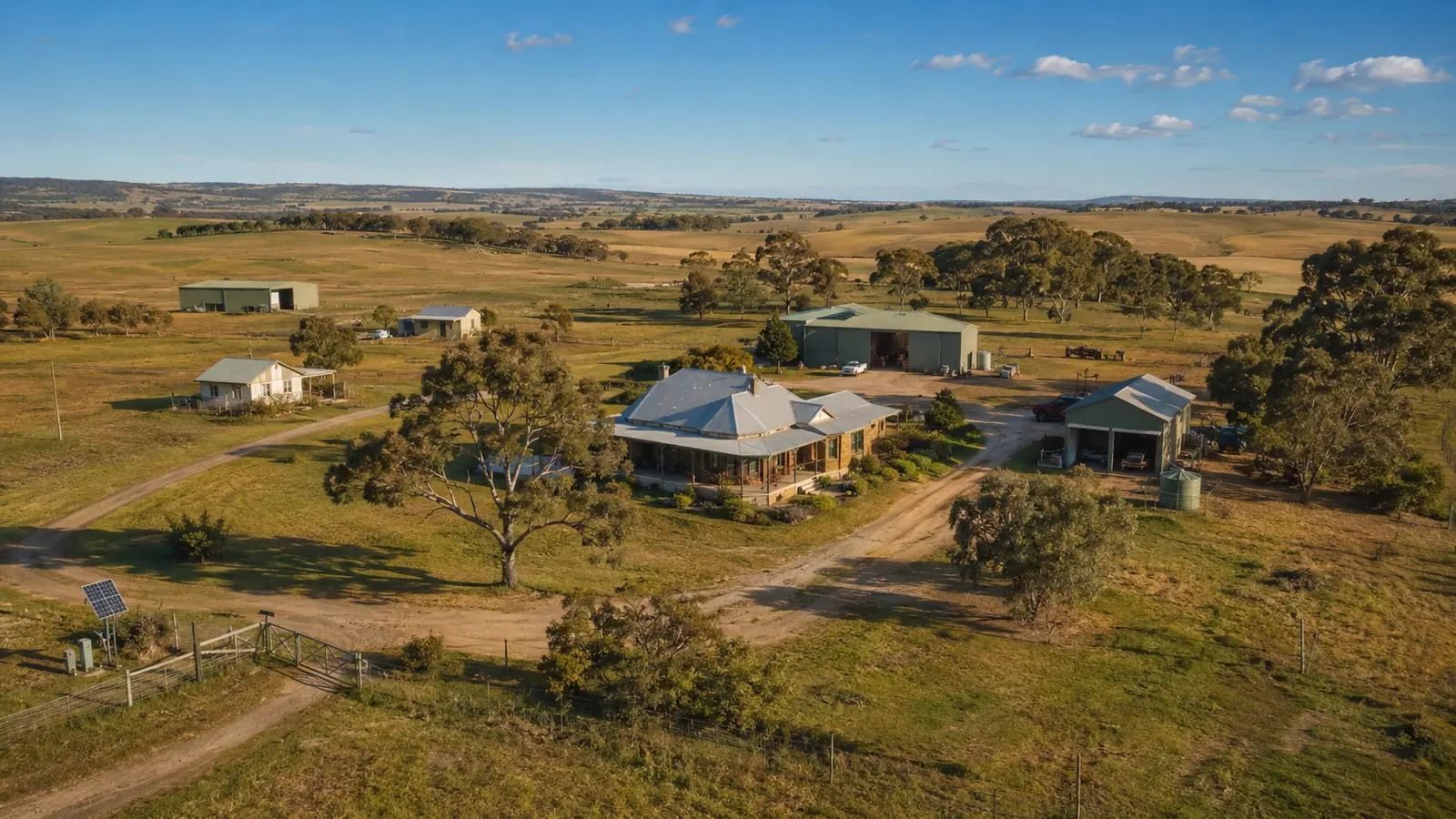
Starlink solves the backhaul problem, but it does not automatically solve coverage across a large property. One router cannot reliably cover hectares of land, penetrate several concrete buildings, or reach remote points through trees. Farms and compounds also have mixed requirements: open-area Wi-Fi, building-to-building links, indoor coverage, cameras, guest access, and sometimes no grid power at the remote end.
Reference Topology
MossLink divides the site into coverage zones. Outdoor access points serve users in open areas, directional wireless bridges carry the Starlink connection between buildings, and each concrete building receives its own indoor access point or router. A managed gateway handles VLANs, bandwidth limits, and hotspot access, while PoE and properly sized solar systems power remote equipment. The final topology is selected from the site map, line of sight, building materials, power availability, user count, and target speed.
A Starlink terminal can bring fast internet to a remote property, but the Wi-Fi from one indoor router is only the first coverage zone. The larger the site becomes, the more important it is to separate three different jobs:
Many unstable deployments come from asking one device to do all three. A high-power outdoor AP is useful for a courtyard or field, but it is not a substitute for a directional bridge over several kilometers. A wireless bridge can carry the connection to a remote house, but it should not be expected to provide strong Wi-Fi through the house’s concrete walls.
Use this design when users are outdoors and mostly within one clear zone, such as a yard, campsite, work area, garden, or small farm center.
Topology
Starlink → gateway router → PoE switch or injector → outdoor access point → client devices
The APM6-AX3000 outdoor access point is designed for weatherproof local Wi-Fi coverage. In a clear, open environment it can cover a much larger area than an indoor router. Real range still depends on mounting height, client-device transmit power, interference, and obstacles, so coverage should be planned by zone rather than by an advertised maximum radius.
This is the simplest and lowest-cost architecture, but it is suitable only when the users are in the same general area. It will not reliably cover several distant buildings or penetrate multiple concrete walls.
Use this design for a main house plus a barn, workshop, warehouse, guesthouse, school block, clinic, or a group of homes.
Topology
Starlink → managed gateway → core PoE switch → bridge transmitter → bridge receiver at each remote zone → indoor AP/router or outdoor AP
A directional wireless bridge behaves like an invisible Ethernet cable between fixed points. For a single remote building, use a point-to-point pair. For several remote zones with clear visibility to one central mast, use a point-to-multipoint layout.
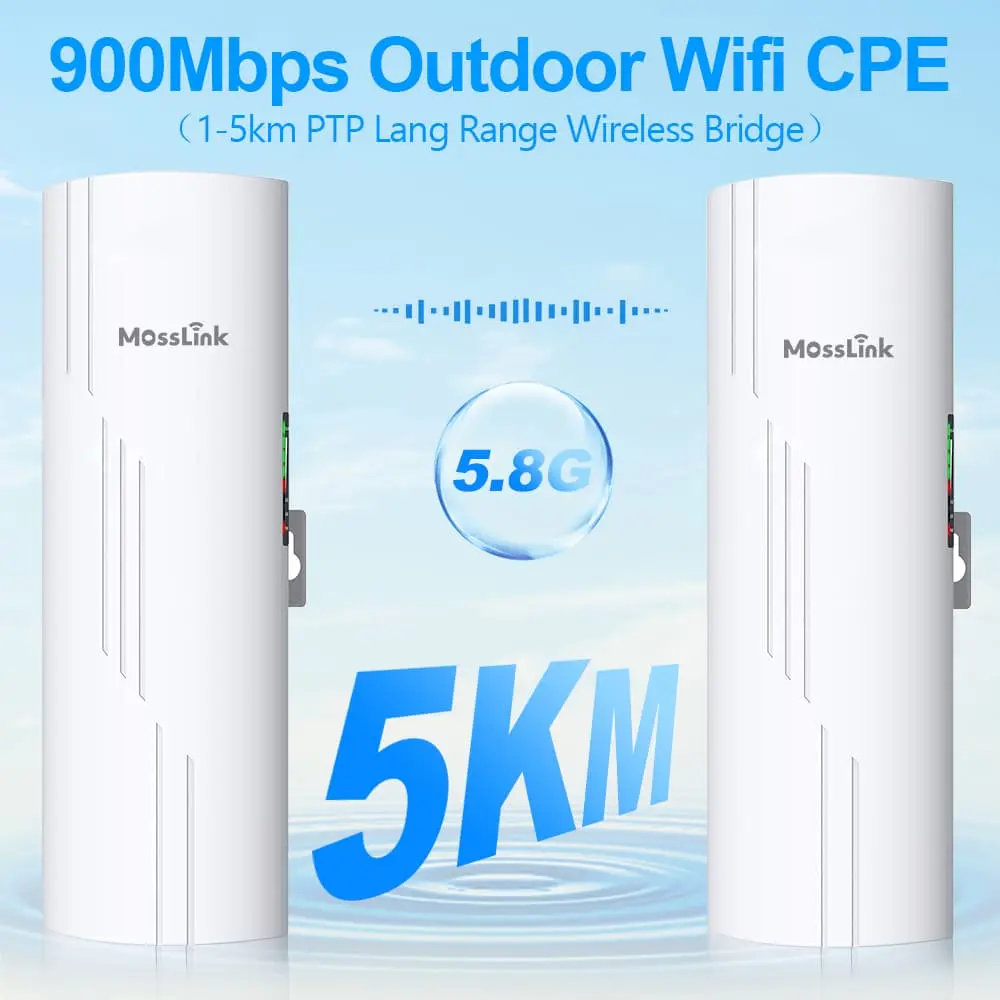
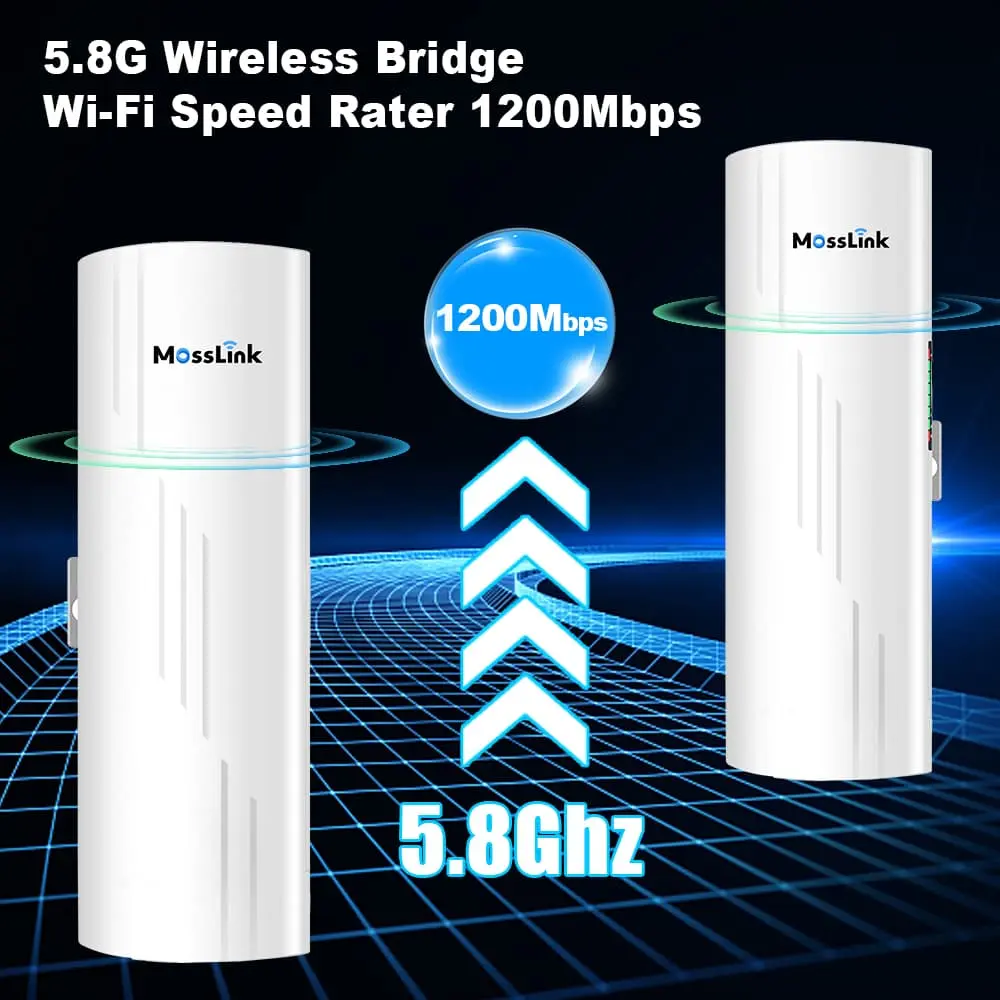
The WB610H 5 km wireless bridge and WB620H wireless bridge are practical choices for building-to-building Starlink distribution where the endpoints have clear line of sight. At the receiving building, install an XD3001K ceiling access point or a local router to provide indoor Wi-Fi.
The bridge carries the network to the building. The indoor AP distributes it inside the building. Keeping those roles separate produces a more stable network and makes future troubleshooting much easier.
Use this design when a remote gate, camera pole, field station, pump house, or building has no grid power.
Topology
Central network → wireless bridge → regulated PoE power system → remote bridge/AP/camera
The remote power system normally includes:
Solar sizing should never be guessed from the radio’s headline power rating alone. Add the full-load consumption of the bridge, AP, switch, and cameras; account for conversion losses; then size the battery for overnight operation and low-sun weather. A site that must stay online through several cloudy days needs a much larger battery reserve than a daytime-only farm hotspot.
| Site condition | Best connection | Why |
|---|---|---|
| Open area close to the Starlink router | Outdoor AP | Simplest way to serve nearby wireless users |
| Building within practical cable distance | Outdoor-rated Ethernet or fiber | Highest stability and no radio line-of-sight dependency |
| One distant building with clear line of sight | Point-to-point wireless bridge | Fast deployment without trenching |
| Several remote zones visible from one central mast | Point-to-multipoint bridges | One central distribution point serves several receivers |
| Trees or terrain block the radio path | Raise the mast, add a relay, or use cable/fiber | More reliable than forcing a 5 GHz signal through obstacles |
| Remote point without electricity | Solar-powered bridge/AP | Extends the network without a grid connection |
| Concrete house or multi-floor building | Local indoor AP per building or floor | Outdoor Wi-Fi does not reliably penetrate dense walls |
Ethernet is usually the first choice where a protected cable route is practical. Wireless bridges become valuable when distance, roads, terrain, or installation cost make cable difficult. The best farm network is often hybrid: cable in the central compound, bridges between distant zones, and APs where users actually connect.
For a compact property with ten concrete homes, the most reliable design is not one powerful outdoor AP.
A practical layout is:
Concrete walls determine the AP count more than the total land area. A large or multi-floor home may need two APs, while a small single-floor home may be covered by one correctly placed unit.
A four-square-kilometer farm is not one Wi-Fi cell. It should be divided into functional zones: main office, worker housing, barns, fields, gates, storage, and camera points.
A typical design process is:
Trees are not a small detail. A link that works through light foliage in dry weather may become unreliable after rain or when seasonal leaf growth fills the path. Design the mounting height for the worst season, not the day of installation.
A shared Starlink network needs a gateway that can control traffic. At minimum, separate these services:
| Network | Example devices | Recommended policy |
|---|---|---|
| Operations | Office PCs, POS, farm systems | High priority, private VLAN |
| Residents or staff | Phones, laptops, TVs | Per-home or per-user bandwidth limit |
| Guest or paid hotspot | Visitor devices | Captive portal, client isolation, time or speed limit |
| CCTV | IP cameras and NVR | Separate VLAN, restrict access to the NVR and administrators |
| IoT | Sensors, locks, pumps | Restricted outbound access, no access to user devices |
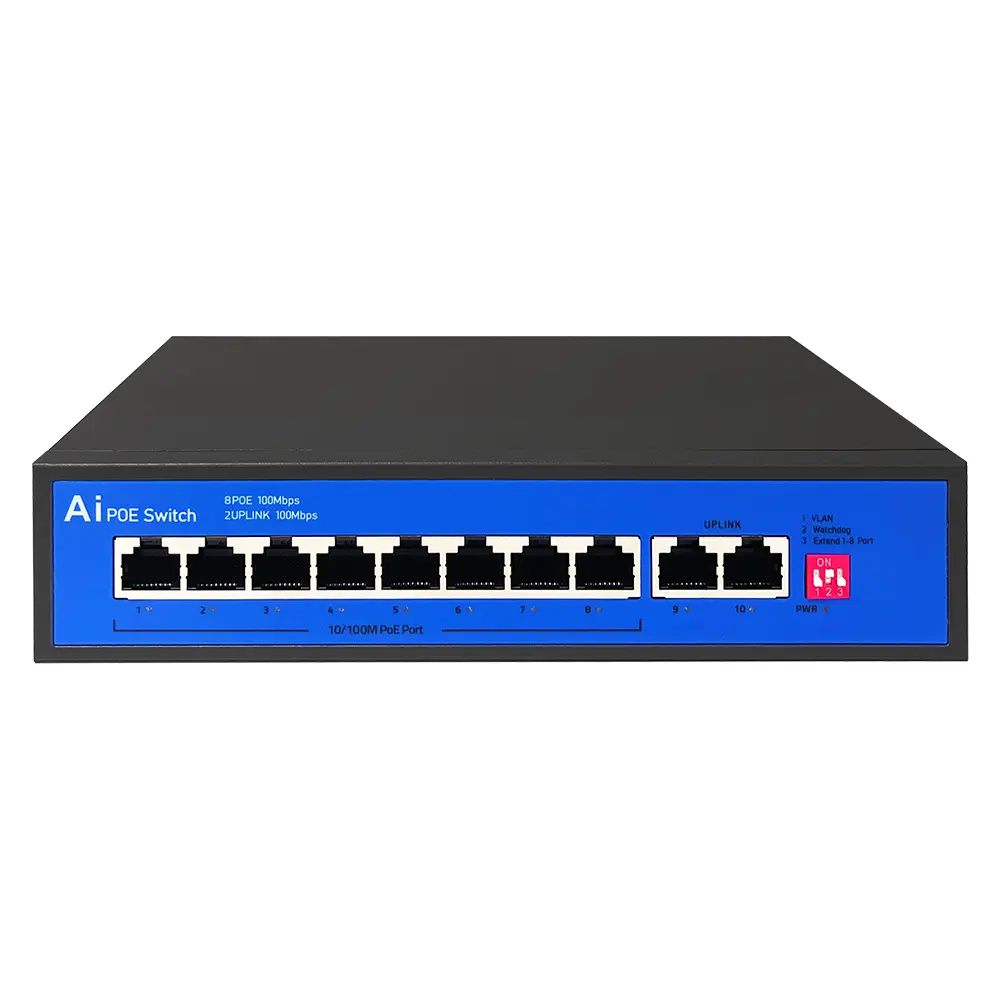
A WR3011GP gateway/router can serve smaller managed sites, while a compatible MikroTik, OpenWrt, or third-party gateway may be used where advanced voucher billing, queue management, or custom ISP functions are required. An S802E PoE switch can power APs at a central cabinet; larger sites should use managed PoE switches with the port count, uplink speed, and power budget calculated from the final bill of materials.
Bandwidth policy matters because Starlink throughput changes over time. Instead of promising every user the full headline speed, set fair per-zone or per-user limits and preserve priority for operational traffic, voice calls, and security systems.
For long-distance 5 GHz links, seeing the other endpoint is necessary but not always sufficient. The radio signal occupies an elliptical Fresnel zone around the direct path. Trees, roofs, hills, and other structures inside that zone can introduce reflections and packet loss even when the two antennas appear visible.
Before choosing a bridge model:
If a clear path cannot be created, add a relay point with visibility to both sides or choose a wired route for the blocked section.
| Network role | Typical equipment | Selection priority |
|---|---|---|
| Core internet gateway | Managed router | VLAN, QoS, hotspot, failover, remote management |
| Central distribution | PoE switch | Port speed, PoE standard, total power budget, uplinks |
| Open-area Wi-Fi | APM6-AX3000 | Mounting height, client density, weather rating |
| Building-to-building transport | WB610H or WB620H | Distance, line of sight, throughput, port speed |
| Indoor building coverage | XD3001K or local router | Wall material, floor count, users, PoE availability |
| Off-grid endpoint | Solar, battery, controller, regulated PoE | Full-load watts, sun hours, autonomy, weather margin |
The final model count should come from the topology, not from the site area alone. Two properties of the same size can need very different equipment if one is open and flat while the other is divided by concrete walls, trees, or hills.
For a usable topology and quotation, send:
With those details, MossLink can recommend the topology, bridge distances, AP count, PoE budget, solar load, and a sample list for field testing.
Need a site-specific design? Send the MossLink team your map and project details. We will turn them into a recommended topology and bill of materials before you place a sample order.
APM6-AX3000
Wi-Fi 6 (802.11ax) · Dual-Band (2.4GHz + 5.8GHz) · AX3000 (574 + 2402 Mbps) · 802.3at (48V)
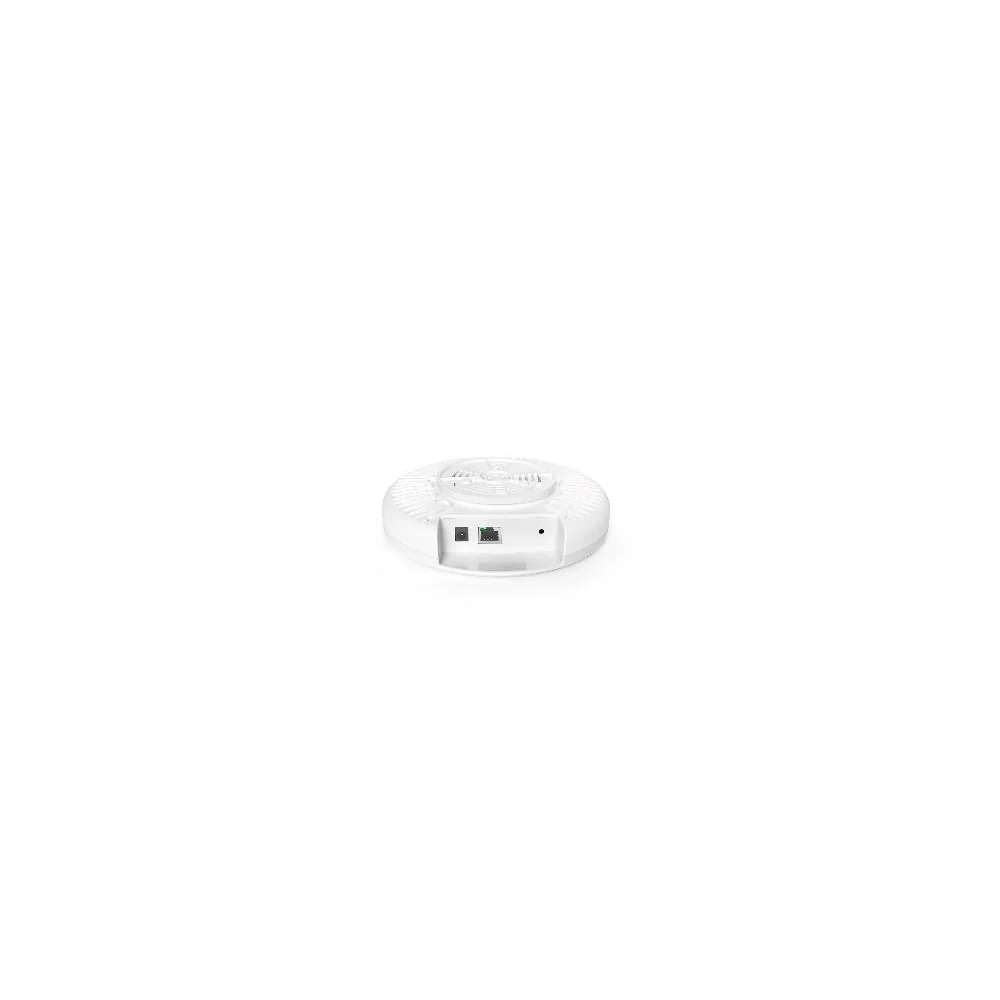
XD3001K
Wi-Fi 6 (802.11ax) · Dual-Band (2.4GHz + 5GHz) · AX3000 (573 + 2402 Mbps)
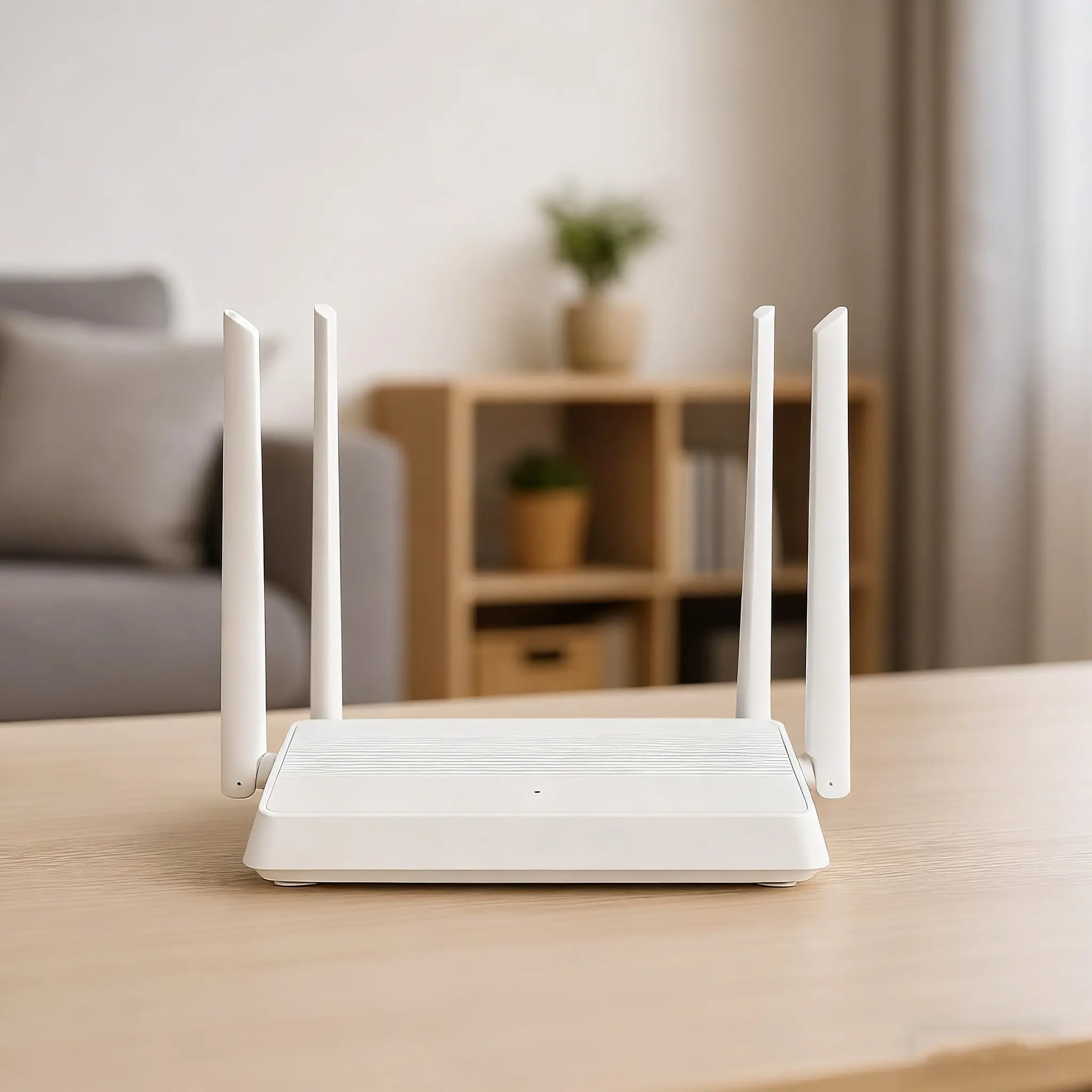
WR3011GP
Wi-Fi 6 (802.11ax) · AX3000 (574 + 2474 Mbps = 3047Mbps)
In-depth guides and case studies relevant to this deployment.
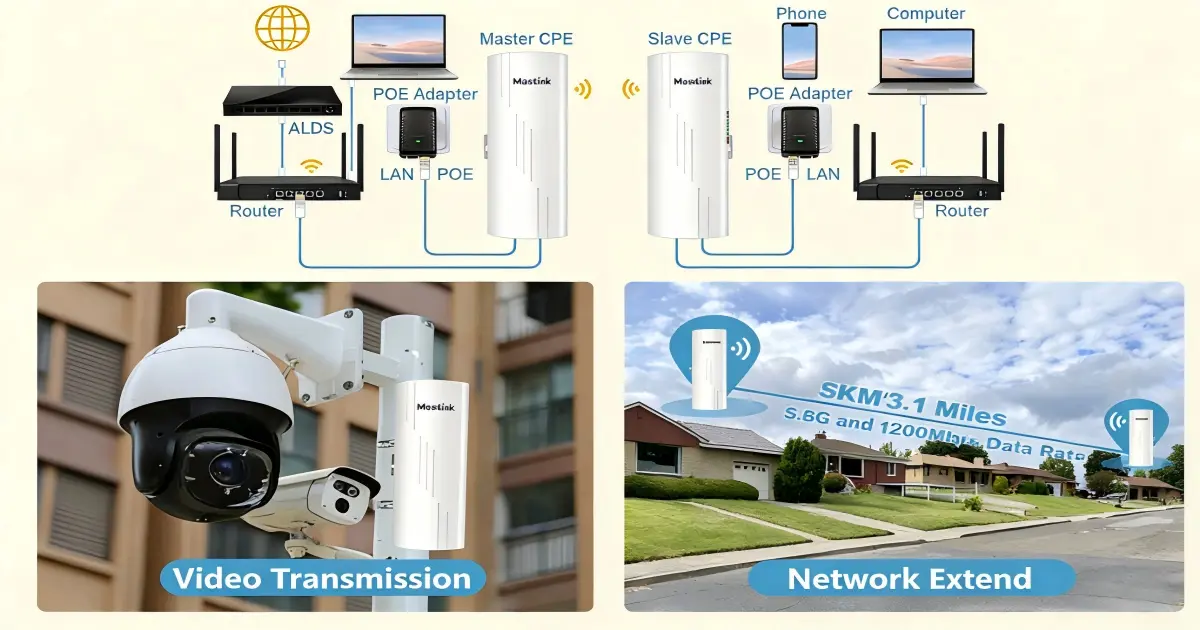
The listing said plug and play — but nothing's playing. A step-by-step wireless bridge setup walkthrough for first-time users, from unboxing to internet.
Read Article →
A 40km @ 1Gbps datasheet claim quietly assumes two 37m towers and a perfectly clear path. Real distance tiers from 1km to 40km — and what each one costs.
Read Article →
Your neighbours' routers are sitting on the same channels as yours, through concrete that scatters every signal. Here's the channel plan, AP placement, and band strategy that stops apartment WiFi interference — with the exact channels to use.
Read Article →
Practical answers for planning a deployment like this one.
Let our team design a customized rural connectivity networking solution for your project. Get expert guidance and factory-direct pricing.