Your Starlink dish is up, the speed test looks great standing next to the router — and then you walk out to the workshop, the barn, or the far side of the yard and the Wi-Fi is gone. The kids can’t stream on the porch, the security camera by the gate won’t stay online, and guests in the guesthouse 60 m away get one flickering bar.
This is the single most common complaint after a Starlink install, and it isn’t a fault with Starlink. The dish delivers the internet fine. The problem is the little router that ships with it — it’s built to cover a house from indoors, not a property from outdoors. The fix is straightforward and cheap: add one outdoor access point. Here’s how to choose and wire it, from people who ship this gear into rural Starlink sites every week.
Why Doesn’t Starlink WiFi Reach My Yard or Outbuildings?
Because the stock Starlink router is a consumer indoor unit with modest range. It’s optimised to cover an average home from a central indoor spot — not to punch signal through exterior walls, metal roofing, and tens of metres of open ground.
In the real world that means usable Wi-Fi dies somewhere around 20–30 m outdoors, and far sooner through a metal-clad barn or a concrete wall. Distance, obstacles, and weather all eat the signal, and the router’s internal antennas simply aren’t built to fight back. So your dish might be pulling 200 Mbps while the camera at the gate sees nothing.
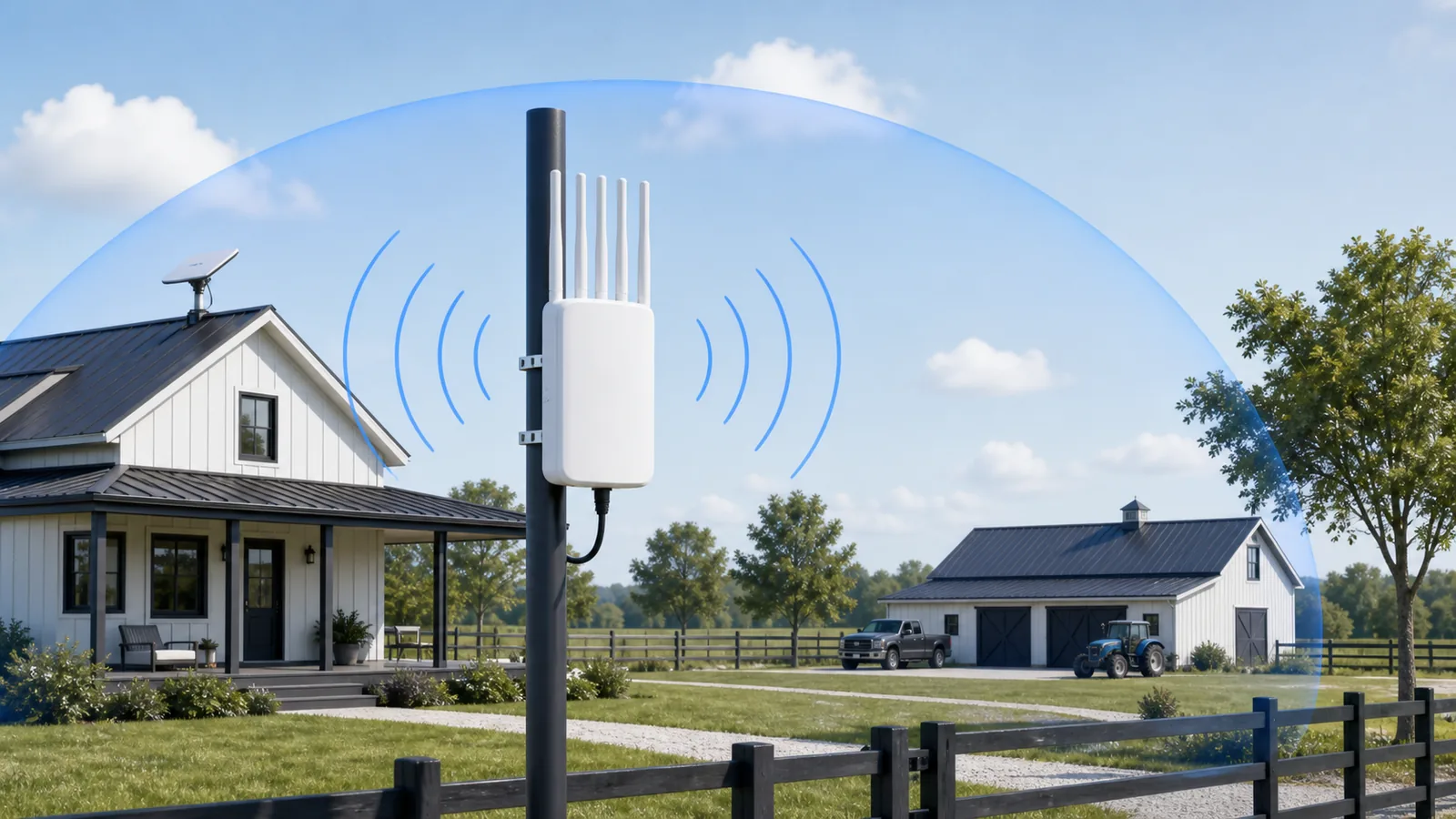
An outdoor access point solves exactly this. Mounted on a pole, wall, or eave with weatherproof antennas, it’s designed to spray Wi-Fi 300–500 m across open line-of-sight — the difference between “Wi-Fi near the router” and “Wi-Fi across the whole property.”
What Actually Fixes It — Add an Outdoor Access Point
The fix is to take the internet Starlink already delivers and re-broadcast it from a radio built for the outdoors. You don’t replace Starlink; you bolt coverage onto it.
The chain is simple:
Starlink dish → Starlink router → Ethernet (via PoE injector) → outdoor access point → wide-area Wi-Fi
The access point connects by a single Ethernet cable that carries both power and data (PoE), so the only thing running up your pole or out to the barn is one cable. The AP then puts out a strong new Wi-Fi network — same internet, vastly more reach. Because it runs as a bridge, the Starlink router keeps doing its job (handing out IP addresses); the AP just extends the signal.
This is also why an outdoor AP beats “just buy a mesh kit”: mesh nodes aren’t weatherproof, their wireless backhaul bleeds speed over distance, and they’re built for indoor hops between rooms — not for covering a farmyard in the rain.
What Should I Look for in an Access Point for Starlink?
Pick for the outdoors first, speed second. The features that actually matter for a Starlink coverage job:
| Spec | Why it matters | Sensible target |
|---|---|---|
| Outdoor rating | Rain, dust, humidity will kill an indoor AP outside | IP65 minimum, IP67 preferred |
| Coverage range | This is the whole point | 300–500 m line-of-sight |
| Wi-Fi standard | Headroom for many devices at once | Wi-Fi 6 (AX), dual-band |
| Client capacity | Phones, cameras, guests, POS add up fast | 100+ concurrent (256 ideal) |
| PoE power | One cable for power + data up the pole | 802.3at PoE |
| Lightning / ESD protection | Outdoor gear takes electrical hits | 4 kV+ surge, 15 kV ESD |
| Temperature range | Rooftops bake; winters bite | −20 °C to +50 °C |
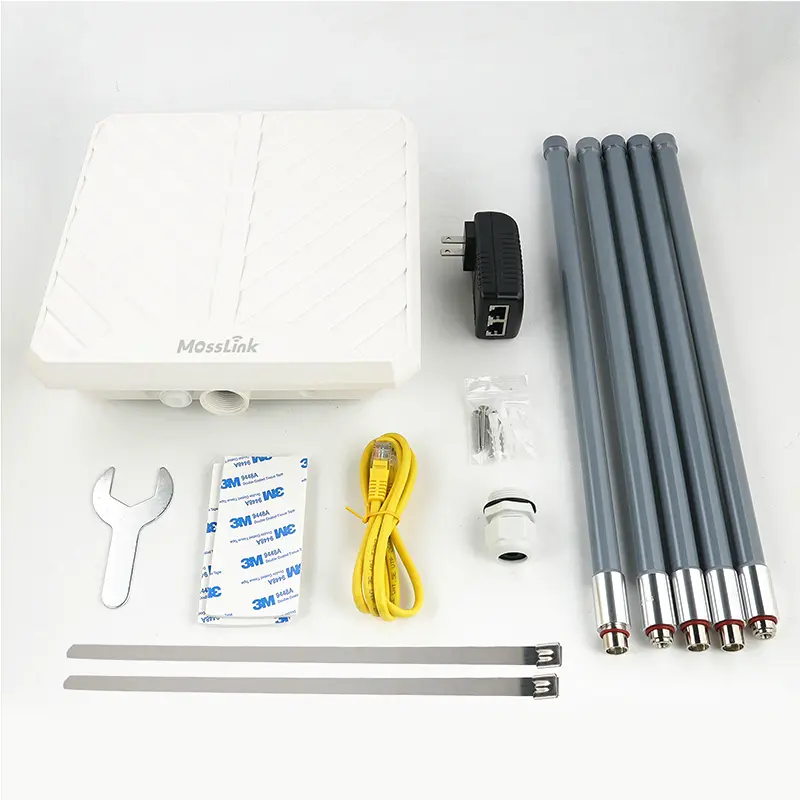
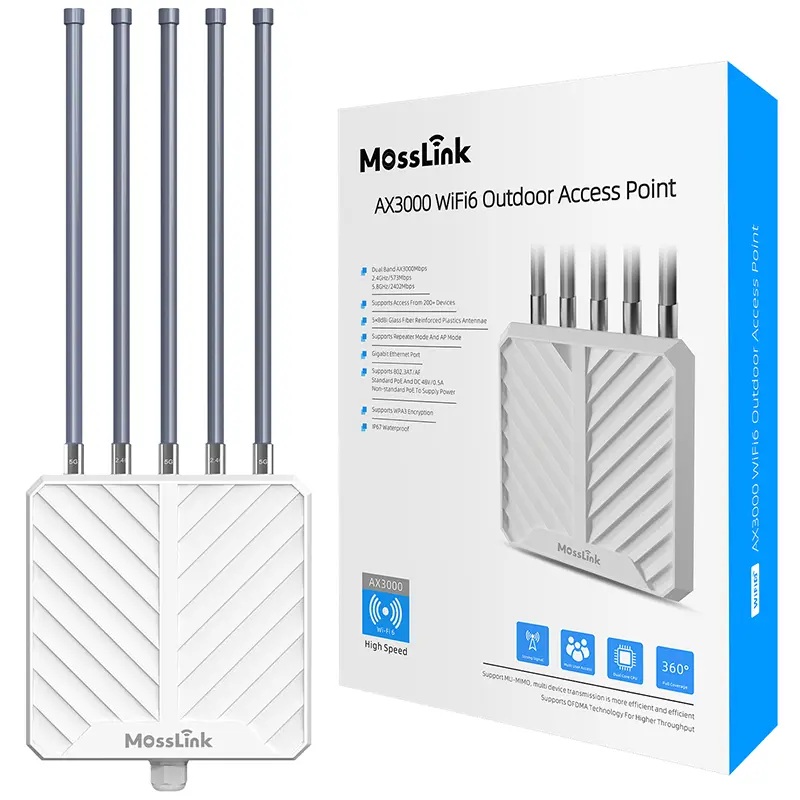
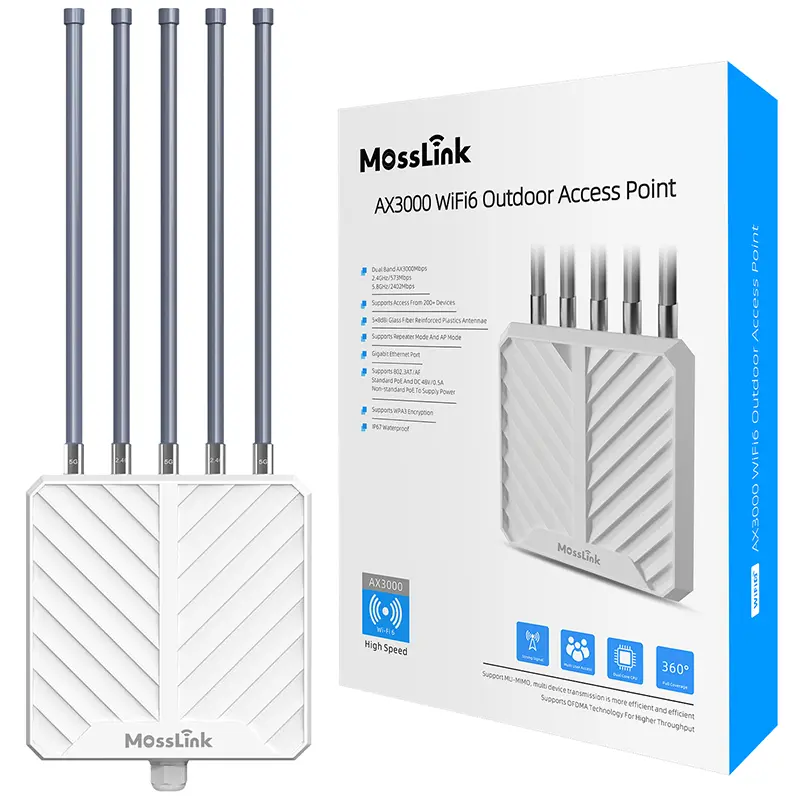
A unit that hits all of these is the APM6-AX3000: AX3000 dual-band Wi-Fi 6, five 8 dBi antennas for 300–500 m of reach, up to 256 clients, IP67 with 4 kV lightning and 15 kV ESD protection, and single-cable 802.3at PoE. It’s our highest-volume outdoor AP in Starlink markets for exactly these reasons. That range isn’t a spec-sheet promise — we measured it in the field at 100, 200, and 300 m, with speeds, in our Wi-Fi 6 AX3000 real coverage test. If the site is smaller or the budget is tighter, the APM6-AX1800 covers the same job at lower throughput.
How Do I Connect an Access Point to Starlink?
Five steps, about 30 minutes once the AP is mounted:
- Get an Ethernet output from Starlink. The Gen 2 (rectangular) router has a spare LAN port. The Gen 3 router needs Starlink’s official Ethernet Adapter — plug it inline between the dish cable and the router. This is the most common thing people miss.
- Run a cable to the PoE injector. Connect the Starlink LAN/Ethernet output to the LAN/IN port of the access point’s PoE injector.
- Run PoE up to the AP. A single outdoor Ethernet cable goes from the injector’s POE/OUT port to the access point — this carries both 48 V power and data, up to 100 m.
- Mount and aim. Pole- or wall-mount the AP high and clear of obstructions; height beats power for outdoor range. Point it toward the area you most need to cover.
- Set the Wi-Fi. Browse to the AP’s web UI (the APM6-AX3000 ships at
192.168.62.1in FAT AP mode), set an SSID and password, and leave it in bridge/AP mode so Starlink keeps routing. Done.
You only touch Starlink’s bypass mode if you want a separate router — say a MikroTik for paid hotspot vouchers — to take over routing. For plain whole-property coverage, skip bypass and run the AP as a bridge. (For the voucher-billing build, see our MikroTik + AX3000 hotspot setup guide.)
Access Point vs Mesh vs Repeater vs Starlink Mini
People reach for the wrong tool here constantly. Quick comparison for outdoor Starlink coverage:
| Option | Outdoor-ready? | Range | Best for |
|---|---|---|---|
| Outdoor access point | Yes (IP67) | 300–500 m | Yards, farms, compounds, guesthouses |
| Indoor mesh kit | No | Short, per-node | Multi-room indoor coverage only |
| Wi-Fi repeater | No | Very short, halves speed | Tiny indoor gap, temporary |
| Second Starlink Mini | Yes (it’s a dish) | n/a | A separate site, not extending one |
A repeater is the worst choice outdoors — it rebroadcasts on the same channel and loses roughly half your bandwidth at every hop. Mesh is an indoor product wearing the wrong coat outside. A second Starlink Mini is a whole separate subscription, not a way to stretch the one you have. For covering land around a single dish, the outdoor AP is the right and cheapest answer.
What We Ship for Starlink After Hundreds of Deployments
A few patterns hold up across the Starlink sites we supply equipment for — many of them across rural Africa, where APM6-AX3000 volume is highest (specifics below are representative — confirm against your own site survey):
One dish, one outdoor AP covers most properties. A single APM6-AX3000 on a pole near the dish blankets a typical farmstead, compound, or guesthouse and comfortably carries 30–50 active users — phones, cameras, and point-of-sale — off one Starlink terminal. If those are paying users, the same AP runs behind a captive portal and voucher billing — see Starlink commercial Wi-Fi with a voucher system for the revenue build.
Separate the long hop from the coverage. When an outbuilding sits past ~500 m, or behind trees, don’t fight it with a bigger AP. Carry the connection across the gap with a point-to-point wireless bridge, then put the outdoor AP at the far end for local Wi-Fi. Our guide on sharing Starlink 5 km to neighbours walks through that bridge-plus-AP combo.
Power and lightning are what break field sites — not Wi-Fi. Rural deployments live and die on PoE simplicity and surge protection. IP67 sealing, 4 kV lightning, and 15 kV ESD protection are the difference between an AP that lasts five years and one that dies in the first storm season.
A temporary site is the same build, minus the permanence. Shows, festivals, and pop-up venues need the same sealed outdoor AP, but the uplink is usually a 5G CPE rather than a dish — see temporary event Wi-Fi without fiber for how that pairing is put together.
Don’t chain repeaters off Starlink. A repeater hung off the stock router to “reach the barn” reintroduces the half-bandwidth penalty and the support calls. One clean cable to one good outdoor AP wins every time.
The Bottom Line
Starlink gives you the internet; the box it ships with doesn’t give you the coverage. The cheapest, most reliable fix is one outdoor, IP67-rated Wi-Fi 6 access point wired straight off the Starlink router — 300–500 m of weatherproof Wi-Fi across the whole property for a fraction of the cost of a second dish or a doomed mesh experiment.
Get an outdoor-rated AP, run one PoE cable, leave Starlink as the router, and the dead zones disappear.
If the property is larger than one AP can serve — a farm, a compound, or several separate buildings — the job becomes a site design rather than a single product choice. The Starlink internet distribution solution covers how outdoor APs, point-to-point bridges, per-building indoor APs, PoE, and solar power fit together on that kind of site.
Running Starlink and need it to reach further than the router can manage? Tell our engineers your site on WhatsApp — distance, number of users, and what you’re covering — and we’ll spec the right AP. Or contact us for volume pricing, Starlink-reseller bundles, and OEM options.
Featured in this guide
Frequently Asked Questions
Practical answers for planning a similar network.
Can I connect an access point directly to Starlink?
Why doesn't my Starlink WiFi reach my barn or yard?
Do I need to put Starlink in bypass mode to use an access point?
Is a mesh system or an outdoor access point better for Starlink?
How many devices can one outdoor access point handle on Starlink?
What if my outbuilding is too far for one access point?
Deploy with confidence
See how MossLink builds Factory Wi-Fi Solutions & Industrial Wireless Networks end-to-end
Network architecture, products used, and real-world results in one place.
Tags
Share