A CCTV integrator in Lagos once called us after losing a $35,000 government contract. He had installed a pair of 2.4GHz bridges to backhaul 8 cameras across 3km. The link worked fine during the site demo at 7 AM. By noon, interference from nearby buildings crushed throughput to 12 Mbps — enough for maybe two 1080p streams. The client pulled the contract.
His mistake was not the bridge itself. It was picking a bridge by reading the box specs instead of matching it to the actual deployment distance, camera count, and RF environment.
This guide breaks down wireless bridge selection by distance tier, with real throughput numbers from MossLink field deployments. No theory, no “up to” claims — just what actually works on the pole.
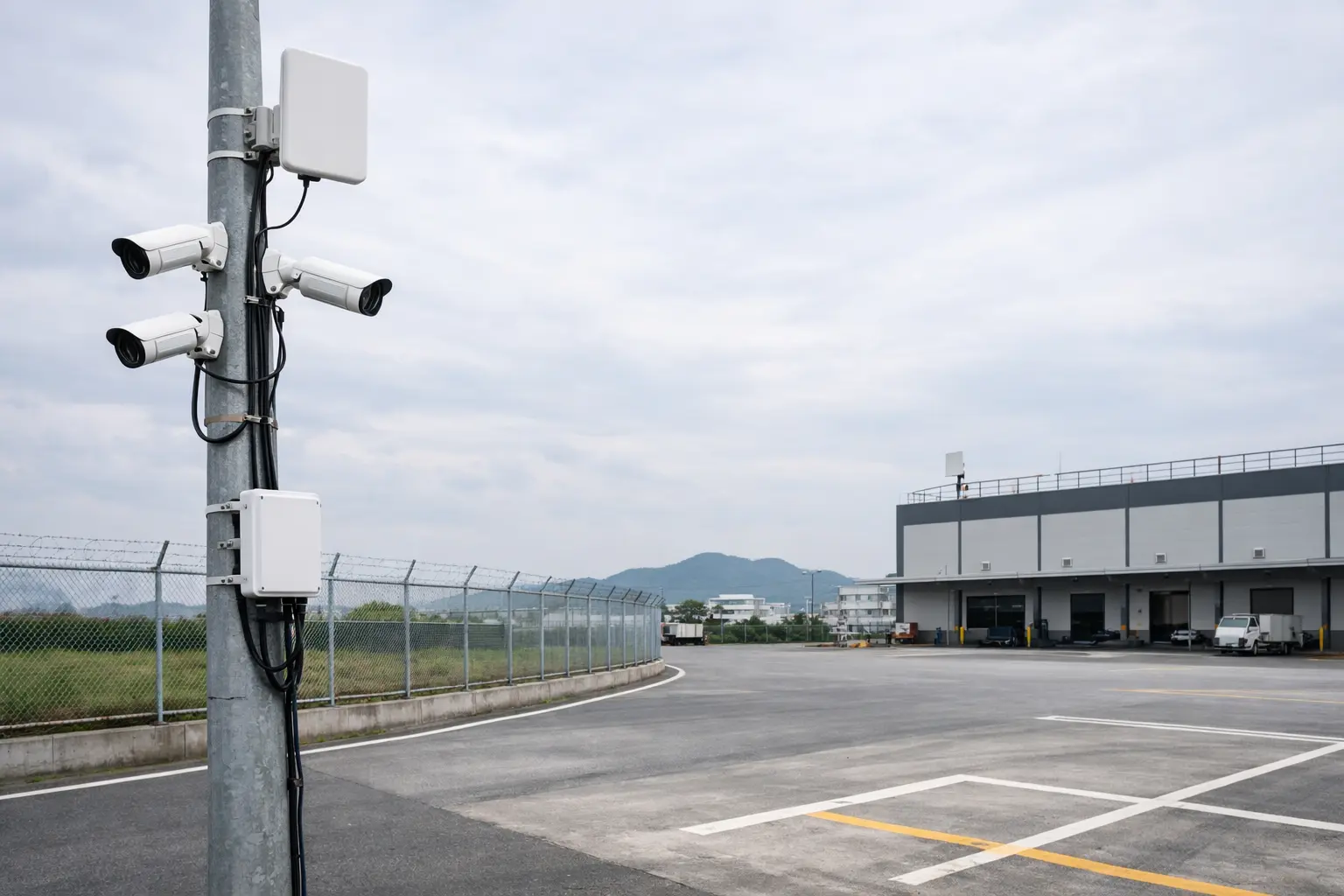
Before You Pick a Bridge: Calculate Your Bandwidth
Most integrators skip this step. They look at camera count and pick a bridge that says “300 Mbps” on the box. That number is PHY rate — the actual usable throughput is 40-60% of that in real outdoor conditions.
Here is the math that matters:
| Camera Type | Resolution | Bitrate per Stream | With Overhead |
|---|---|---|---|
| Fixed bullet, IR | 2MP (1080p) | 4-6 Mbps | 6-8 Mbps |
| Fixed bullet, IR | 4MP (2K) | 8-10 Mbps | 10-13 Mbps |
| PTZ dome, 30x zoom | 4MP | 10-14 Mbps | 13-18 Mbps |
| PTZ dome, IR heater | 8MP (4K) | 16-22 Mbps | 20-28 Mbps |
The rule: add up all camera bitrates, multiply by 1.3 (protocol overhead + spikes during motion events), then make sure your bridge’s real-world throughput exceeds that number by at least 30%.
Example: 6 fixed 4MP cameras = 6 x 10 Mbps x 1.3 = 78 Mbps needed. You want a bridge delivering at least 100 Mbps real throughput. A “300 Mbps” 802.11n bridge actually delivers around 120 Mbps at 2km — that works. A “150 Mbps” bridge does not.
Tier 1: Under 2km — Keep It Simple
For short runs — parking lots, building-to-building on the same campus, small warehouse perimeters — you do not need a 5.8GHz directional bridge. In fact, you might not want one.
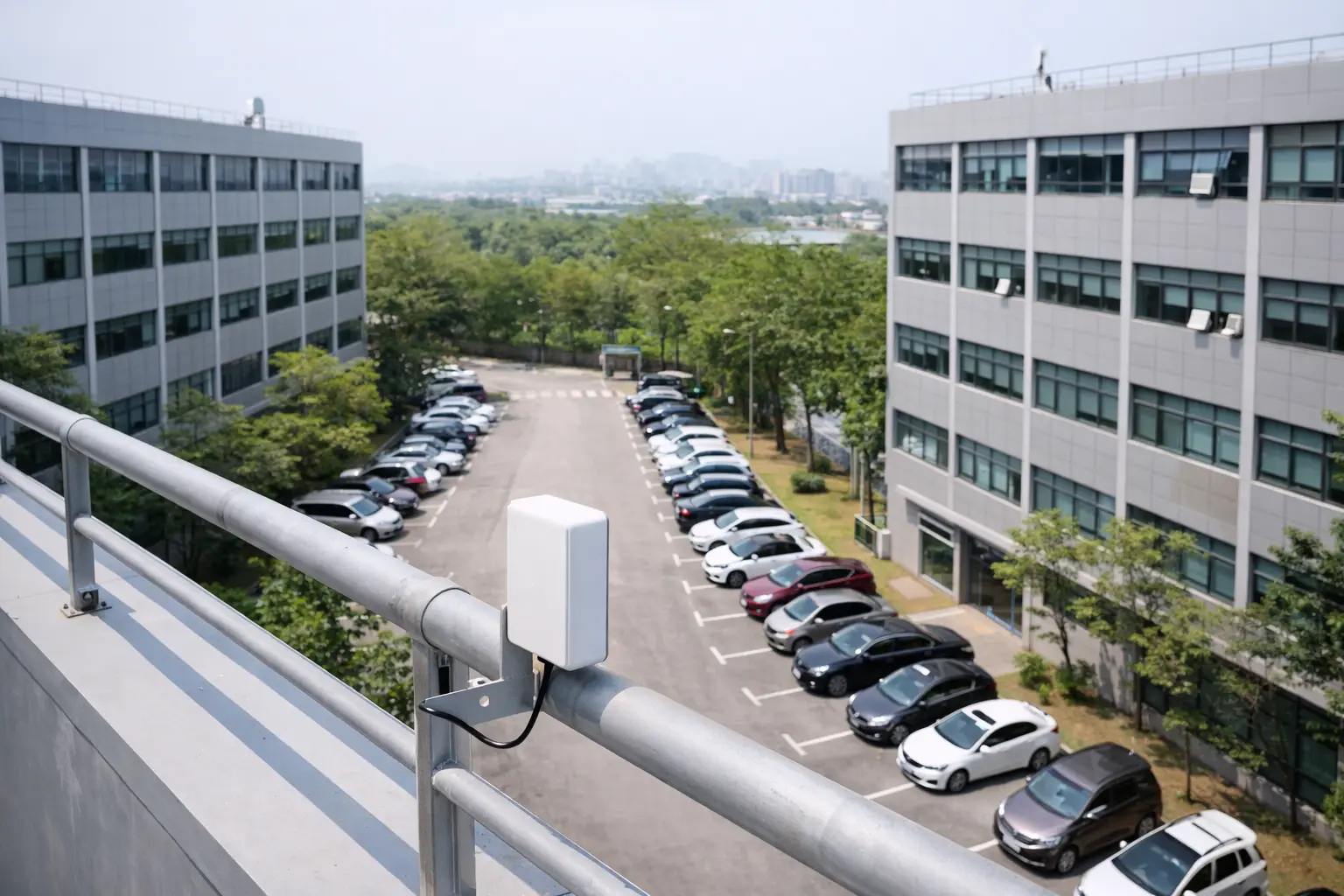
When 2.4GHz is the right call
The WB2F01 operates on 2.4GHz with omnidirectional antennas. At 1.2km, 300 Mbps PHY, and under 3W power draw, it is the lowest-cost option. But the real advantage is wall penetration — 2.4GHz punches through concrete and brick walls that 5.8GHz cannot.
Use case: elevator shaft CCTV, where the bridge must transmit through the shaft structure. We have deployed WB2F01 pairs in 14 elevator installations in Shenzhen commercial buildings. One-click pairing, no web UI needed, done in 20 minutes per shaft.
The downside: 2.4GHz interference in dense urban areas. If you can see more than 15 SSIDs on a WiFi scan at the install site, skip 2.4GHz entirely.
The smarter pick for most 1-2km CCTV jobs
The WB451H is what we recommend for integrators who do CCTV as their core business. 5.8GHz, 450 Mbps, 2x 12dBi directional antennas, and it has one feature that saves real money on every job: built-in PoE output.
That means the bridge unit on the camera side powers your IP camera directly — no separate PoE injector, no extra cable, no extra point of failure. On a 4-camera remote site, that eliminates 4 injectors and simplifies the installation.
At -30 to +55 degrees C operating range and IP65, the WB451H handles Middle East summer and Northern China winter without enclosure modifications.
Tier 2: 2-5km — The CCTV Sweet Spot
This is where 70% of CCTV backhaul projects land. A remote camera cluster on a perimeter fence, a construction site office watching a distant gate, a farm monitoring livestock pens from the main house. The distances are too long for direct Ethernet, too short to justify enterprise-grade equipment.
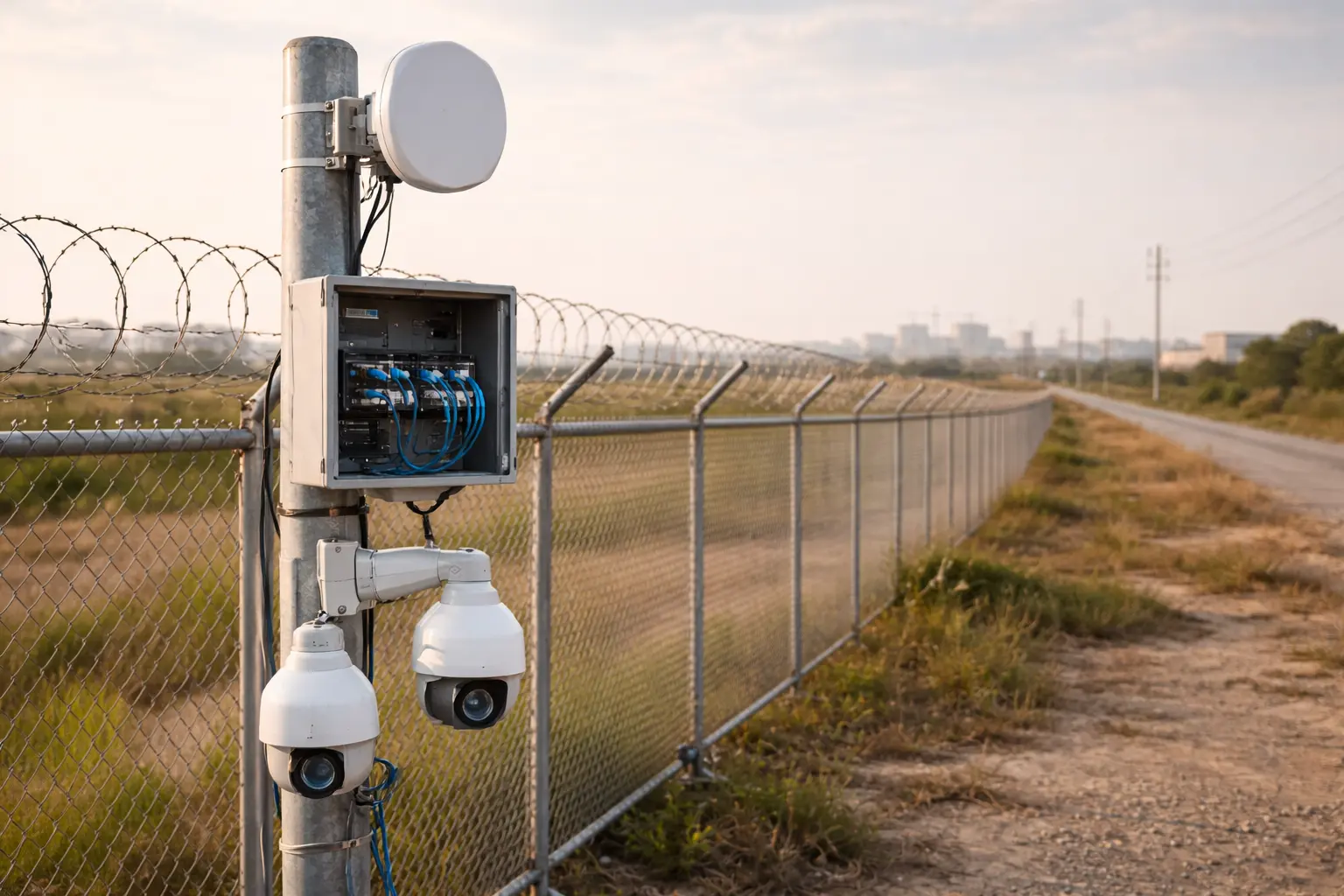
The budget option: pre-paired plug-and-play
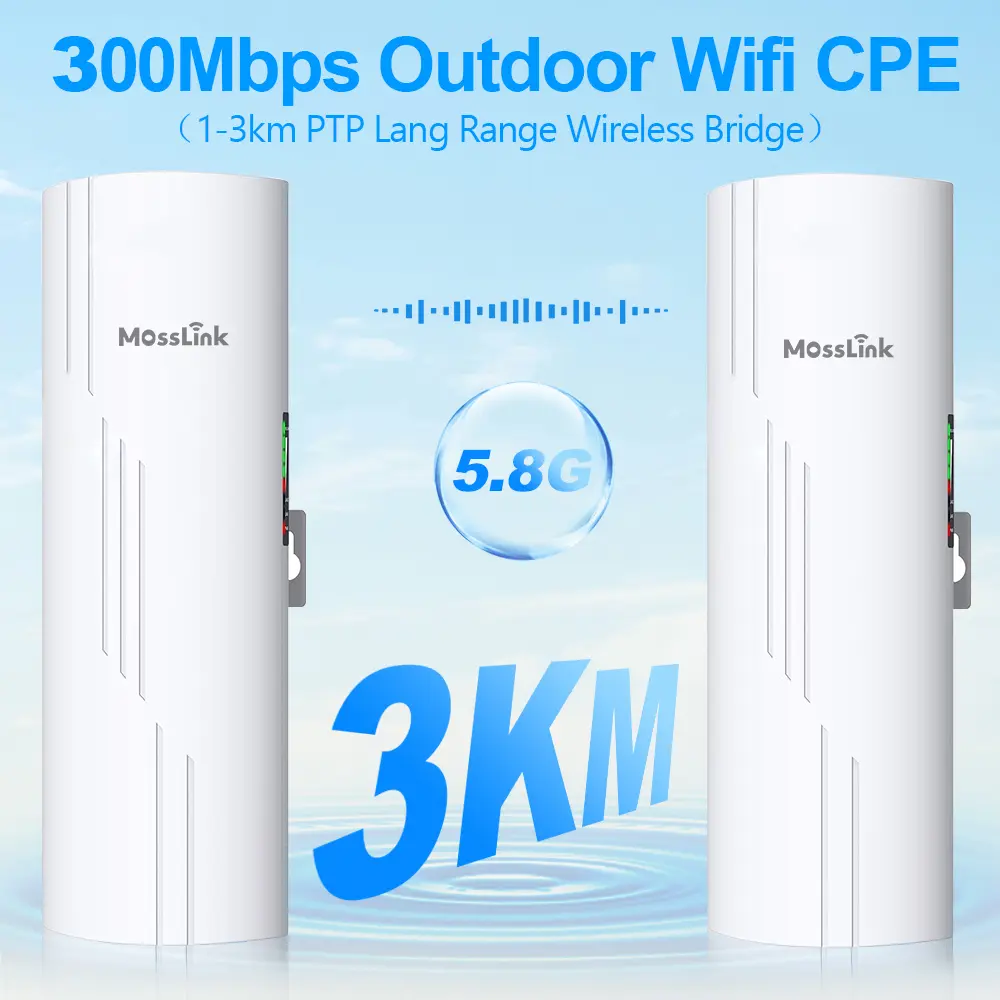
The WB503H ships as a pre-paired 2-pack. Out of the box, power both units, point them at each other, done. No web UI, no IP configuration, no laptop needed on site.
The 16-channel LED display on each unit shows signal strength during alignment — your installer adjusts the bracket by hand while watching the LED count climb. When it maxes out, tighten the bolts. We have timed experienced installers doing this in under 8 minutes per pair.
Specs: 300 Mbps PHY (about 120 Mbps real), 14dBi directional antenna, supports 15 IP camera channels simultaneously. For 6-8 fixed 1080p cameras at 3km, this is more than enough. Qualcomm AR9344 chipset, proven in over 50,000 deployed units.
The WB530 is the round-dish variant with the same internals. The circular housing gives slightly better beam focus and wind resistance. Pick it if your pole mount is exposed to strong crosswinds — the round profile sheds wind better than a flat panel.
When you need more throughput
If your camera mix includes 4MP or PTZ cameras, 120 Mbps real throughput is not enough. Step up to Gigabit-class bridges:
WB730 — Our most popular CCTV bridge for 3-5km. Here is why:
- 900 Mbps PHY, around 450 Mbps real throughput at 3km
- Dual Gigabit RJ45 ports — one for the uplink, one for a local PoE switch feeding multiple cameras
- Supports 20 simultaneous IP camera channels (vs 15 on WB503H/WB530)
- Round housing with 14dBi antenna, same wind-resistant design as WB530
- MT7621AT + MT7612EN chipset, 128MB DDR — enough processing headroom for 20 streams
Real numbers from a warehouse perimeter project in Guangzhou: 12 fixed 4MP cameras, total bandwidth 120 Mbps sustained, WB730 pair at 4.2km delivered 380 Mbps consistently. The link ran at 31% capacity with headroom to spare.
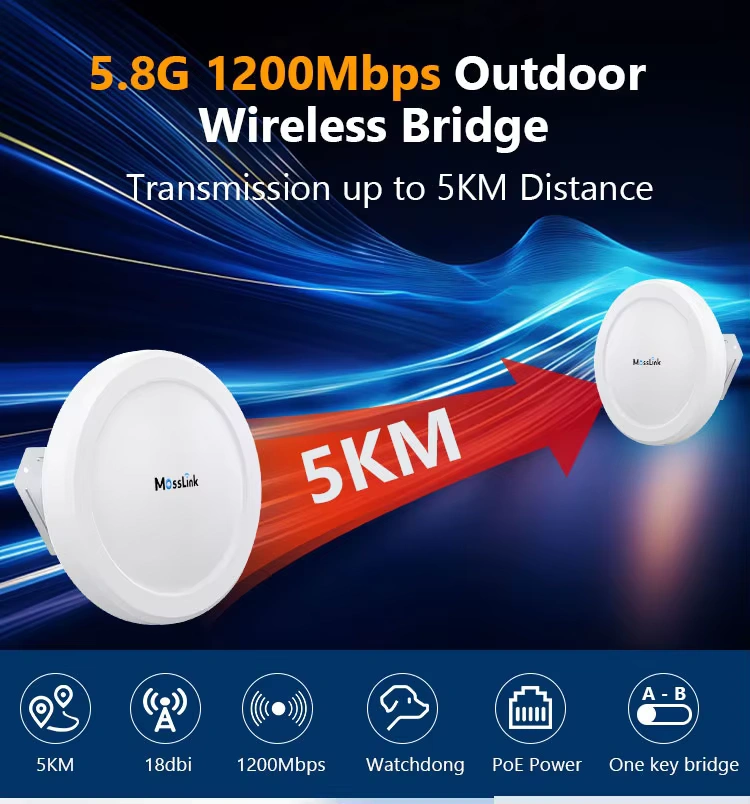
WB620H — The throughput king at 5km. 1200 Mbps PHY (750 Mbps actual), dual 16dBi antennas, dual Gigabit ports. If you are backhauling 16+ cameras including 4K PTZ units, and the distance is under 5km, this is the bridge. Also compatible with Starlink and 4G/5G uplinks at the remote end, which matters for temporary construction site deployments.
WB610H — Same 5km range class at 900 Mbps, but with a unique feature: hotspot mode on both A and B units. The remote end broadcasts WiFi for on-site staff while simultaneously backhauling camera feeds. Useful for construction sites where workers need internet access at the camera location. Wide-voltage PoE (12-55V) handles rough power conditions.
Do not overbuy for 2-5km
Here is the anti-intuitive advice: do not use a 26dBi parabolic dish for a 3km CCTV link. We see integrators buy the WB2500 (26dBi, 15km range) for 3km jobs thinking “more power is better.”
The problem: high-gain parabolic antennas have a beam width under 6 degrees. At 3km, a 0.5-degree alignment error drops your signal by 10dB. A 14dBi flat panel has 15-degree beam width — five times more alignment tolerance. Your installer finishes faster, the link is more stable in wind, and the equipment costs less.
Save the big dish for distances above 10km. For 2-5km CCTV, the WB730 with 14dBi is the right tool.
Tier 3: 5-15km — Long-Range Backhaul
At this distance, you are typically connecting a remote site (farm, mine entrance, highway checkpoint, solar farm) back to a central monitoring station. The camera count may be smaller (4-8 cameras), but the link budget demands professional equipment.
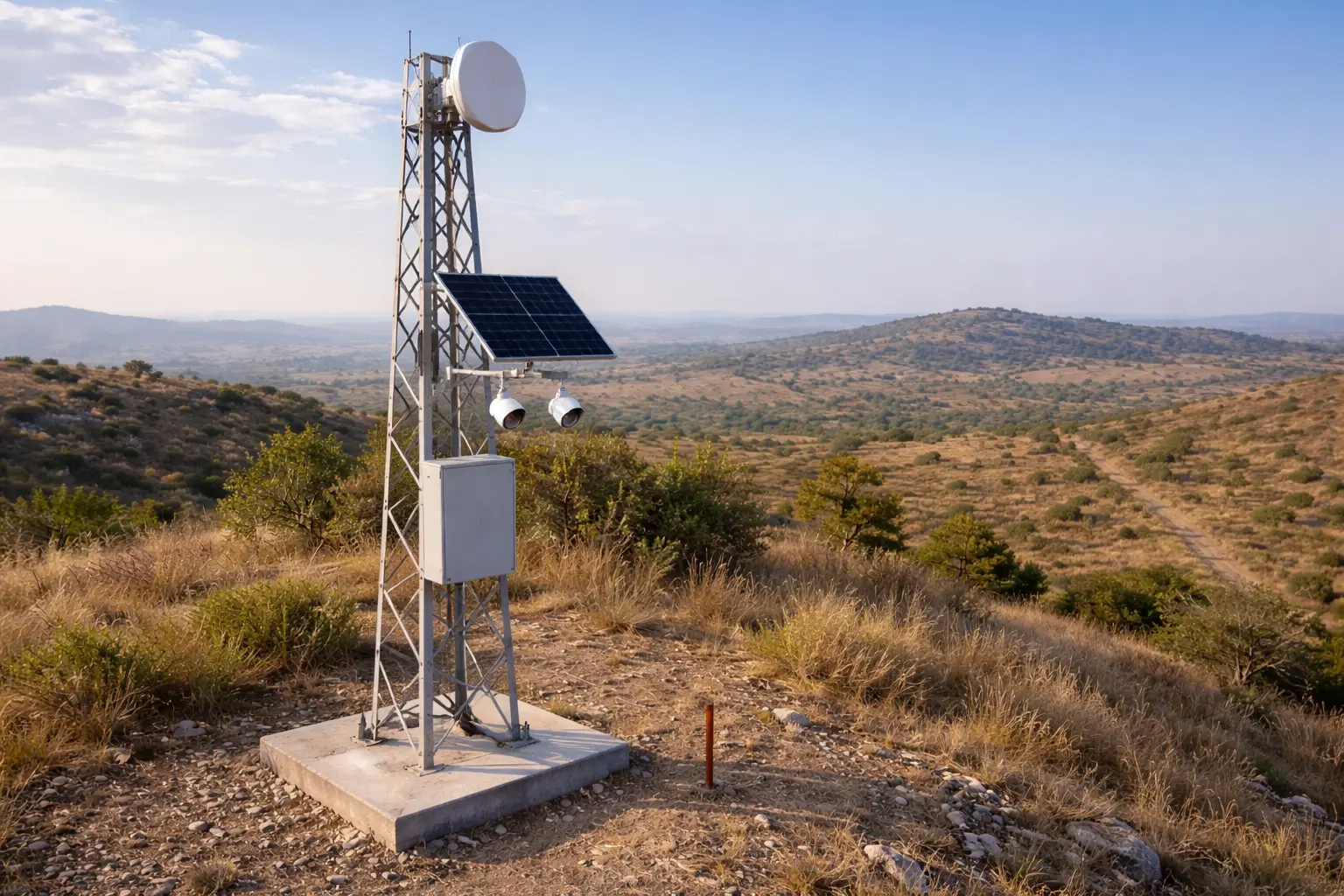
The proven workhorse: WB2500
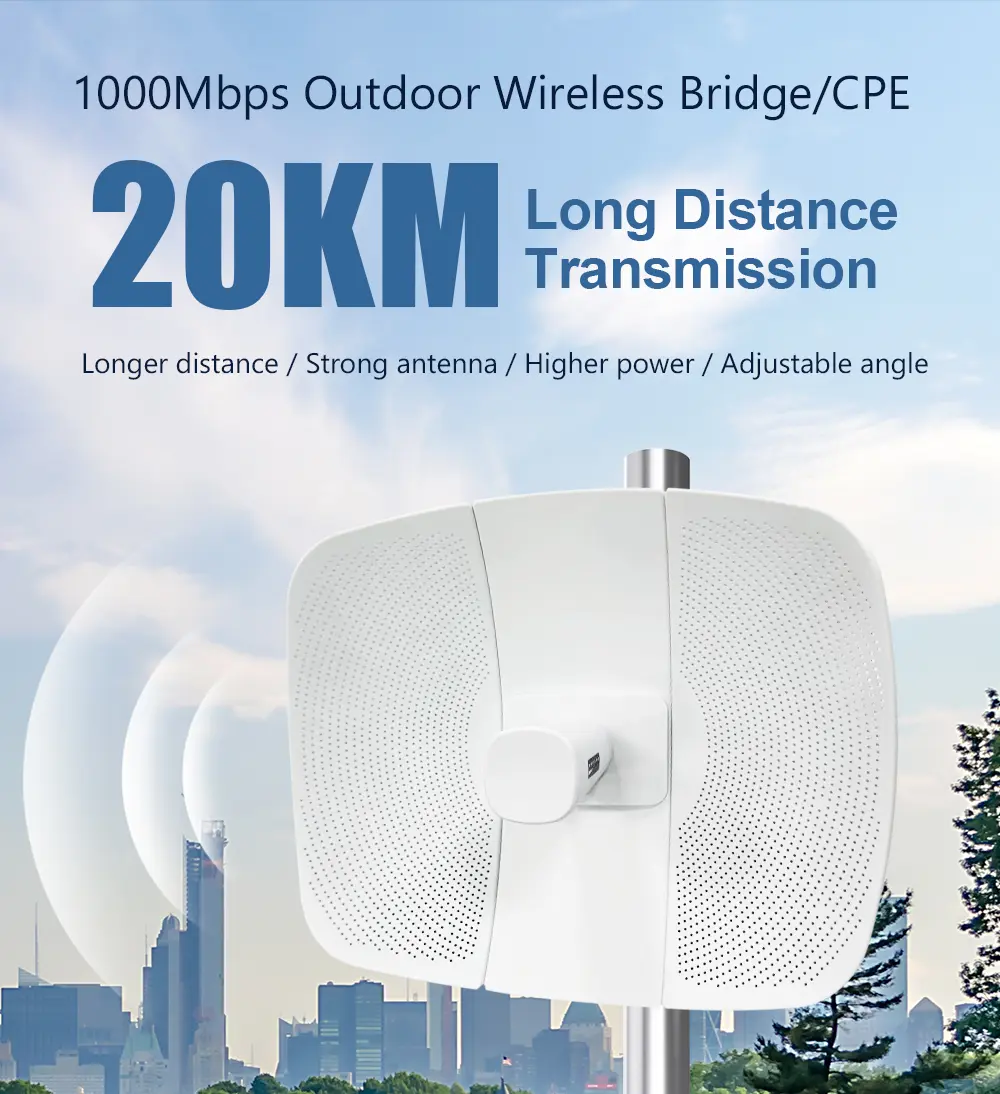
The WB2500 has been our best-selling long-range bridge for three years. 26dBi dual-polarized parabolic radar antenna, 866 Mbps PHY (about 400 Mbps real at 10km), single Gigabit port, 24V PoE.
The radar-style antenna housing is not cosmetic — the parabolic dish focuses the beam tightly enough to maintain a stable link at 15km in clear line-of-sight. We tested a pair in Xinjiang at 14.3km with consistent -62dBm signal, sustaining 320 Mbps throughput over 72 hours. No drops.
The WB2500 supports Bridge/AP/Router/Station/Relay modes. For CCTV, use Bridge mode (PtP) or Station mode (PtMP if you need to connect multiple remote camera clusters back to one base station).
TX power: 27dBm with PA boost to 29dBm. At this output combined with 26dBi antenna gain, you are pushing an EIRP that clears most 5-15km links with margin. Check your local regulations — some countries cap EIRP at 36dBm on 5.8GHz.
For harsh environments: industrial-grade IP67
The WB5acH6-20 is built for environments where consumer-grade equipment fails. IP67 sealed housing (not IP65 — that distinction matters when rain is horizontal at 80km/h). Operating range: -40 to +70 degrees C. We have units running in Russian winter conditions and Saudi summer conditions on the same firmware.
Key technical advantage: TDMA3 intelligent polling. In a PtMP setup where one base station serves 3-4 remote camera clusters, TDMA prevents the “hidden node” problem that kills throughput in standard CSMA/CA. Each remote unit gets a dedicated time slot. No collisions, predictable latency, stable video.
867 Mbps PHY, 20dBi flat antenna, 16km range, dual Gigabit ports (WAN + LAN), and it supports ATPC (Automatic Transmit Power Control) — the bridge reduces TX power dynamically when the link is strong, cutting interference to nearby links. This matters in dense industrial areas with multiple bridge pairs.
Tier 4: 15-30km — Backbone Links
At 15km+, you are building backbone infrastructure, not just backhauling a few cameras. These links typically feed district-level monitoring centers, connect remote mine sites, or serve as WISP backbone carrying hundreds of cameras across multiple sites.
Wi-Fi 6 changes the game: WB5axH6-35
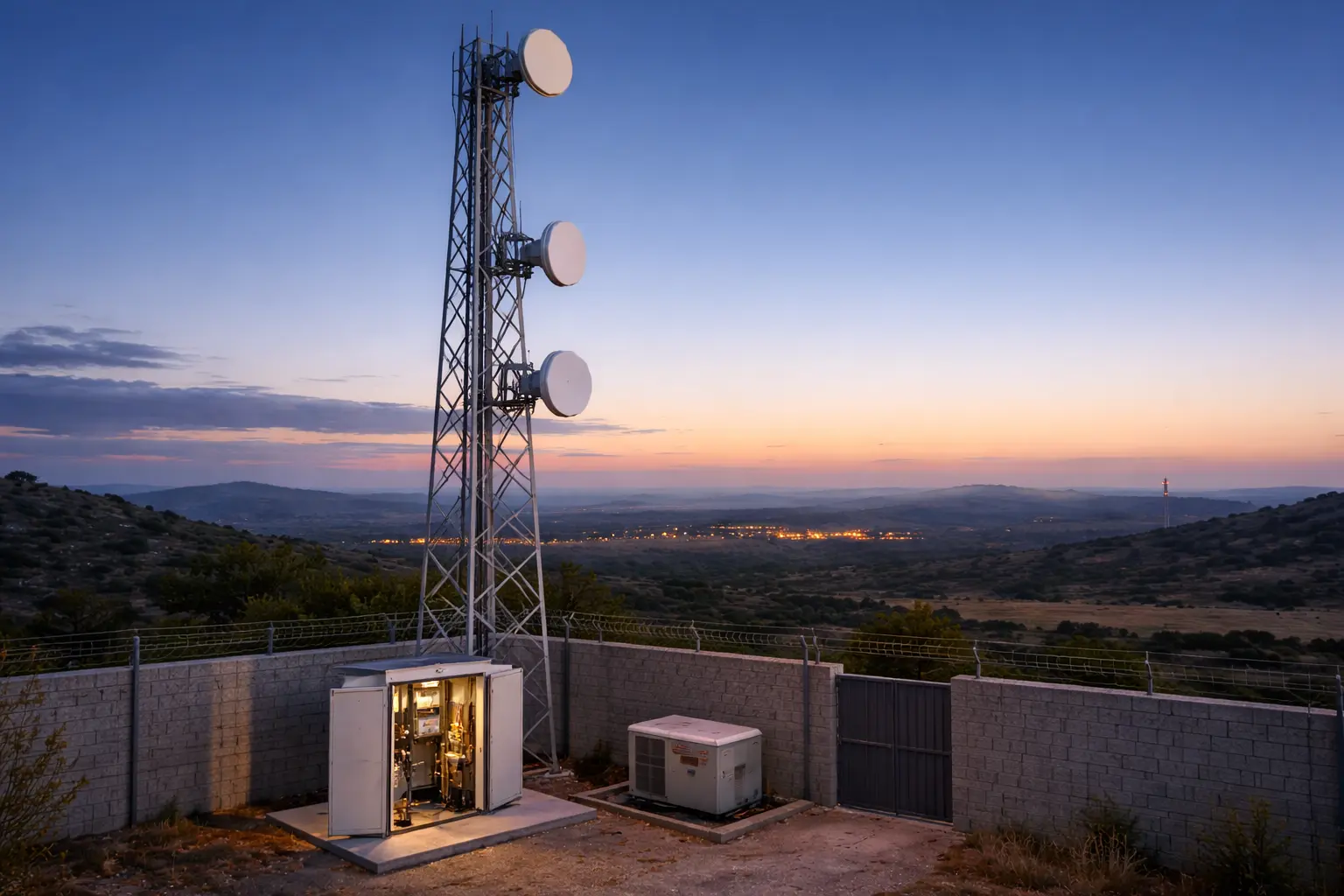
The WB5axH6-35 is our flagship bridge. Wi-Fi 6 (802.11ax) with OFDMA and 160MHz channels, 2402 Mbps PHY, 900+ Mbps actual PtP throughput. 33dBi parabolic dish. 20km+ tested and deployed.
What makes this different from the WB2500 at long range is not just speed — it is consistency. Wi-Fi 6’s OFDMA divides the channel into sub-carriers, so even when the SNR dips during rain fade, the bridge maintains connection on a subset of sub-carriers instead of dropping entirely. In a 72-hour rain test in Guangdong, the WB5axH6-35 at 18km dropped from 850 Mbps to 420 Mbps during heavy rain — but never disconnected. The WB2500 at the same distance dropped the link twice.
SFP fiber port: the WB5axH6-35 includes a Gigabit SFP slot alongside two Gigabit RJ45 ports. At the base station end, connect directly to your fiber backbone without a media converter. One fewer device, one fewer failure point.
Additional enterprise features: VPN (IPSec/PPTP/L2TP), cloud management, SSH/SNMP, TDMA polling, ATPC. IP67 metal housing, -40 to +70 degrees C.
For a 20km backbone carrying 30+ cameras from 3 remote sites, use one WB5axH6-35 as PtMP base + three WB5acH6-20 as remote stations. Total system throughput: 600+ Mbps shared across three sectors.
Pairing Your Bridge with the Right PoE Switch
A bridge without proper PoE at the camera end is half a solution. Here is what we deploy with each tier:
For 1-4 cameras: S402E
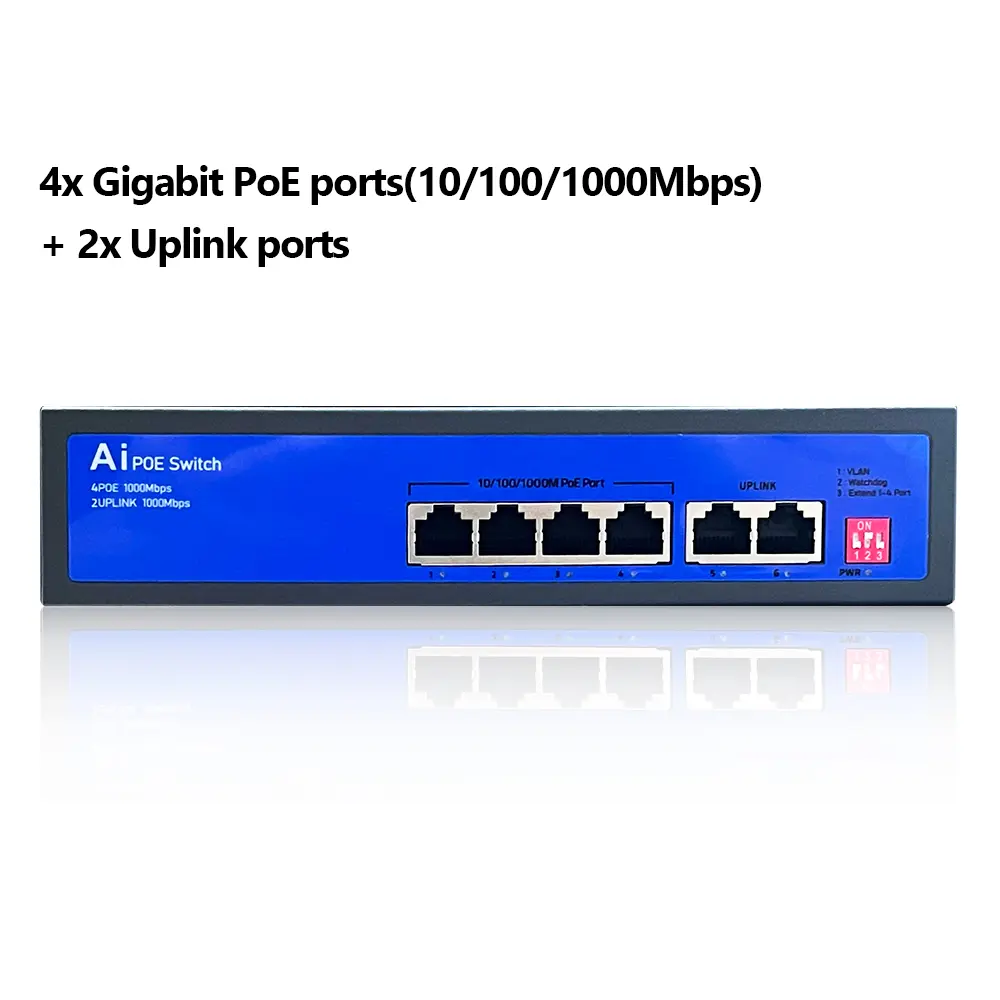
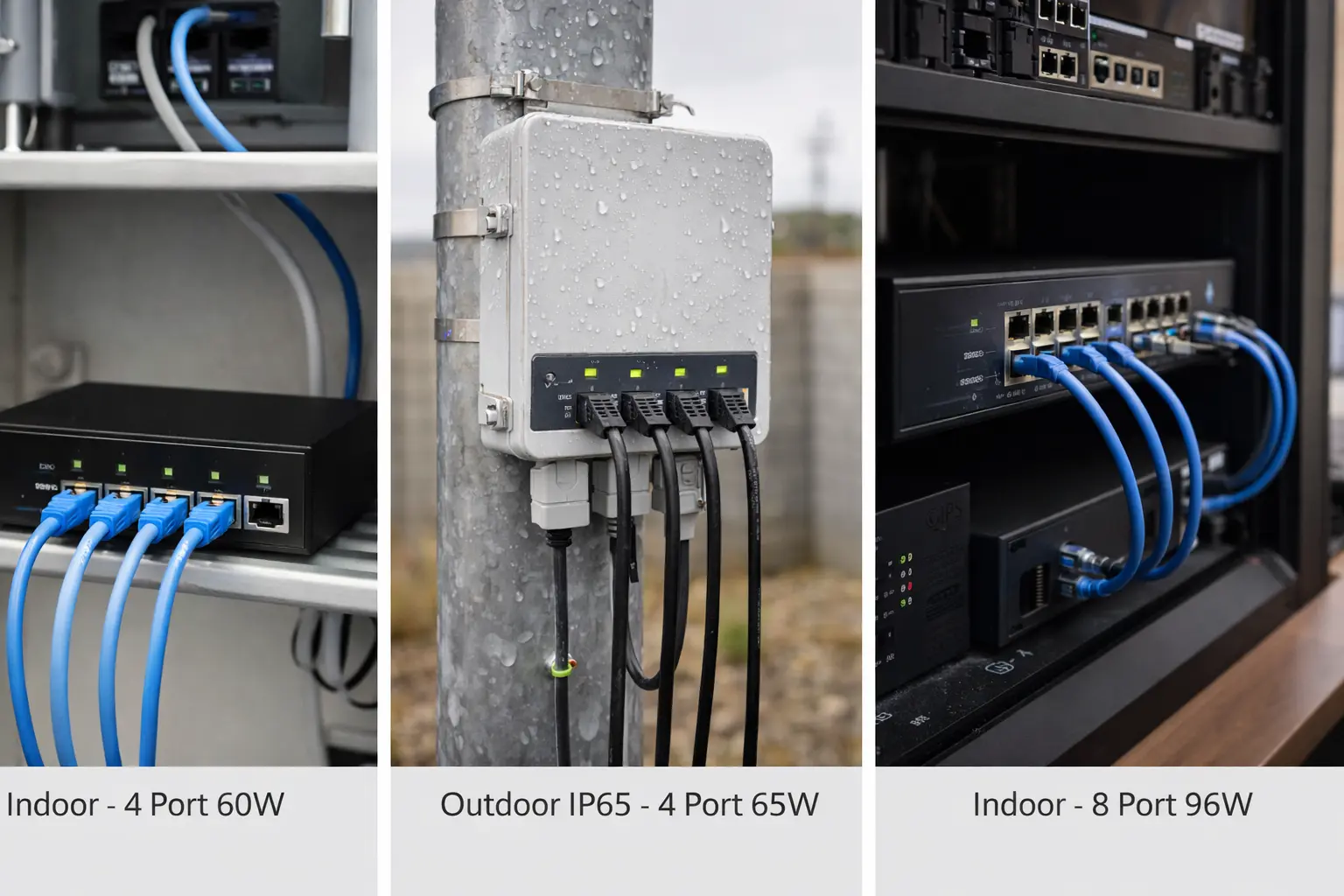
The S402E is a 4-port unmanaged PoE switch with 60W total budget (30W per port max). Built-in AC power supply — no external adapter dangling in a junction box.
The feature that CCTV integrators love: AI Watchdog. The switch monitors each PoE port. If a camera stops responding (frozen firmware, locked up after a power glitch), the S402E automatically power-cycles that port. In outdoor deployments where driving to a remote site costs $200 in fuel and 4 hours of labor, this auto-recovery saves real money.
300m Extend Mode at 10 Mbps on ports 1-4 for those extra-long cable runs from the switch to distant cameras.
VLAN isolation between ports prevents broadcast storms — important when one faulty camera starts flooding the network.
For outdoor pole-mount: S402E-Outdoor
The S402E-Outdoor is the IP65 weatherproof version. Same 4 PoE ports, 65W budget, AI Watchdog, 250m extend. Mount it on the same pole as your bridge, run short patch cables to cameras, done.
Power prioritization: when total load exceeds 65W, the switch keeps power to higher-priority ports and drops lower-priority ones. Configure your PTZ cameras on ports 1-2 and fixed cameras on ports 3-4 — the PTZs always stay powered.
For 5-8 cameras: S802E
The S802E gives you 8 PoE ports at 96W total. Same AI Watchdog, VLAN isolation, and built-in AC PSU. 2.0 Gbps switching capacity handles 8 cameras at 4K without bottlenecking.
Do the PoE math before you order: 8 fixed 4MP cameras with IR at 12W each = 96W. That is exactly the switch’s budget — no headroom. If even one camera is a PTZ pulling 25W, you are over budget. In that case, use two S402E units or budget for a higher-wattage switch.
Common Mistakes We See in the Field
Mistake 1: Ignoring Fresnel zone clearance. Line-of-sight means more than “I can see the other building.” At 5.8GHz over 3km, the first Fresnel zone radius is about 5.7 meters at midpoint. If a tree canopy or roofline intrudes into that zone, you lose 6-10dB. Suddenly your WB730 that tested fine drops 40% throughput in summer when leaves are full. Survey the path in the season with maximum foliage.
Mistake 2: Using indoor PoE switches outdoors. We have seen S402E units (IP30 rated) crammed into zip-lock bags and mounted on poles. After one monsoon season in Bangladesh, corrosion killed 3 of 4 ports. Use the S402E-Outdoor (IP65) for any outdoor installation. The price difference is small. The truck roll to replace a corroded switch is not.
Mistake 3: Skipping lightning protection. Every bridge above 2km range should be grounded. The WB503H, WB530, and WB730 include 2kV lightning protection built in. The industrial WB5acH6-20 and WB5axH6-35 go to 6kV. But the bridge protection only works if you ground the mount pole properly. A $15 grounding kit prevents a $3,000 equipment replacement.
Mistake 4: Oversizing the bridge. We covered this in Tier 2, but it bears repeating. A $400 enterprise bridge on a 2km link is not “future-proofing” — it is wasting budget and making alignment harder. Match the bridge to the distance. If the project expands later, add a second pair rather than oversizing from day one.
Quick Selection Table
| Distance | Cameras | Recommended Bridge | Real Throughput | PoE Switch |
|---|---|---|---|---|
| Under 1.2km (obstacles) | 1-3 | WB2F01 | 80-100 Mbps | S402E |
| 1-2km | 1-4 | WB451H | 150-200 Mbps | Built-in PoE out |
| 2-4km (budget) | 4-8 (1080p) | WB503H | 100-120 Mbps | S402E |
| 2-4km (4MP/PTZ) | 6-12 | WB730 | 350-450 Mbps | S802E |
| 3-5km (high throughput) | 8-16 | WB620H | 500-750 Mbps | S802E |
| 5-15km | 4-12 | WB2500 | 300-400 Mbps | S402E-Outdoor |
| 5-16km (industrial) | 8-20 (PtMP) | WB5acH6-20 | 350-500 Mbps | S402E-Outdoor |
| 15-30km (backbone) | 20-40+ | WB5axH6-35 | 600-900 Mbps | S802E |
Ready to Spec Your CCTV Backhaul?
Every surveillance project has a different mix of distances, camera types, and site conditions. The table above covers 90% of deployments we see. For the other 10% — multi-hop relays, PtMP base stations serving 5+ remote clusters, hybrid fiber-wireless designs — our engineering team does free system design consultations.
Send us your site layout and camera plan. We will send back a complete bridge + switch + mounting BOM within 24 hours.
Talk to Our Engineers on WhatsApp
Tags
Share