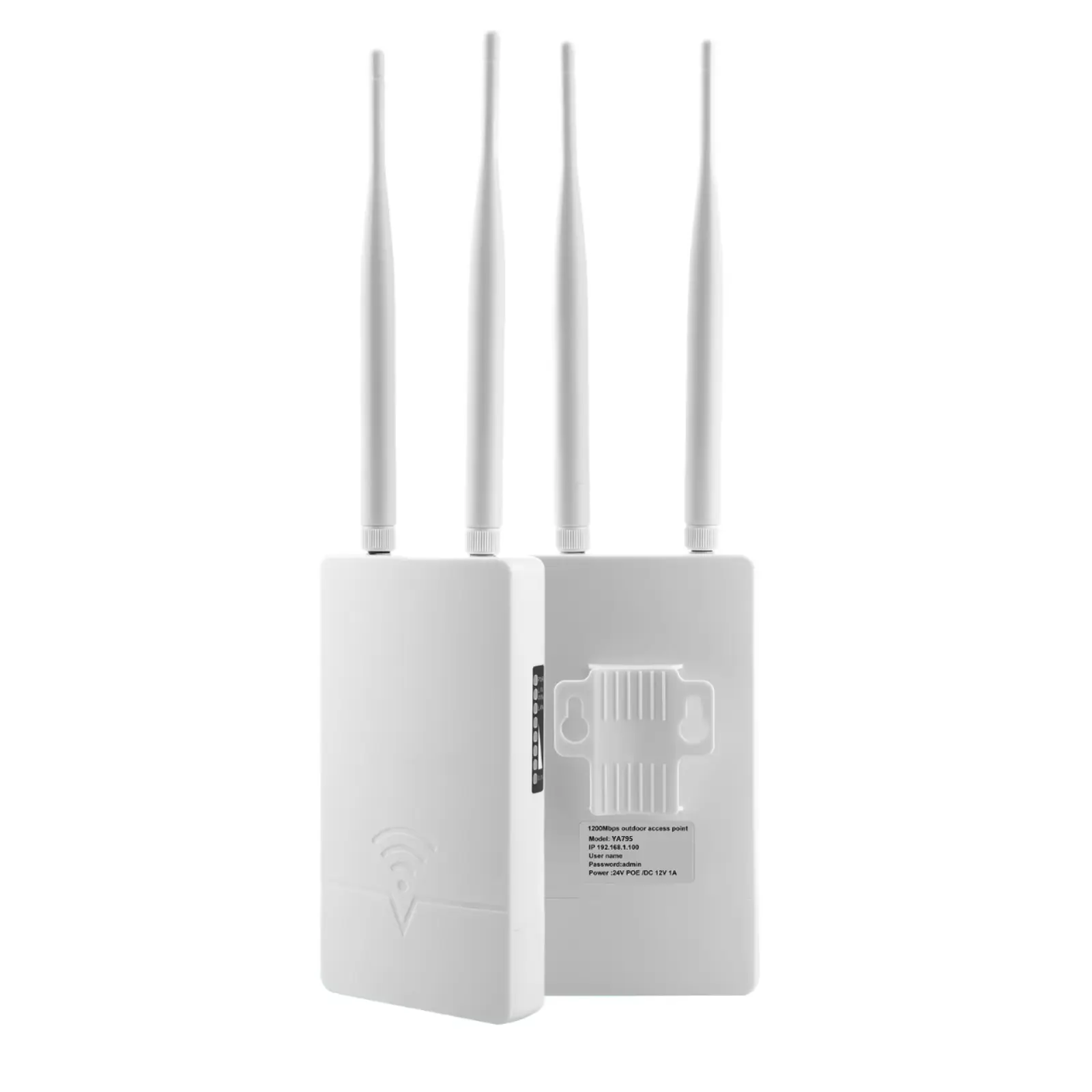
A WISP operator in northern Nigeria bought four WB2500 backbone bridges — 26dBi radar dishes rated for 15km at 866 Mbps — before signing up a single subscriber. Total spend: $2,400 on backhaul gear sitting idle on towers. Meanwhile, he had zero CPE units to connect households. Three months later, the project stalled — not because of technology, but because the equipment budget was inverted.
This is the most common mistake we see from first-time WISP operators across Africa and Southeast Asia: spending the bulk of the budget on backbone links while starving the subscriber-facing equipment that actually generates revenue.
This guide walks through every layer of a WISP network — from backbone to end-user — with specific equipment recommendations and real deployment numbers. No theory. Just what works when you are building a wireless ISP from scratch.
The Four Layers of a WISP Network
Every WISP network, regardless of size, has four layers. Your equipment budget should be allocated in reverse order of what most people think:
| Layer | Function | Budget Priority |
|---|---|---|
| Layer 1: Backbone | Tower-to-tower long-range links | 20-25% |
| Layer 2: Distribution | Sector coverage from tower to neighborhoods | 25-30% |
| Layer 3: Subscriber CPE | End-user equipment at each household | 35-40% |
| Layer 4: Fallback/Uplink | 4G or fiber uplink to internet | 10-15% |
The anti-intuitive part: Layer 3 (CPE) should consume the largest share. Every CPE unit deployed is a paying subscriber. Every backbone link without enough CPE behind it is wasted capital.
Layer 1: Backbone Links — Connect Your Towers
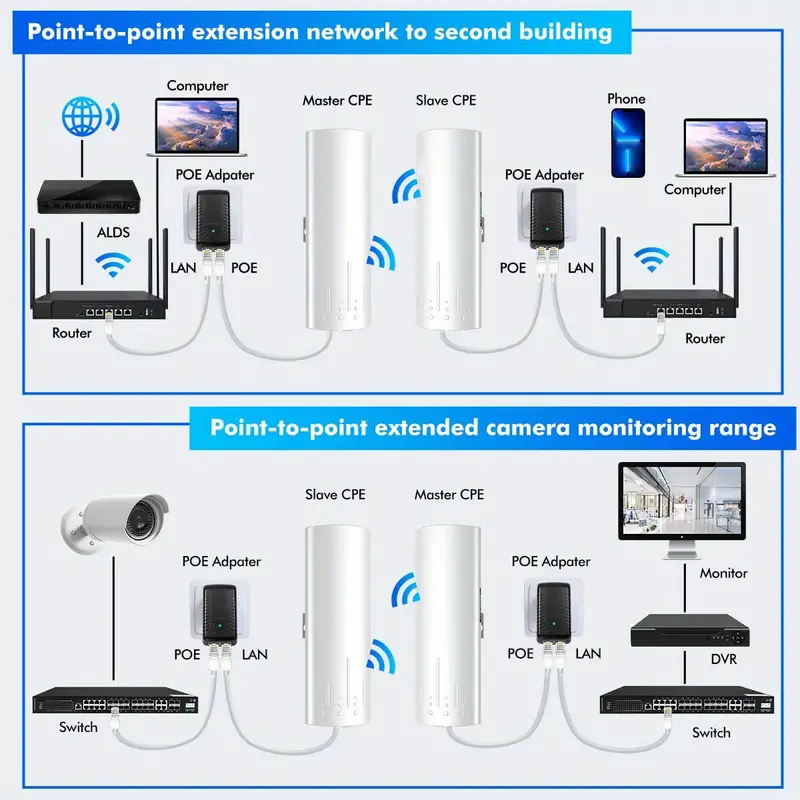
Backbone links carry aggregated traffic between your tower sites and your internet gateway. The distance between towers determines the equipment.

5-15km between towers
The WB5acH6-29 handles most inter-tower links. 29dBi directional antenna, 867 Mbps PHY (400+ Mbps real throughput at 10km), IP67 housing. A pair costs under $800 and delivers enough capacity for 150-200 subscribers sharing a 100 Mbps internet uplink.
For links under 8km where budget is tight, the WB2500 at 26dBi is a proven alternative. We have over 50,000 units deployed across Africa, and the failure rate on units running longer than 3 years is under 2%.
15-30km between towers
The WB5axH6-35 is the backbone standard for long-range WISP links. Wi-Fi 6 with OFDMA, 33dBi parabolic dish, 900+ Mbps actual PtP throughput. The SFP fiber port at the tower end connects directly to your core switch without a media converter.
We tested a pair in Nigeria’s Kaduna state at 22km: sustained 680 Mbps throughput over 14 days, with signal at -64dBm. During a 3-hour rainstorm, throughput dropped to 380 Mbps but never disconnected — Wi-Fi 6’s OFDMA sub-carrier management kept the link alive on a reduced channel.
One backbone pair serves up to 500 subscribers at typical WISP contention ratios (1:20). Do not buy two pairs “for redundancy” until your subscriber count justifies it.
The over-provisioning trap
Here is the math that catches new WISPs: a WB5axH6-35 pair delivers 900 Mbps. If your internet uplink is 100 Mbps (common for African fiber POPs), the backbone is running at 11% capacity. Adding a second pair doubles your backbone to 1800 Mbps — still feeding the same 100 Mbps pipe. That $1,500 would have bought 6 more CPE units, generating $180/month in recurring revenue.
Rule: your backbone capacity should be 3-5x your internet uplink speed. No more.
Layer 2: Distribution — Cover the Neighborhoods
Distribution bridges connect your tower to clusters of subscribers within 1-5km. This is where PtMP (point-to-multipoint) configurations matter.

Sector coverage with WB5acH6-20
Mount a WB5acH6-20 as your sector base station. In AP/PtMP mode, one unit covers a 60-degree sector with 20dBi gain, serving 15-20 CPE stations simultaneously. TDMA3 polling prevents the hidden-node problem that kills throughput in standard CSMA/CA when multiple CPEs transmit at once.
Three WB5acH6-20 units on one tower give you 180-degree coverage. Six units give you full 360-degree coverage. Each unit draws under 12W — a single 100W solar panel handles three sectors with battery backup.
Real numbers from a 3-sector deployment in Tanzania: 47 active CPE connections, average 8 Mbps per subscriber during peak hours, total sector throughput 380 Mbps aggregate. Zero disconnections over 30 days.
Budget distribution option
For smaller deployments (under 30 subscribers per tower), the WB730 in AP mode works as a cost-effective sector radio. 900 Mbps PHY, 14dBi antenna, supports 20 simultaneous stations. At one-third the price of the WB5acH6-20, it covers 1-3km sectors where subscriber density is low.
The trade-off: no TDMA, no ATPC, no SFP. Fine for a village of 20 homes. Not enough for a growing town.
Layer 3: Subscriber CPE — Where Revenue Lives
Every CPE you deploy is a subscriber paying monthly fees. This is the layer that pays for everything else.

The standard CPE: YA795
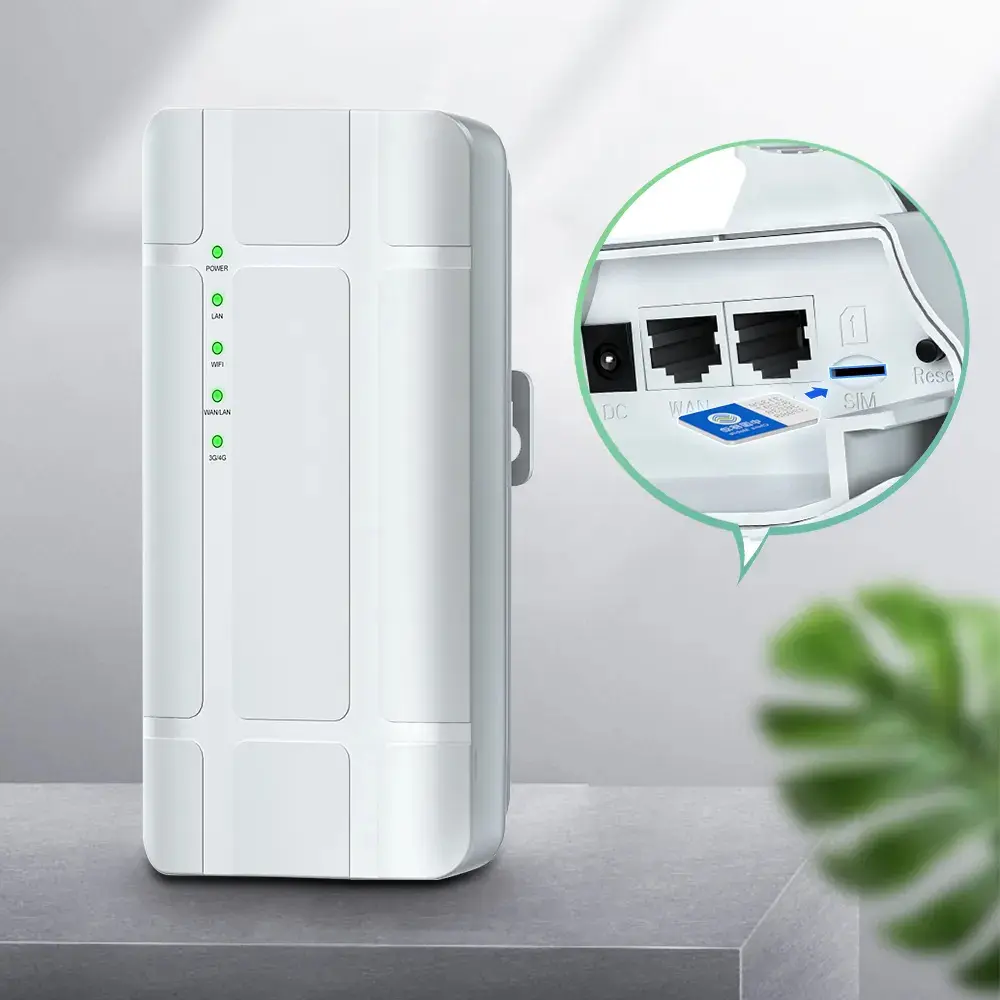
The YA795 is our most-deployed WISP CPE. Outdoor unit with 2x 12dBi directional antennas, 300 Mbps, powered by 24V PoE from the included injector. The subscriber mounts it on their roof, points it at the tower, and connects a WiFi router indoors via Ethernet.
Key numbers:
- Effective range: 3-5km from the tower sector antenna
- Real throughput per CPE: 30-50 Mbps at 3km (802.11ac)
- Each CPE serves 1 household or small business (8-15 devices)
- Typical WISP deployment: 6-12 YA795 units per sector, 80-180 subscribers per tower
We pre-configure YA795 units in Station mode at the factory. Your installer walks up to the roof, mounts the bracket, aims at the tower, plugs in the PoE cable — done. No laptop, no web UI during installation. Configuration changes happen remotely via WEB management or SSH.
For subscribers 5-8km from the tower, step up to the YA796 with higher-gain antennas and better receiver sensitivity.
Indoor WiFi for subscribers
The CPE delivers internet to the rooftop. The subscriber still needs indoor WiFi. Two options:
-
Bundled router: Include a basic indoor WiFi router with each subscription. The CPE’s LAN port feeds the router’s WAN port. This is the most common model — the subscriber sees “one box outside, one box inside.”
-
CPE with built-in WiFi: The CPE920 is an indoor 4G LTE CPE with WiFi, but it also works as a pure WiFi router when fed via Ethernet WAN. 300 Mbps WiFi, 4x LAN ports. For urban WISPs where the tower is close and subscribers do not need an outdoor unit, the CPE920 connected via Ethernet from a building distribution switch is a clean single-device solution.
Layer 4: 4G Fallback and Internet Uplink
Not every WISP tower site has fiber. In rural Africa and Southeast Asia, 4G cellular is often the only available internet source at the tower location.

Tower-top 4G uplink: YC801
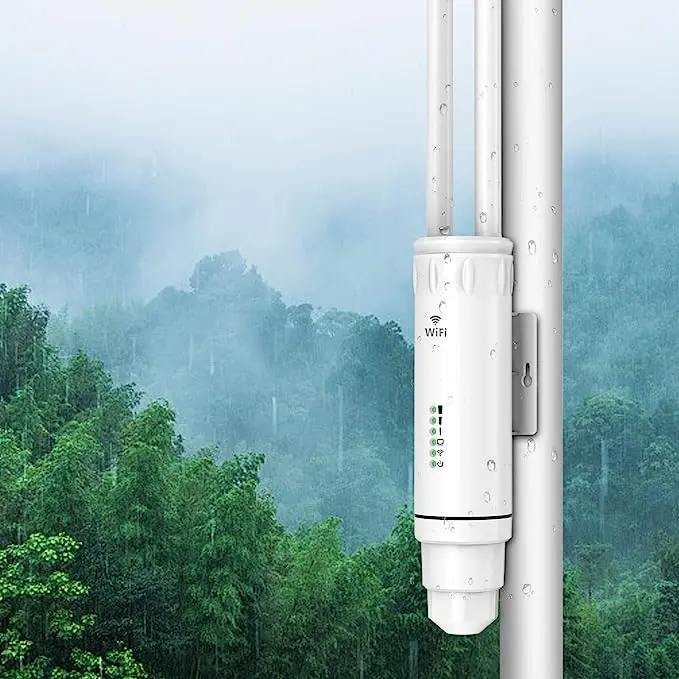
The YC801 is an outdoor 4G LTE router with 24V PoE input, dual external antenna ports, and IP66 housing. Mount it at the top of your tower where cellular signal is strongest — the difference between ground level and 15m tower height is typically 15-20dB, which translates to 3-5x faster speeds.
We have WISP operators in rural Kenya running their entire network on YC801 uplinks. One tower, three sector radios, 35 subscribers, all fed by a single YC801 pulling 40 Mbps from Safaricom’s LTE network. Not ideal, but profitable at $8/month per subscriber.
For sites where you need redundancy, mount two YC801 units with different carrier SIMs. The gateway router handles failover.
Portable backup: MA200
The MA200 is a pocket-sized 4G router with USB-C power. It is not a permanent solution, but it saves you when the fiber POP goes down and you need to keep 200 subscribers online while the fiber provider fixes their cut cable. Toss one in the truck with a prepaid SIM.
Putting It Together: A Starter WISP BOM
Here is a real bill of materials for a single-tower WISP serving 60-80 households within 5km:
| Item | Model | Qty | Role |
|---|---|---|---|
| Backbone link (if needed) | WB5acH6-29 | 2 (pair) | Tower-to-POP backhaul |
| Sector radio | WB5acH6-20 | 3 | 180-degree coverage |
| Subscriber CPE | YA795 | 60 | One per household |
| PoE switch (tower) | S802E | 1 | Powers sector radios |
| 4G fallback | YC801 | 1 | Backup uplink |
Notice where the money goes: 60 CPE units vs 5 infrastructure devices. That is the correct ratio. The CPE layer is 70% of the equipment line items because it is 100% of the revenue.
For a deeper look at how operators in Africa are building similar networks, see our wireless bridge deployment guide for African ISPs. If your uplink is Starlink rather than fiber or 4G, our Starlink distribution guide covers the specific configuration for sharing a single Starlink dish across a 5km radius.
Ready to Plan Your WISP Network?
Send us your tower location, target coverage radius, and estimated subscriber count. Our engineering team will send back a complete equipment list with quantities and pricing within 48 hours — including tower loading calculations if you need them.
Talk to Our Engineers on WhatsApp
Tags
Share