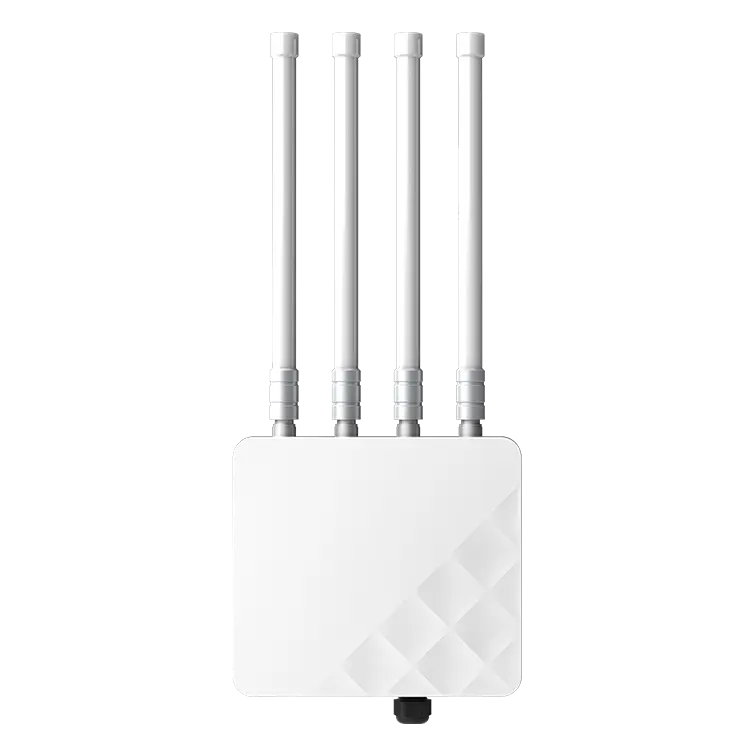
APH6-AX5400 Wi-Fi 6 Outdoor AP, 5400Mbps, SFP Port
APH6-AX5400
Wi-Fi 6 (802.11ax) · Dual-Band (2.4GHz + 5GHz) · AX5400 (574 + 4804 Mbps) · 802.3at (48V)
Campus-wide Wi-Fi network supporting high-density lecture halls, dormitories, libraries, and outdoor areas
Site-specific topology · Bill of materials · OEM/ODM options

Reference Topology
Modern campuses are wireless-first environments. Students, faculty, and staff expect reliable connectivity in every lecture hall, library, dormitory, and outdoor space. A typical campus must support thousands of concurrent devices with varying bandwidth needs — from basic browsing to live video streaming and research data transfer.
Building a campus network that is both high-performing and manageable requires careful planning, the right equipment, and scalable architecture.
MossLink designs campus networks with a zone-based strategy:
High-Density Zones (lecture halls, libraries, cafeterias): The APH6-AX5400 carries AX5400 (574 + 4804 Mbps) with a 192-client ceiling and a gigabit SFP uplink — the density model where concurrent users, not headline speed, is the binding constraint.
Standard Zones (classrooms, offices, dormitories): The XD3001K ceiling AP provides Wi-Fi 6 AX3000 coverage at 128 concurrent clients per unit on a single PoE uplink, at a lower cost per room.
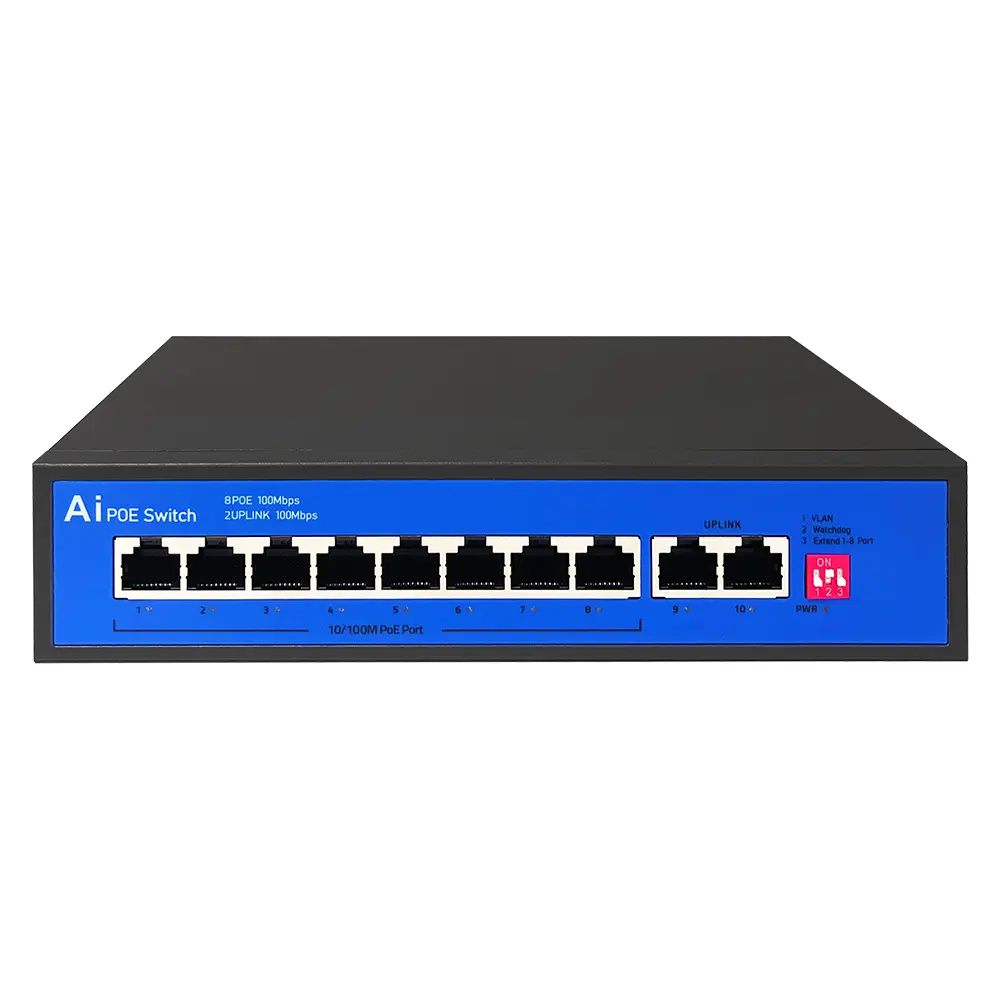
Backbone Switching: S1621G and S2421G gigabit PoE switches aggregate traffic per building — 16 and 24 PoE ports at 300 W and 400 W total budget, each with two gigabit uplinks plus a 1000 M SFP port for the fiber run to the campus core.
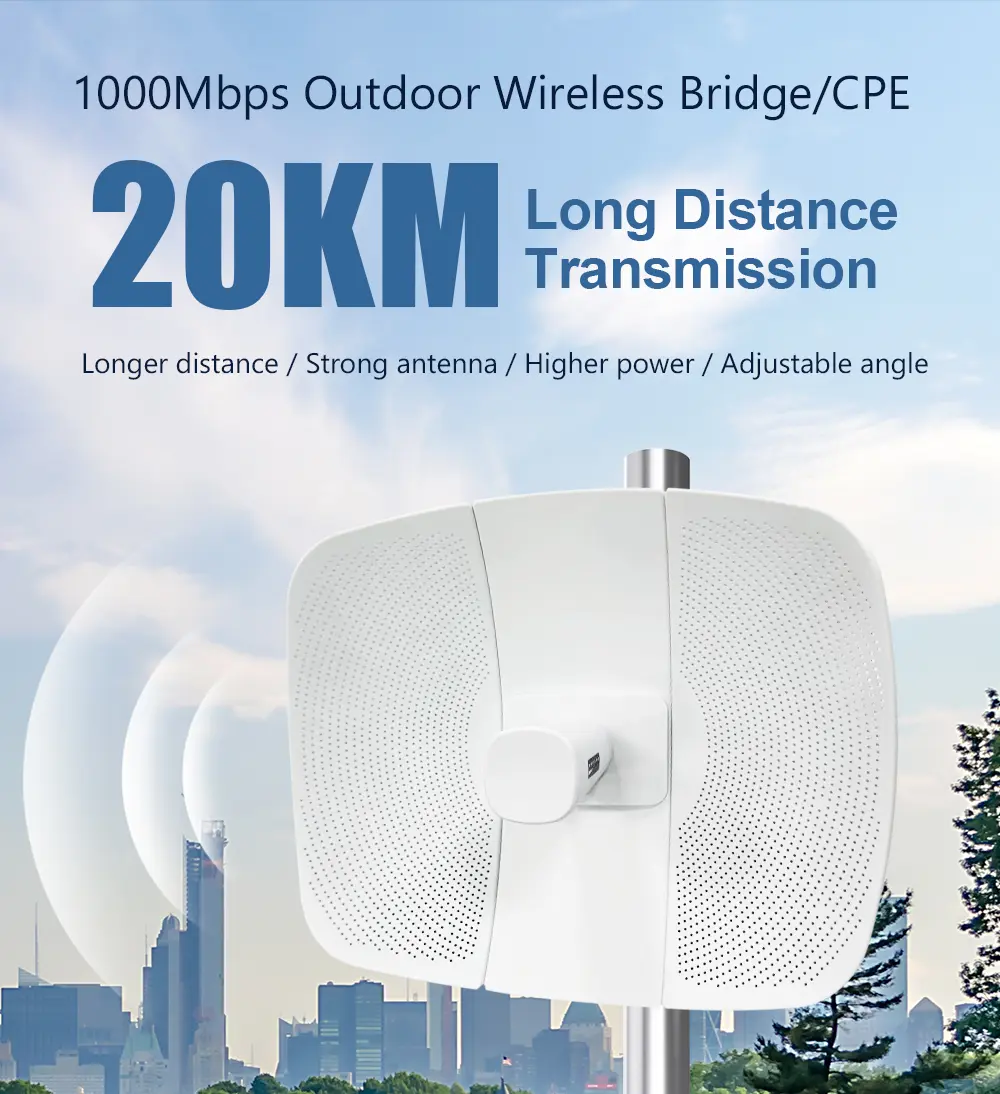
Remote Buildings: WB610H or WB730 wireless bridges link outlying structures — sports facilities, maintenance buildings — at up to 5 km and 900 Mbps, without fiber trenching. For links across a larger campus or to a satellite site, see the PtP and PtMP bridge solution.
802.11k/v/r fast roaming ensures students can walk from a classroom to the cafeteria to the library without a single disconnection. This is critical for video calls, live lecture streaming, and real-time collaboration tools.
A single cloud dashboard provides visibility across every AP, switch, and bridge on campus. IT teams can push firmware updates, adjust RF settings, monitor client health, and generate usage reports — all remotely.
Campus networks serve diverse user groups with different access requirements. VLAN-based segmentation ensures each group operates in isolation:
MossLink APs support up to 16 SSIDs per radio, each mapped to a unique VLAN ID. This means a single physical AP serves all user groups simultaneously without cross-contamination of traffic.
Campus outdoor areas — courtyards, sports fields, pathways, and parking lots — require IP65/IP67-rated access points mounted at 3-5 meter height for optimal coverage. Key considerations:
For buildings separated by roads, rivers, or open terrain, wireless bridges create transparent Ethernet links without trenching — connecting remote dormitories, sports facilities, and satellite campuses to the core network.
Education institutions and their IT integrators choose MossLink for factory-direct pricing and flexible deployment options:
Campus deployments using MossLink infrastructure support thousands of concurrent users with consistent performance across indoor and outdoor zones. The modular design allows IT teams to expand coverage building by building as enrollment grows.
How many access points does a typical university campus need? A campus with 20 buildings typically requires 150-300 APs — roughly 8-15 per building depending on size and density requirements. Lecture halls may need 1 AP per 50 seats, while dormitory hallways need 1 AP per 15-20 meters of corridor.
Can MossLink APs support eduroam authentication? Yes. MossLink APs support 802.1X/EAP authentication and integrate with RADIUS servers used by eduroam. Faculty and visiting researchers can connect with their home institution credentials across participating campuses.
What is the cost advantage of MossLink vs enterprise brands for campus projects? MossLink factory-direct pricing is typically 40-60% lower than comparable enterprise AP brands for equivalent hardware specifications. OEM purchasing at 100+ units further reduces per-unit costs, making campus-wide deployments financially viable for budget-constrained institutions.
How do you handle Wi-Fi coverage across multiple buildings? Each building has its own PoE switch infrastructure powering local APs. Buildings connect to the campus core via fiber or wireless bridges. All APs register to a single cloud controller for unified management, seamless roaming, and consistent policy enforcement.
APH6-AX5400
Wi-Fi 6 (802.11ax) · Dual-Band (2.4GHz + 5GHz) · AX5400 (574 + 4804 Mbps) · 802.3at (48V)
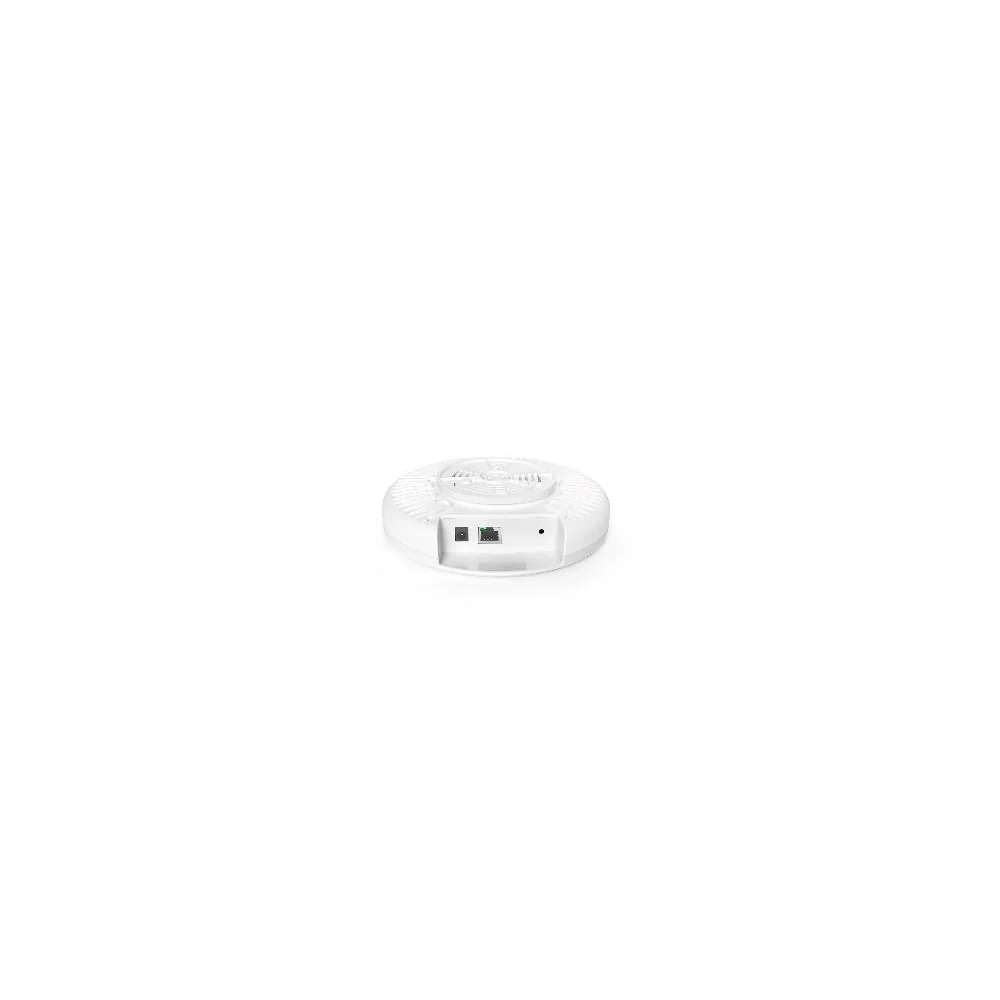
XD3001K
Wi-Fi 6 (802.11ax) · Dual-Band (2.4GHz + 5GHz) · AX3000 (573 + 2402 Mbps)
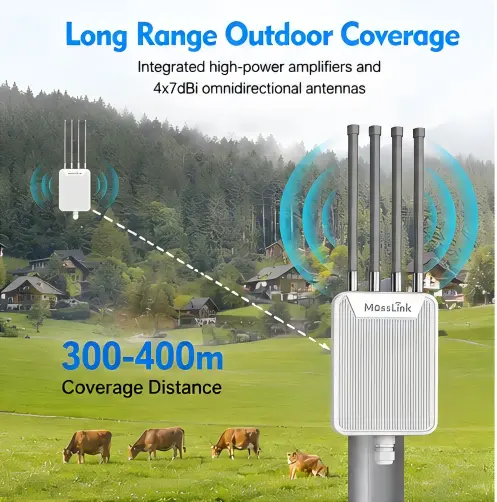
AP1800M
Wi-Fi 6 (802.11ax/ac/a/n/g/b) · Dual-Band (2.4GHz + 5GHz) · AX1800 (574 + 1201 Mbps) · 48V Active & Passive PoE
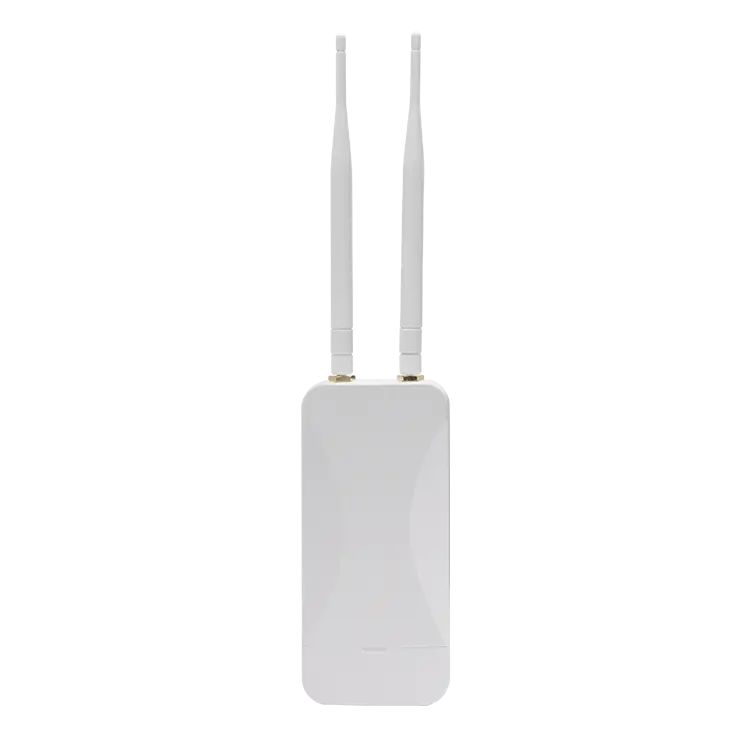
AP3000G
Wi-Fi 6 (802.11ax) · Dual-Band (2.4GHz + 5GHz) · AX3000 (574 + 2402 Mbps) · 802.3af (48V)
In-depth guides and case studies relevant to this deployment.
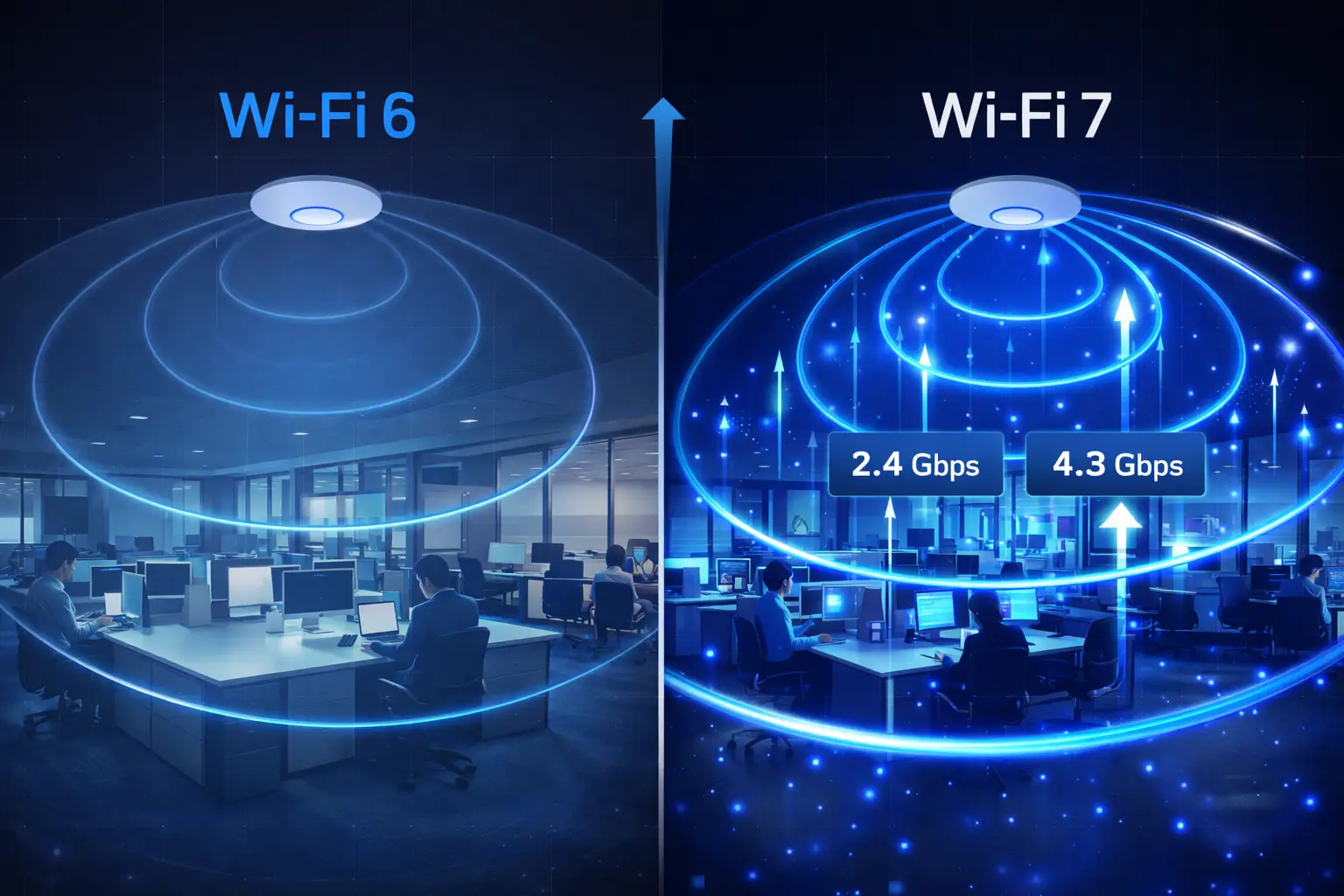
Sourcing Wi-Fi 7 APs? Many suppliers quote from renders. Six checks to verify real production — chipset platform, MOQ from 100 units, white-label limits.
Read Article →
Your neighbours' routers are sitting on the same channels as yours, through concrete that scatters every signal. Here's the channel plan, AP placement, and band strategy that stops apartment WiFi interference — with the exact channels to use.
Read Article →
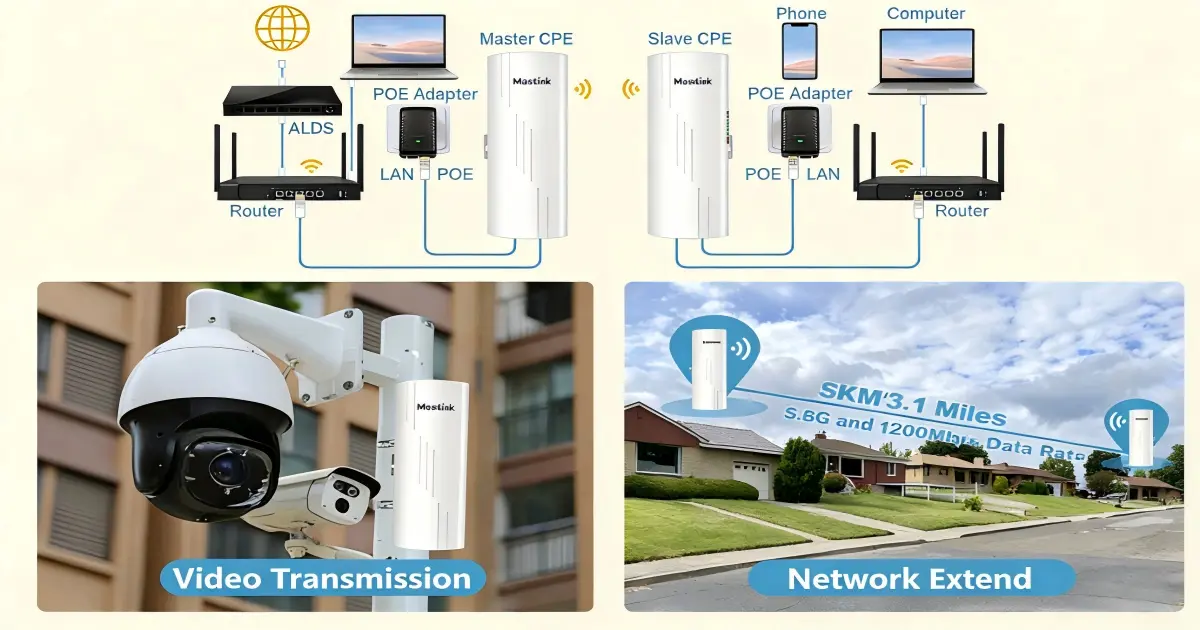
One PoE switch powers your bridge, cameras, and APs — or nothing boots. Match passive 24V vs 802.3af/at, size the watts, and spec a kit that works.
Read Article →
Let our team design a customized education networking solution for your project. Get expert guidance and factory-direct pricing.