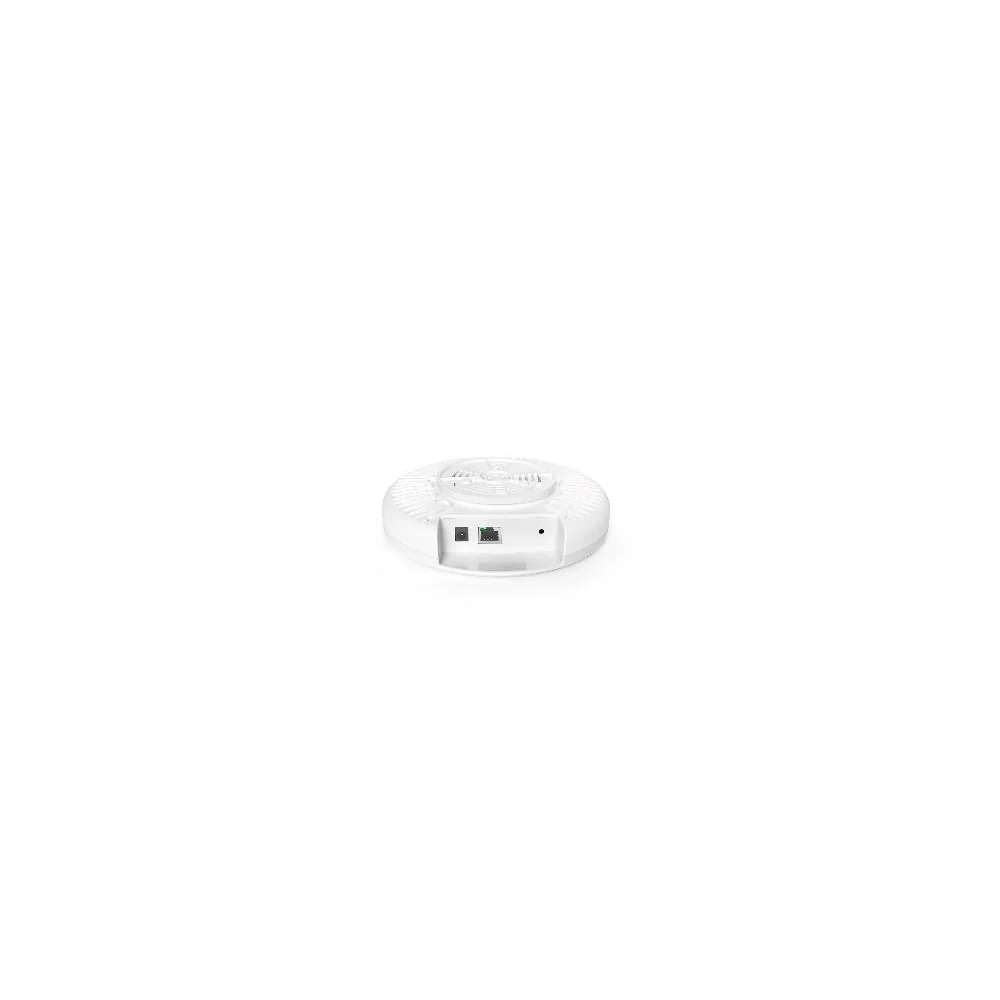
XD3001K Wi-Fi 6 AX3000 Dual-Band Ceiling Access Point
XD3001K
Wi-Fi 6 (802.11ax) · Dual-Band (2.4GHz + 5GHz) · AX3000 (573 + 2402 Mbps)
Standardized Wi-Fi infrastructure deployed uniformly across restaurant chains, convenience stores, and retail franchises — enabling guest Wi-Fi, POS connectivity, and digital signage on a single managed platform
Site-specific topology · Bill of materials · OEM/ODM options
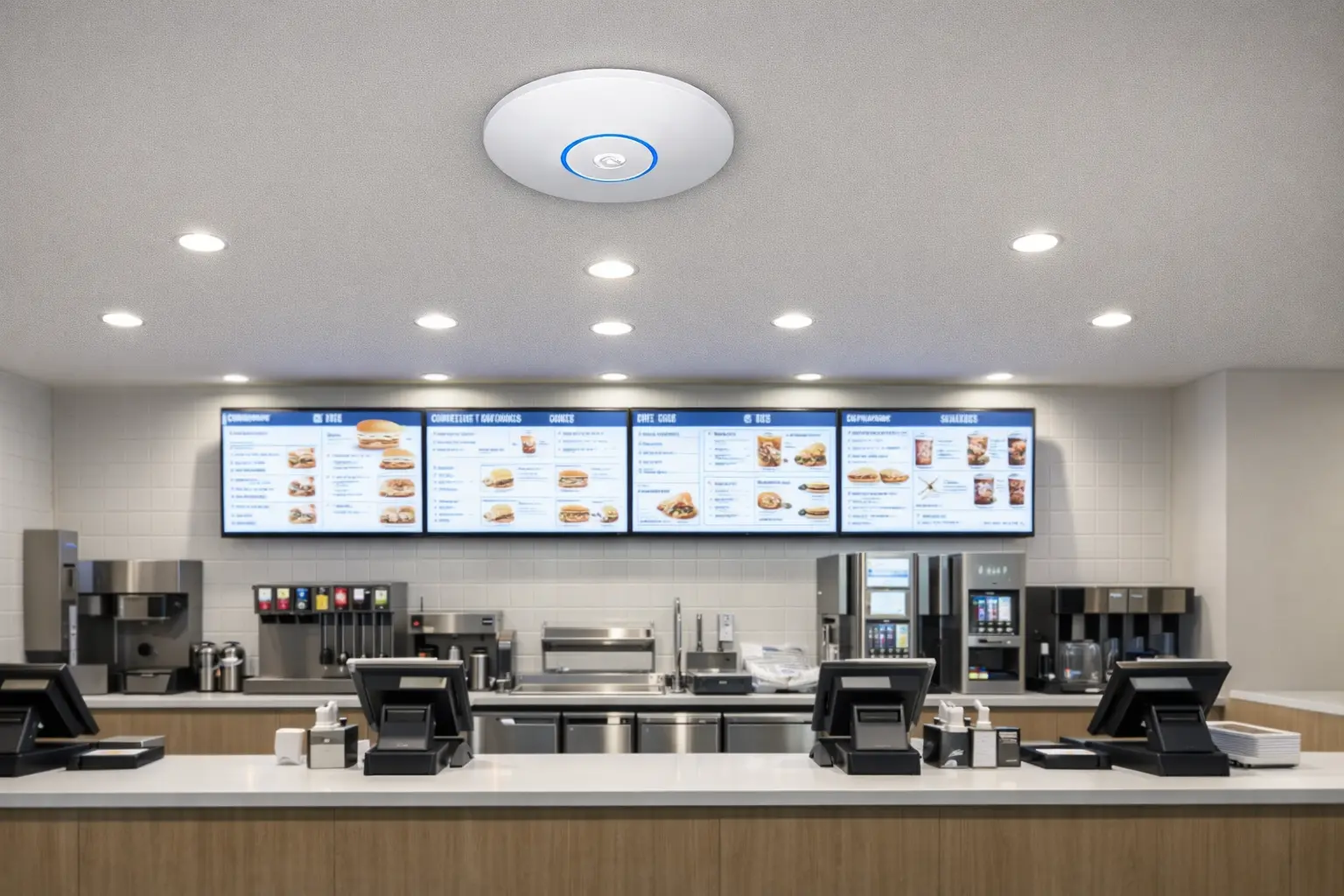
Reference Topology
Restaurant and retail chains have a deceptively complex networking requirement. Each location is small — a fast food restaurant might be 200 m², a convenience store 150 m² — but the network must carry POS transaction data, guest Wi-Fi, staff mobile devices, digital menu boards, and surveillance cameras, all on isolated segments to meet security and compliance requirements.
The real challenge is scale. A chain with 100 locations cannot afford custom IT deployments at each site. Every location needs the same hardware, the same configuration, and the same management interface. When a firmware update is needed, it must deploy across all 100 stores simultaneously — not location by location. When a POS terminal fails to connect, the IT helpdesk needs to diagnose and fix it remotely, not dispatch a technician.
Consumer routers cannot meet these requirements. Enterprise networking platforms can — but at per-site hardware costs that make small-format retail deployments economically unviable.
MossLink’s retail chain solution uses a standardized site kit approach: identical hardware at every location, pre-configured before shipping, deployed by any competent installer in under two hours.
Standard Site Coverage: One or two AX3000 Ceiling APs cover a typical 100–300 m² retail floor. The Wi-Fi 6 radio handles the density of mobile POS terminals, inventory scanners, and guest devices simultaneously. The ceiling-mount form factor is unobtrusive in retail environments and requires no wall penetrations.
Site Gateway Router: The WR3005K managed router provides the intelligence for each location: VLAN segmentation between guest, staff, POS, and signage networks; firewall rules preventing cross-VLAN traffic; guest captive portal with branded splash page; and WAN failover using a secondary cellular connection to prevent POS downtime during ISP outages. Its 6 kV surge protection handles the voltage fluctuations common in retail strip mall environments.
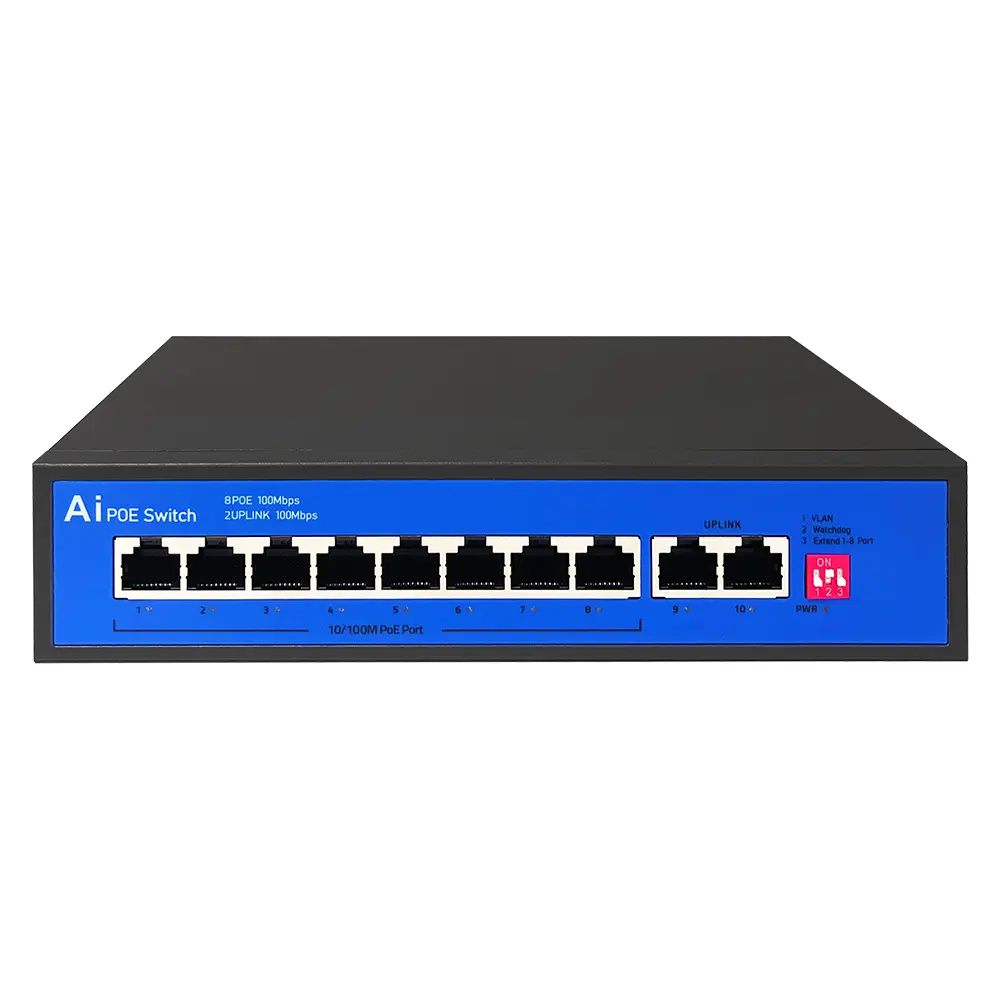
PoE Distribution: The S802E compact 8-port PoE switch connects the router to all APs and other PoE devices — access control readers, VoIP phones, surveillance cameras — in a single neat IDF enclosure per location, on a 96 W budget. Where the store also runs high-resolution cameras or a busy AP, step up to the gigabit S821G at 120 W.
Outdoor and High-Density Areas: For patios, drive-thru lanes and food courts, the IP67 APM6-AX3000 adds outdoor-rated coverage with 256 clients across both bands and 4 kV lightning protection.
The standardized kit approach delivers compounding benefits at scale:
The unit of purchase for a chain is not a product, it is a kit. Every location gets the same box, so procurement quotes once and installers learn once.
| Role | Model | Per store | Why this part |
|---|---|---|---|
| Site gateway | WR3005K | 1 | Wi-Fi 6 AX3000, 1× GbE WAN + 3× GbE LAN, 128 clients, 6 kV common-mode surge protection for strip-mall power |
| Indoor coverage | XD3001K | 1–2 | Ceiling-mount AX3000, 128 concurrent clients, single PoE uplink, no wall penetrations |
| PoE distribution | S802E | 1 | 8 PoE ports, 96 W total budget, fanless IP30 metal, −20 °C to +55 °C for unconditioned back rooms |
| Patio / drive-thru | APM6-AX3000 | 0–2 | IP67 outdoor AP, 5× 8 dBi omni antennas, 256 clients, 4 kV lightning protection |
Two details decide whether the kit survives contact with a real store. First, the S802E PoE ports are 10/100 Mbps, not gigabit — fine for cameras, door readers and VoIP handsets, but an AP carrying heavy guest traffic should sit on a gigabit path from the gateway. Check your per-port throughput before standardising. Second, PoE budget is 96 W across all eight ports, so count every powered device — an AP, four cameras and two readers is already most of it.
| Store format | Typical area | APs | Switch | Notes |
|---|---|---|---|---|
| Quick-service restaurant | 100–200 m² | 1 indoor | 8-port | Add 1 outdoor AP if there is a patio or drive-thru lane |
| Convenience store | 120–250 m² | 1 indoor | 8-port | Shelving and cold cases block 5 GHz more than the floor area suggests |
| Fashion / specialty retail | 200–400 m² | 2 indoor | 8-port | Fitting rooms and stock rooms are the dead spots, not the sales floor |
| Large-format / food court | 400 m²+ | 3+ indoor | 16-port or 2× 8-port | Density, not coverage, sets the AP count here |
These are planning starting points, not survey results. Metal shelving, refrigerated cases and mezzanines all change the answer, so a floor plan beats a square-metre number every time.
At chain scale the hardware stops being the hard part. Four things decide whether a rollout stays on schedule:
Factory pre-configuration. SSIDs, VLAN IDs, management addresses and Wi-Fi passwords can be written at the factory so the installer only plugs in cables. This is what turns a two-day IT visit into a two-hour electrician visit. See how we do it for pre-configured multi-site networks.
One firmware version, deliberately. A chain that buys in four waves over two years ends up with four firmware builds unless someone pins the version. Agree a golden image up front and get written notice before it changes.
Spares in the right place. A dead AP in one store is a small problem; a dead gateway is a closed till. Most chains hold 3–5% spares regionally rather than shipping from Shenzhen per incident.
Remote management, and what it needs. The XD3001K runs standalone from its own web GUI; cloud and AC management run through a ZW500 gateway, so if you want one dashboard across every store, budget that gateway into the kit from the start rather than discovering it at site 40.
For the VLAN design behind guest, staff and payment separation, our multi-SSID and VLAN traffic separation guide walks through the tagging and the common mistakes.
Send the store count and formats, a representative floor plan, whether cabling already exists, how many cameras and payment terminals per site, and your rollout schedule. We come back with a per-store bill of materials, a per-store price, and a clear line between what ships pre-configured and what needs work on site.
Retail chains deploying MossLink standardized infrastructure report installation times under 2 hours per location, PCI segmentation that passes QSA audits, and guest Wi-Fi that increases average customer dwell time through branded, frictionless connectivity. Centralized management reduces per-location IT support cost significantly versus decentralized consumer router deployments.
MossLink supplies retail chain hardware factory-direct with bulk pricing for chain rollouts and OEM customization for technology companies offering managed network services to retail clients. Contact us for volume pricing and OEM program details.
XD3001K
Wi-Fi 6 (802.11ax) · Dual-Band (2.4GHz + 5GHz) · AX3000 (573 + 2402 Mbps)
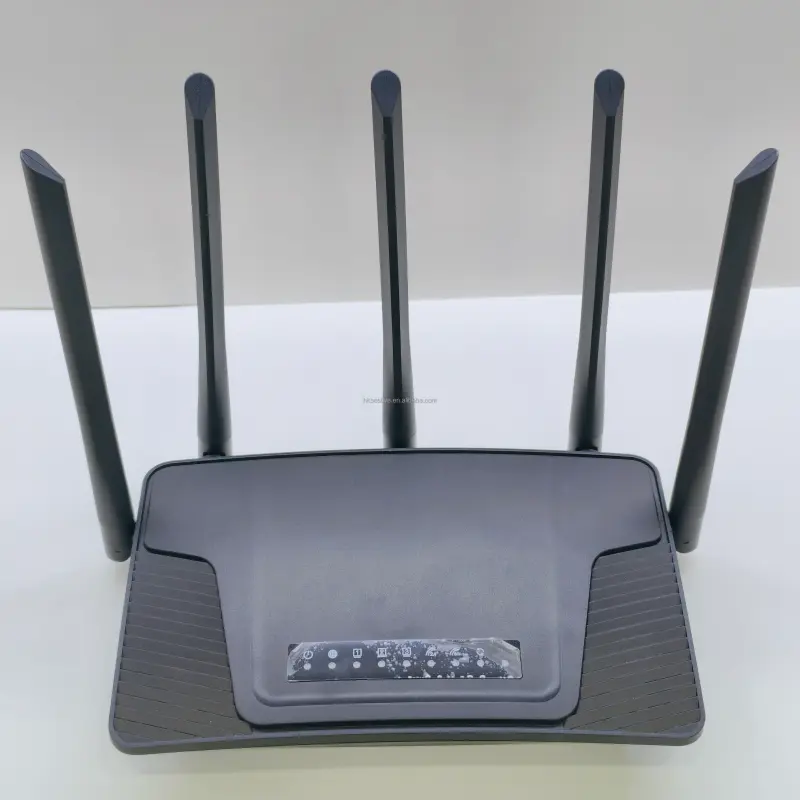
WR3005K
Wi-Fi 6 (802.11ax) · AX3000 (574 + 2402 Mbps)
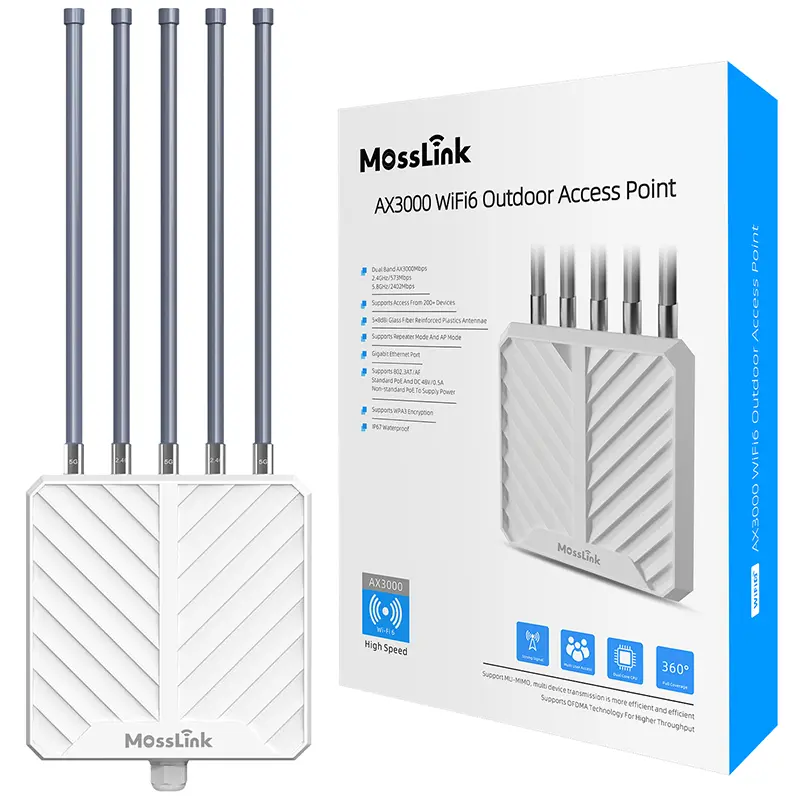
APM6-AX3000
Wi-Fi 6 (802.11ax) · Dual-Band (2.4GHz + 5.8GHz) · AX3000 (574 + 2402 Mbps) · 802.3at (48V)
In-depth guides and case studies relevant to this deployment.
Your neighbours' routers are sitting on the same channels as yours, through concrete that scatters every signal. Here's the channel plan, AP placement, and band strategy that stops apartment WiFi interference — with the exact channels to use.
Read Article →
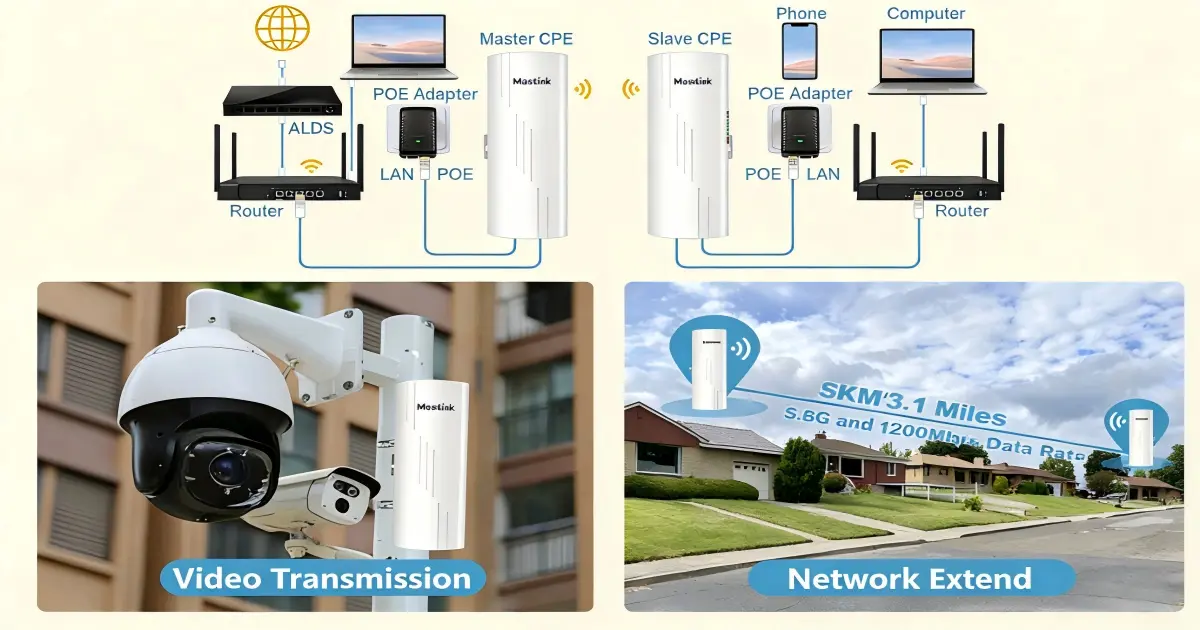
One PoE switch powers your bridge, cameras, and APs — or nothing boots. Match passive 24V vs 802.3af/at, size the watts, and spec a kit that works.
Read Article →

Forty units, forty consumer routers, constant interference. How property owners cover a whole apartment building from one managed WiFi network.
Read Article →
Practical answers for planning a deployment like this one.
Let our team design a customized retail & restaurant networking solution for your project. Get expert guidance and factory-direct pricing.