You want to get your network from the house to the garage. Or your smart TV only has an Ethernet port and sits nowhere near the router. Or the WiFi simply dies in the back bedroom. Search any of these problems and you’ll be told to buy a “bridge,” a “repeater,” an “extender,” or a “WDS setup” — often in the same article, as if they were interchangeable.
They are not. These devices solve genuinely different problems, and using the wrong one is why so many home and small-business networks end up slow, flaky, or both. Here’s the plain-English version, from people who deploy this gear for a living.

What’s the Difference Between a Bridge, a Repeater, and an Ethernet Bridge?
All three move your network somewhere it currently isn’t — but the how is completely different.
| Device | What it does | Bandwidth cost | Best for |
|---|---|---|---|
| WiFi repeater / extender | Re-broadcasts existing WiFi on the same band | Loses ~50% per hop | Small coverage gap inside one room, temporary fix |
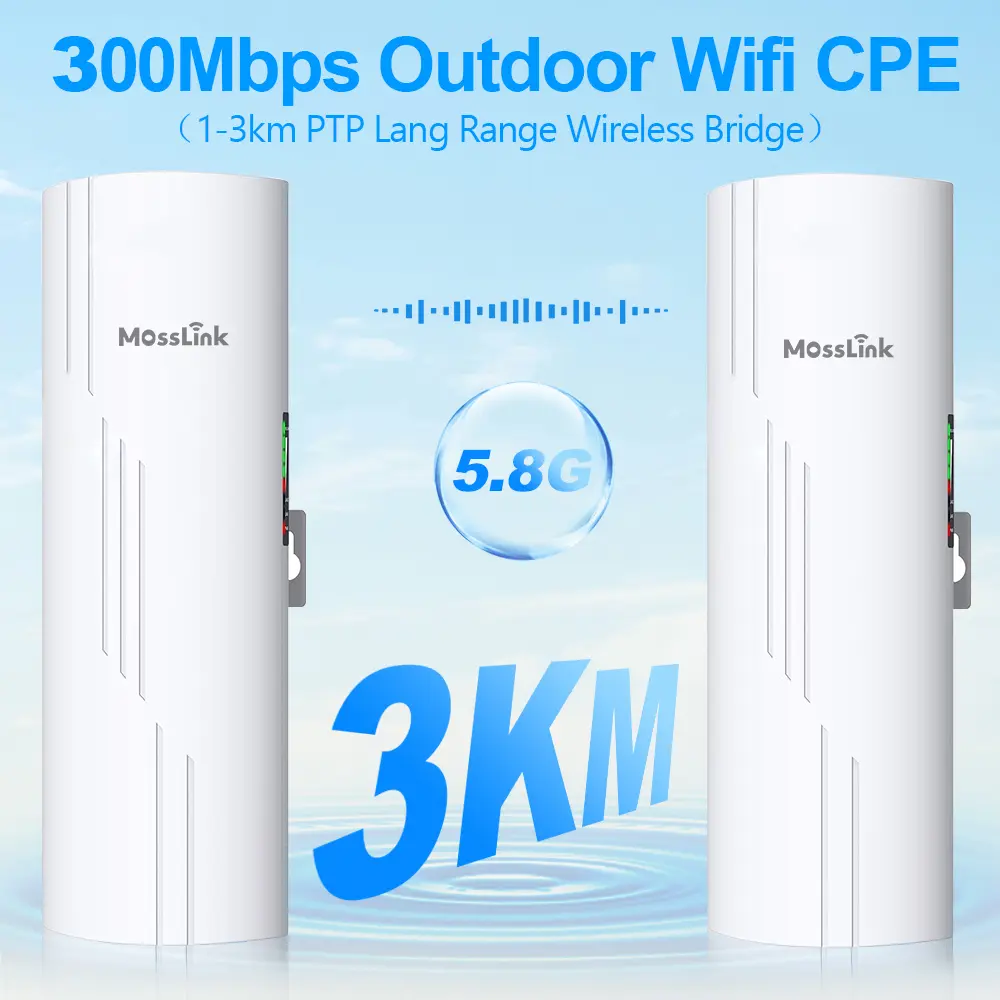
| Point-to-point wireless bridge | Dedicated directional radio link between two locations | Near-zero — own channel | Building-to-building, CCTV backhaul, Starlink sharing |
| Ethernet (media) bridge | Connects a wired-only device to your WiFi | None for the device | Smart TV, console, desktop with no WiFi card |
The one-line rule: a repeater spreads one WiFi network wider, a wireless bridge links two separate places, and an ethernet bridge gives a single wired device a WiFi connection. Pick the wrong category and no amount of tweaking will make it work well.
Why Do Repeaters Kill Your Bandwidth?
A standard WiFi repeater listens on a channel, then rebroadcasts on the same channel. Because a radio can’t transmit and receive at the same instant on the same frequency, it has to take turns — receive a packet, then resend it. That alternation cuts usable throughput roughly in half at the first repeater, and in half again if you chain a second one.
So a 200 Mbps connection becomes ~100 Mbps after one repeater, ~50 Mbps after two. Worse, the repeater shares airtime with every other device on that channel, so real-world performance during peak usage is often far below even that. This is why the standard advice on networking forums is blunt: hardwiring an access point is almost always better than adding a repeater.
When is a repeater still OK? Three cases, and only three:
- The gap is small — under ~15 meters, same building, one wall
- It’s temporary — a rental, an event, a stopgap until you run cable
- Budget is the hard constraint — a $30 extender beats nothing
Outside those cases, a repeater is the device you’ll end up replacing within a year.
When Is a Wireless Bridge the Right Answer?
A point-to-point (PtP) wireless bridge is the right tool whenever you need to connect two separate locations rather than widen one WiFi cloud. It runs a dedicated, directional radio link on its own frequency, so it doesn’t steal bandwidth from your main WiFi and doesn’t suffer the repeater’s half-speed penalty.
Typical jobs a bridge is built for:
- Two buildings — house to garage, office to warehouse, main building to annex
- CCTV backhaul — carrying camera feeds from a pole or remote gate back to the NVR
- Starlink / internet sharing — beaming a connection from one rooftop to a neighbor or outbuilding hundreds of meters away
The advantages that matter:
- No bandwidth tax — the link is a separate radio path, not a slice of your WiFi
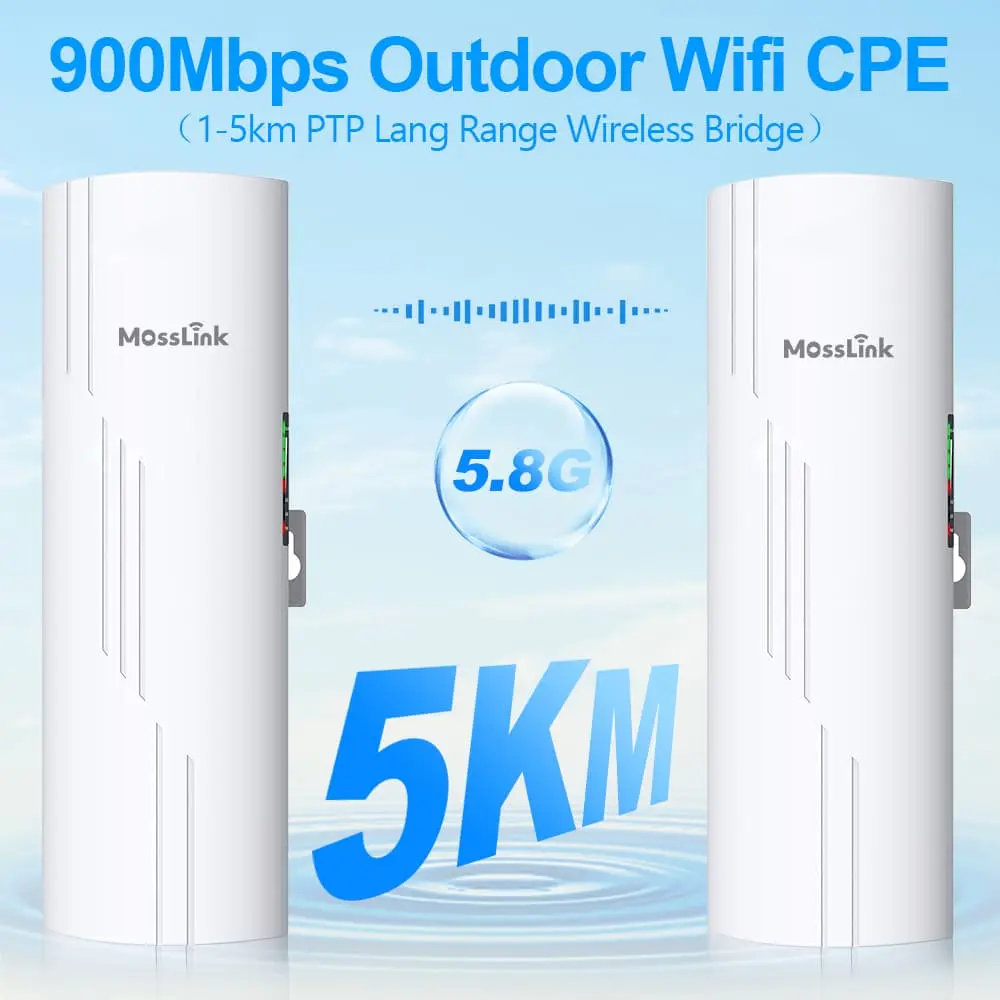
- Real distance — a 5.8 GHz bridge like the WB610H is rated for up to 5 km line-of-sight and 900 Mbps over the link
- PoE everywhere — a single Ethernet cable carries both power and data to a rooftop or pole; the WB610H even outputs PoE on both ends to power a camera or AP at the far side
- Local WiFi at the far end — some bridges (the WB610H among them) run hotspot mode on both units, so the remote end can also broadcast WiFi without a separate access point
A bridge spans the gap. To then cover an area at the far end with WiFi, you pair it with an access point — which is the correct division of labor, and the reason bridges and APs are sold as a system rather than a single box.
When Do You Need an Ethernet Bridge (Media Bridge)?
This is the one most people don’t know they’re looking for. When someone searches “wifi to ethernet bridge,” the real need is almost always: “I have a device with only an Ethernet port, and I want it on my WiFi.”
A smart TV mounted on a wall. A games console in the living room. A desktop PC with no wireless card. A networked printer in a back office. None of them can join WiFi on their own — but a media bridge (sometimes called a “client bridge” or “wireless adapter”) joins the WiFi for them and hands the connection over via an Ethernet cable.
The key distinction:
- A media / ethernet bridge converts WiFi → wired for one device (or a small switch of them)
- A point-to-point bridge links two networks / two locations together
They share the word “bridge” but do different jobs. If your problem is “my TV has no WiFi,” you want a media bridge. If your problem is “my garage has no internet,” you want a PtP bridge.
How Do I Pick the Right Device in 60 Seconds?
Answer one question — what are you actually connecting?
- Connecting two buildings / two locations? → Point-to-point wireless bridge (e.g. WB610H, or a compact WB503H for shorter hops)
- Getting a wired-only device onto WiFi? → Ethernet / media bridge
- Widening WiFi coverage inside one building? → Access point on a cable (best) → mesh (good) → repeater (last resort)
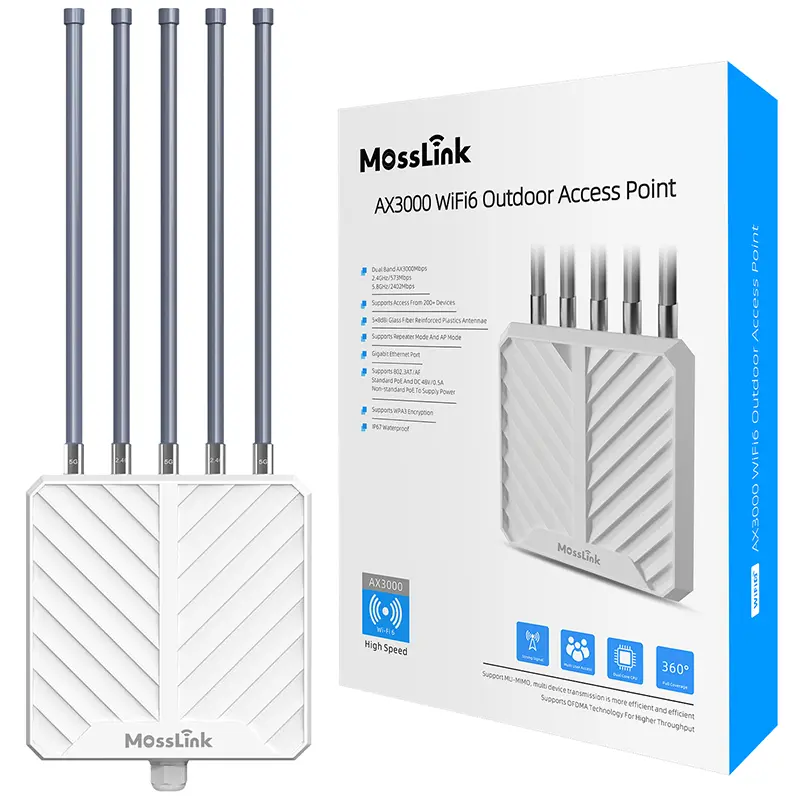
- Far end of a bridge needs WiFi for many devices? → Bridge for the link + an outdoor access point like the APM6-AX3000 for coverage
If you find yourself reaching for a repeater for anything other than a tiny, temporary gap, stop and run a cable to an access point instead. Future-you will thank present-you.
What Do We Recommend After Hundreds of Deployments?
A few patterns hold up across the field deployments we supply equipment for (specific build details below are representative — confirm against your own site survey):
For building-to-building links, always go PtP bridge — never a repeater. Even a “good” repeater chained across 80 meters of yard will frustrate everyone using it. A bridge pair runs a clean dedicated link and, with hotspot mode, can even serve WiFi at the far end on its own.
Separate the link from the coverage. The most reliable rural and multi-building networks we see use a bridge for the long hop and a dedicated AP for local coverage. That’s why the WB610H (the link) and the APM6-AX3000 (300–500 m of outdoor coverage, up to 256 clients) are so often deployed together — for example, sharing one Starlink terminal across a farm or a small community.
Don’t chain devices that halve bandwidth. A bridge feeding a repeater feeding another repeater is a support call waiting to happen. One clean link, one good AP.
Match the radio to the distance. Under 15 m indoors, an extender is fine. 50–500 m between buildings, a 5.8 GHz bridge is the sweet spot. Beyond that, you’re into higher-gain directional antennas and careful line-of-sight planning.
The Bottom Line
Three devices, three jobs. A repeater widens one WiFi network and pays for it in bandwidth — use it only for small, temporary, indoor gaps. A wireless bridge links two places with a fast dedicated radio path — use it for buildings, cameras, and internet sharing. An ethernet bridge puts a single wired-only device on WiFi — use it for that TV or console.
Get the category right first; the model is the easy part.
Not sure which device fits your setup? Describe your scenario to our engineers on WhatsApp — tell us the distance and what you’re connecting, and we’ll point you to the right one. Or contact us for volume pricing and OEM options.
Featured in this guide
Frequently Asked Questions
Practical answers for planning a similar network.
Can a wireless bridge replace a repeater?
Does a WiFi bridge reduce speed like a repeater does?
What is WDS and how is it different from bridging?
Can I use a bridge and a repeater together?
Which is better for gaming — bridge or repeater?
Plan the complete link
Get a point-to-point wireless bridge kit recommendation
Tell us the distance, throughput, power source, and deployment environment. We will match the bridge pair, PoE, outdoor cable, and mounting accessories.
Continue Planning Your Wireless Link
Deploy with confidence
See how MossLink builds PtP & PtMP Wireless Bridge Manufacturer end-to-end
Network architecture, products used, and real-world results in one place.
Tags
Share