How to Choose a Budget Access Point Under $50 (Without Killing Your Network)
Reliable Wi-Fi at $50 per AP is possible — if you know what to demand and what to walk away from. Cheap APs fail in three predictable ways: weak chipsets that drop clients past 20 users, missing VLAN support that breaks multi-tenant networks, and unstable firmware that needs weekly reboots. Skip these traps and a $25 dual-band outdoor AP will outlast a $200 enterprise box for community Wi-Fi, rural hotspots, and small commercial deployments.
The 90-second rule: demand dual-band 2x2 MU-MIMO, PoE input, and IP65 if outdoor — skip tri-band, Wi-Fi 6E, cloud subscriptions, and 802.11k/v/r roaming. That single filter knocks 80% of overpriced specs off your bill.
What’s the Best Value AP Under $50?
For tight-budget rollouts, the best value comes from dual-band AC1200 outdoor APs with external antennas and PoE — typically $22-35 per unit at OEM quantities. They deliver 1167 Mbps combined throughput, 64+ concurrent clients per band, and 100-200 m outdoor coverage with proper mounting.
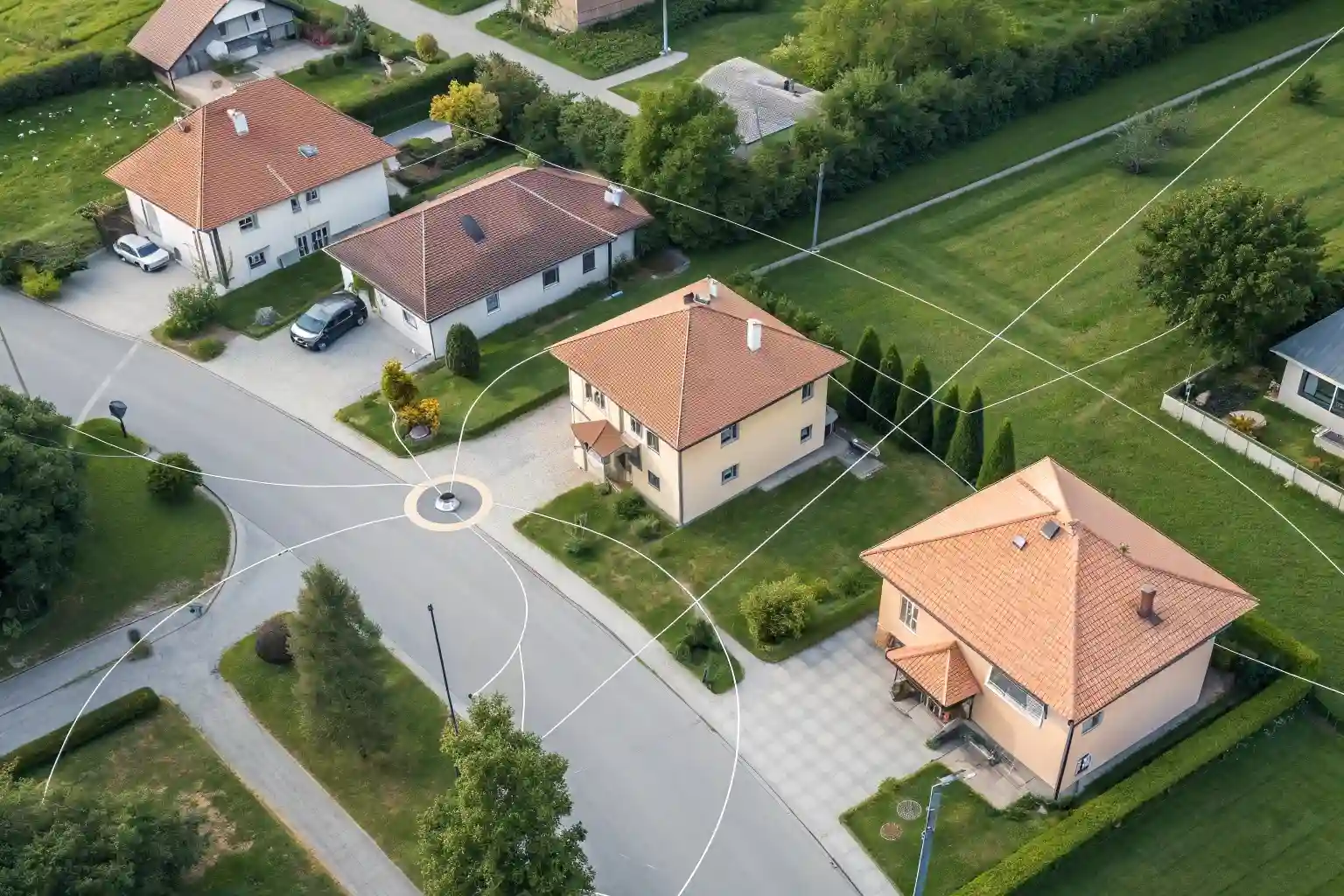
Three specs decide whether a sub-$50 AP survives a real deployment:
- Chipset — MediaTek MT7628 + MT7613 (Wi-Fi 5) or MT7621 + MT7915 (Wi-Fi 6) handle 30-50 active clients without throttling. Avoid Realtek RTL8197-only single-radio designs.
- Antennas — 2x 5 dBi external antennas beat any internal PCB antenna for outdoor reach. RP-SMA connectors let you upgrade to 8-12 dBi later.
- PoE input — Passive 24V PoE keeps cable runs under $1/meter. Avoid units that need a separate 12V DC barrel jack only.
MossLink Budget AP Lineup (Direct Factory Pricing)
| Model | Type | Wi-Fi Standard | Antennas | Sample Price | Best For |
|---|---|---|---|---|---|
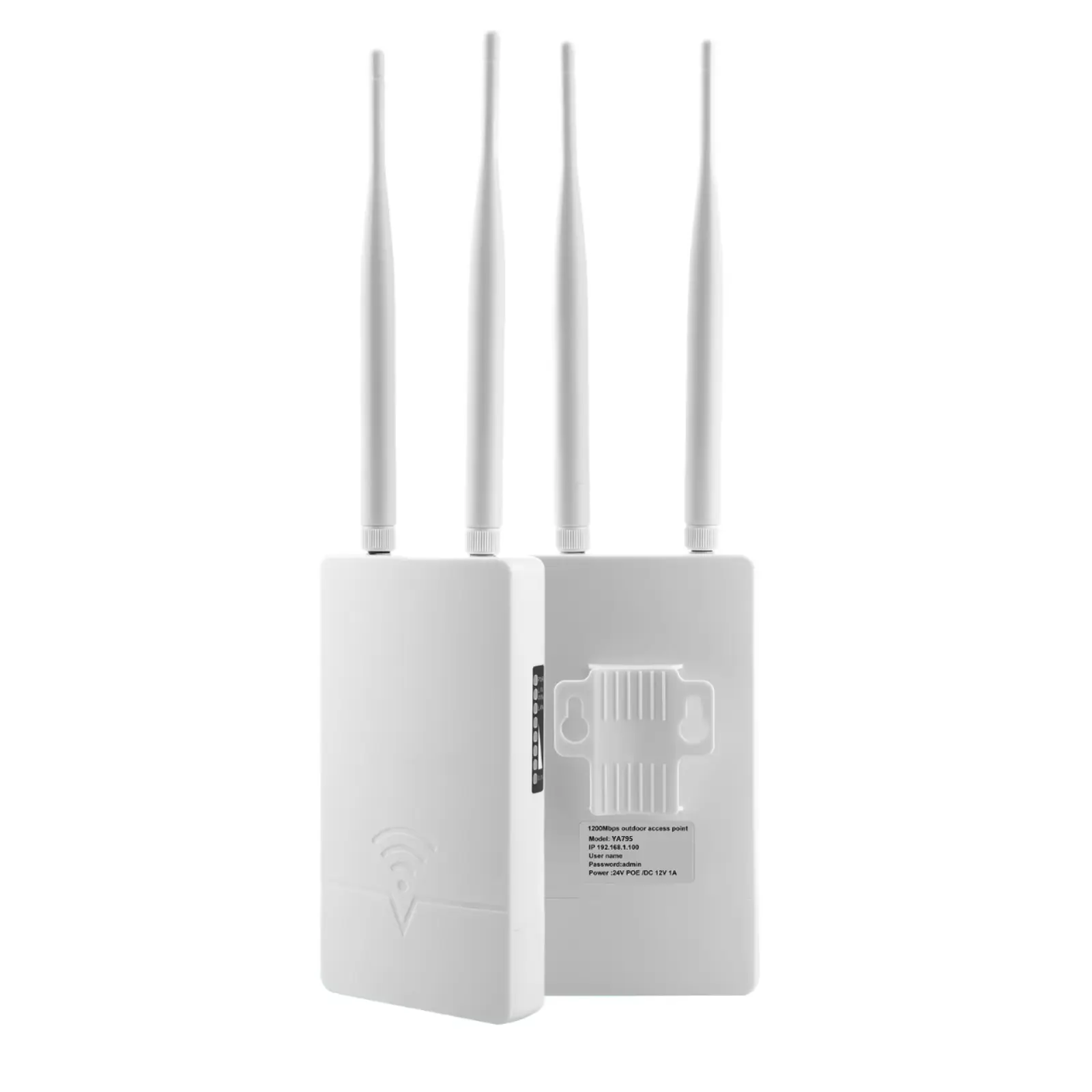
| YA795 | Outdoor IP65 | Wi-Fi 5 AC1200 | 2x 5 dBi external | from ~$20 | Entry-level WISP, rural CPE |
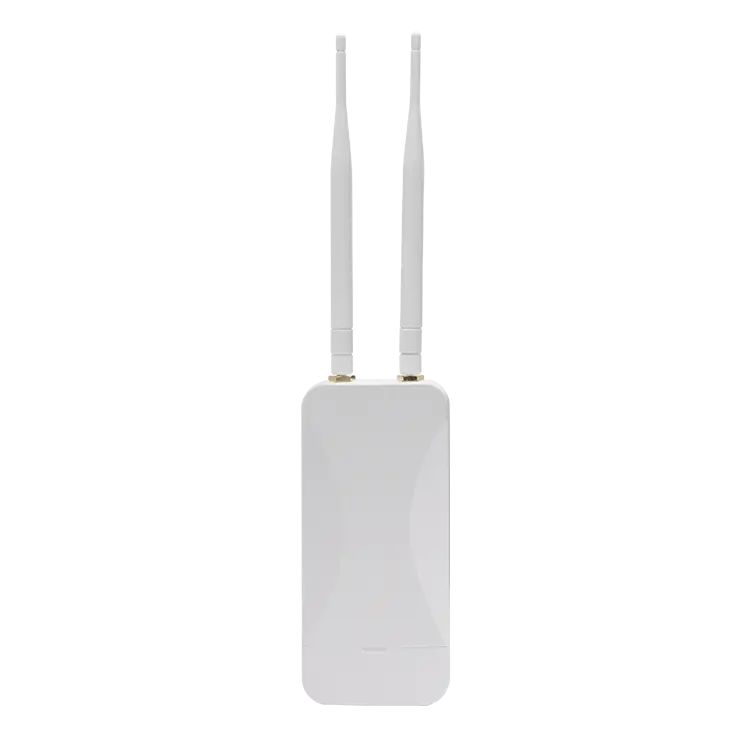
| YA796 | Outdoor IP65 | Wi-Fi 5 AC1200 | 2x 5 dBi external | from ~$22.50 | Community Wi-Fi, last-mile |
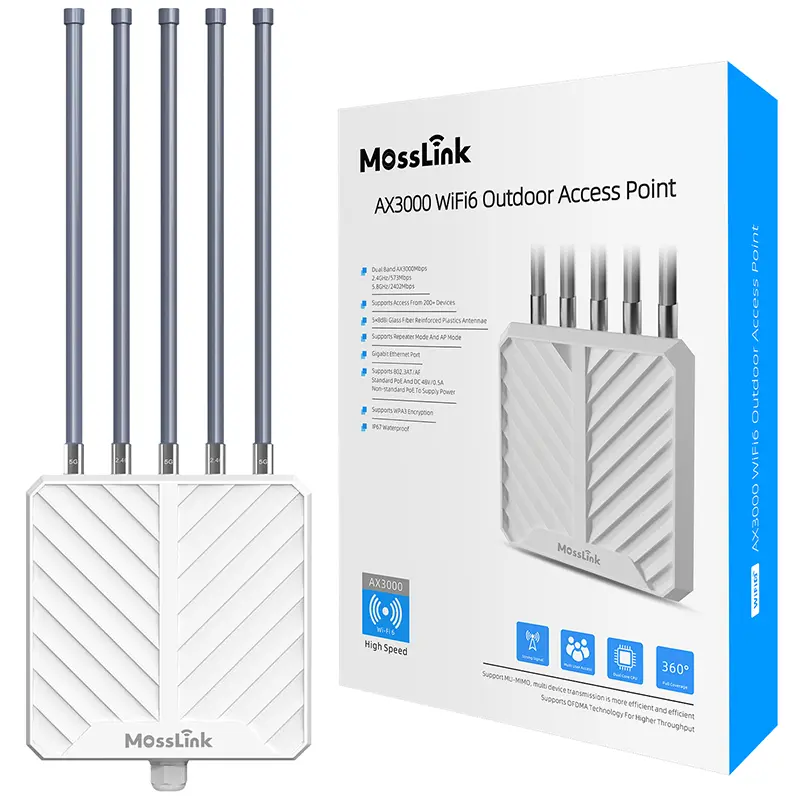
| APM6-AX3000 | Outdoor IP67 | Wi-Fi 6 AX3000 | 5x 8 dBi external | from ~$45 | Wi-Fi 6 hotspots, dense villages |
| AP3000G | Outdoor | Wi-Fi 6 AX3000 | Integrated | from ~$40 | Compact ceiling/wall outdoor |
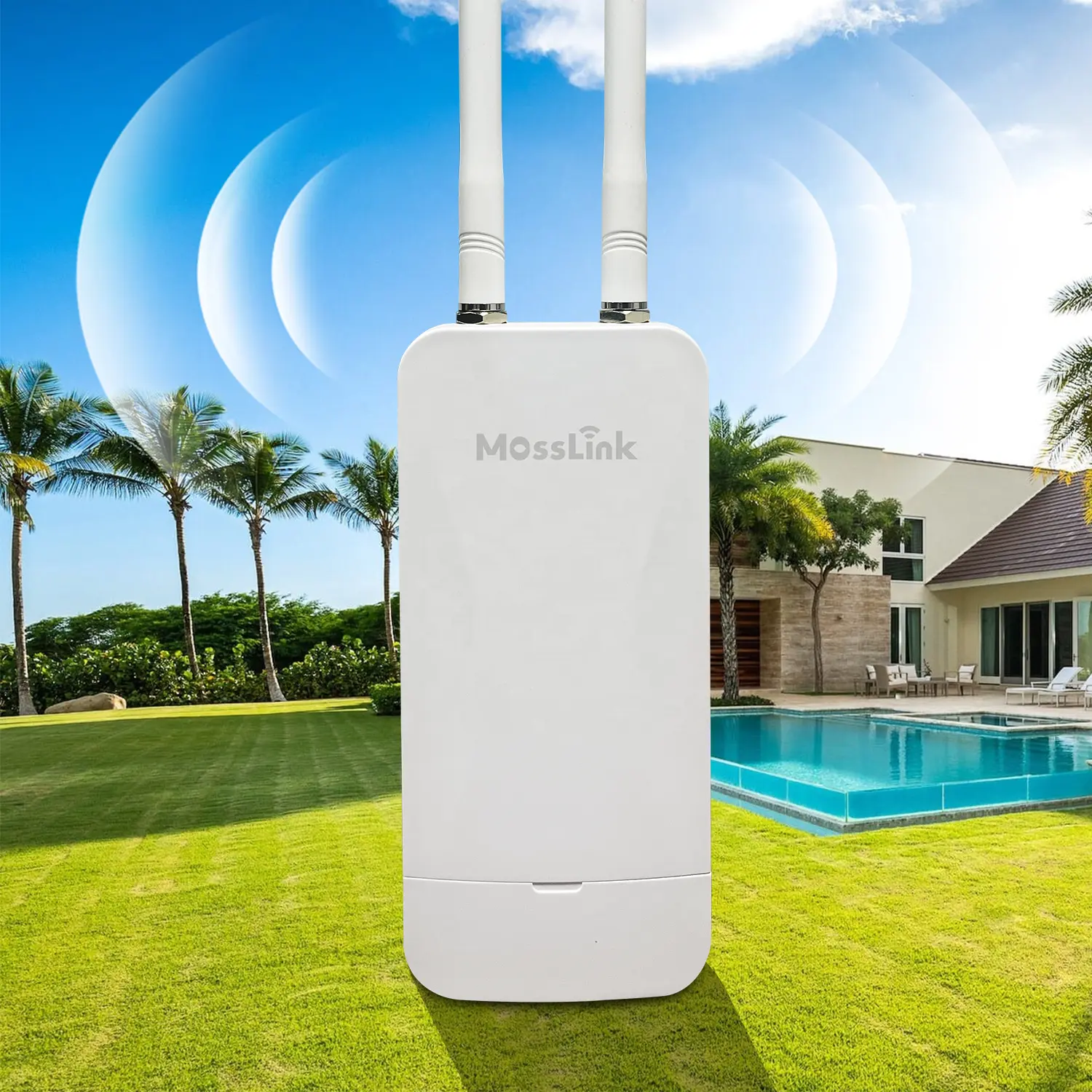
For pure cost-per-AP, the YA795 and YA796 are workhorses — IP65, 24V PoE, and detachable antennas under $25 at 500-unit MOQ. When you need Wi-Fi 6 throughput at the same price tier as branded Wi-Fi 5, the APM6-AX3000 jumps to AX3000 for ~$45.
How They Stack Up Against Branded Alternatives
| Brand & Model | Type | Wi-Fi | Retail Price |
|---|---|---|---|
| MossLink YA796 | Outdoor IP65 | AC1200 | ~$22.50 (sample) |
| TP-Link EAP223 | Indoor | AC1350 | $50-65 |
| TP-Link Omada AC1200 | Outdoor | AC1200 | $55-70 |
| Ubiquiti UniFi 6 Lite | Indoor | AX1500 | $99 |
Branded indoor APs like the TP-Link EAP2231 work for offices, but they aren’t IP-rated for outdoor walls. For WISP and community deployments, factory-direct outdoor APs win on weatherproofing, antenna upgradability, and unit cost — typically 50-70% cheaper at the same throughput tier.
Can I Find Reliable APs Under $50?
Yes — provided you verify three things before placing the order: chipset spec sheet, FCC/CE certification, and firmware update history. Cheap APs fail not because of price but because of cut corners on these exact items.
The biggest risks at this price tier:
- Underpowered SoCs — 580 MHz single-core MIPS chips choke past 25 clients. Demand 880 MHz dual-core MediaTek or equivalent.
- Phantom MU-MIMO — Some sub-$30 APs list “MU-MIMO” but only support it on the 5 GHz band. Confirm it works on both radios.
- Firmware abandonment — Unbranded APs often ship with one firmware build and never see another. Choose vendors with OpenWrt2 compatibility — that gives you a 10-year community update path even if the brand disappears.
- No bulk warranty — A 5% RMA rate on $25 units kills your margin if there’s no replacement program. Confirm 12-24 month bulk warranty in writing.
For samples, request 3-5 units, deploy them under real load (50+ clients streaming) for a week, and check throughput stability. Any AP that drops more than 2% of clients per hour fails the test.
What Features Can I Skip to Save Money?
To keep AP unit cost under $50, skip tri-band 6 GHz, 802.11k/v/r roaming, cloud subscriptions, integrated controllers, and Wi-Fi 6E radios. Spend the savings on better antennas, PoE injectors, and surge protectors instead.
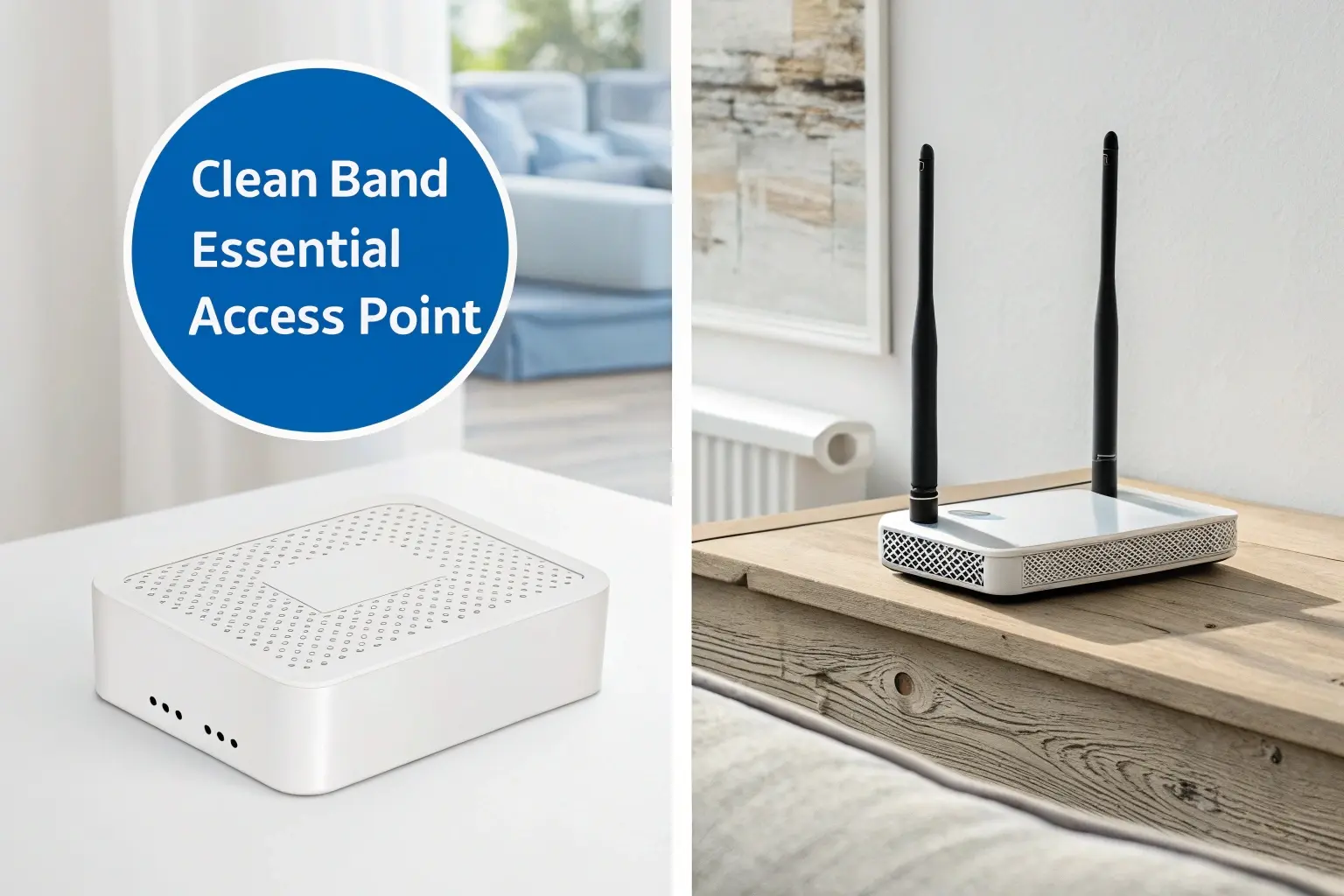
Safe to skip:
- Tri-band / 6 GHz — useful in 100+ client conferences. Useless in rural and SMB deployments.
- Advanced roaming (k/v/r) — only matters with 4+ APs in the same SSID. A village hotspot with 1-2 APs needs none of it.
- Cloud controller subscriptions — $5-10/AP/year recurring. Local OpenWrt management does the same job free.
- Wi-Fi 6E — adds $30-50 per unit, requires 6 GHz-capable client devices (released 2021+) to provide any benefit.
Don’t skip:
- Dual-band radios — 2.4 GHz alone is congested everywhere. Single-band is a false economy.
- PoE input — saves $5-10 per drop in cabling and labor.
- External antennas — even cheap 5 dBi antennas outperform expensive internal arrays in outdoor deployments.
- Stable firmware — verify the vendor pushes at least 2 firmware updates per year.
Cutting the wrong corners cuts 20-40% off unit cost without harming real-world performance. Cutting the right corners (skipping antennas, PoE, or dual-band) inflates total cost-of-ownership through site visits and replacement units. For deployment-ready bundles, see our outdoor AP solution page or contact our team for a mixed-model quote.
Buyer’s Checklist Before Placing a Budget AP Order
- Confirm chipset model and clock speed — request the SoC datasheet, not just a marketing spec sheet.
- Validate FCC ID / CE marking — search the FCC ID database. No FCC ID = no legal sale in the US.
- Order 3-5 samples — load test with real client mix for one week before bulk commitment.
- Lock down firmware update commitment — get the vendor’s update cadence in writing.
- Negotiate bulk warranty — minimum 12 months, ideally 24 months, with prepaid replacement freight.
- Plan for 5% spare units — budget for spares from day one, not after the first failure.
For factory-direct pricing on the YA795, YA796, APM6-AX3000, or AP3000G — including custom firmware and branded packaging — contact MossLink for a sample and bulk quote.
Footnotes
Featured in this guide
Frequently Asked Questions
Practical answers for planning a similar network.
What is the cheapest reliable access point for outdoor use?
What features can I skip to save money on access points?
Is Wi-Fi 5 still good enough for budget deployments?
How many budget APs do I need for a village hotspot?
What's the MOQ for budget access points from a Chinese factory?
Should I choose Wi-Fi 6 or Wi-Fi 5 for a tight-budget WISP rollout?
Deploy with confidence
See how MossLink builds Campus Wi-Fi Network Solution & Access Points end-to-end
Network architecture, products used, and real-world results in one place.
Tags
Share