Hotel Wi-Fi System Design Guide for Integrators (AP Density, VLAN, and PoE Done Right)
Three failure modes account for most of the hotel Wi-Fi projects that come back to us after the integrator quotes a competitor’s bill of materials: over-deployed APs (one per room, eating 60% of the hardware budget), captive portals configured on the APs instead of the gateway (breaking every time a firmware patches ships), and PoE switches sized for nameplate wattage instead of real-world load. None of these are technical mysteries — they are pricing and architecture mistakes that a 30-minute design review catches.
This guide is written from the perspective of a manufacturer that ships hotel Wi-Fi kit to integrators across Southeast Asia, the Gulf, and East Africa. The hardware recommendations reference specific MossLink models, but the hotel Wi-Fi design fundamentals — density math, VLAN structure, and PoE budgeting — apply to any vendor’s gear.
Why Most Hotel Wi-Fi Deployments Cost 2× What They Should
Before specifying any hardware, walk the property and ask the hotel IT lead where the previous network failed. Nine times out of ten, the root cause is one of these three design errors.
Failure #1 — Installing One AP Per Room
The “AP per room” model is a holdover from dormitory and luxury-residence design guides that get copy-pasted into mid-tier hotel projects. For a 100-room property, it adds 70–80 APs you do not need, 70–80 Cat6 drops, and a PoE switch budget that doubles. Guests do not notice the difference because a well-placed corridor AP with a ceiling mount serves two to three drywall-partitioned rooms at −65 dBm or better, which is well above the −70 dBm threshold where 5 GHz throughput starts to degrade.
Exceptions exist — concrete-walled rooms in Middle Eastern construction, luxury suites with thick stone cladding, or properties that market “dedicated high-speed Wi-Fi” as a premium amenity — but in those cases the hotel should be paying for the upgrade, not absorbing it into a standard per-room cost.
Failure #2 — SSID Sprawl and On-AP Captive Portals
Integrators sometimes configure the captive portal directly on each access point to “make it self-contained.” This works on day one and breaks the first time the hotel changes its Wi-Fi password, updates the splash page for a promotion, or pushes firmware. Every AP now needs to be re-provisioned manually.
The same integrators often ship 6–8 SSIDs per AP — guest, staff, IoT, POS, pool, conference, vendor, roaming partner. Each additional SSID consumes airtime with beacon frames, and by the fourth SSID the AP is burning 15–25% of its channel capacity just announcing itself. The right pattern is fewer SSIDs and more VLANs, terminated and policed at the gateway.
Failure #3 — PoE Budgets Sized at the Nameplate
An 8-port, 96W PoE switch does not power eight APs that each draw 15W. Under load — all APs serving full client counts simultaneously during a check-in rush — you need 15–18W per port plus 15–20% headroom for cable loss and transient spikes. An honest planner assumes a 96W switch powers six APs at Wi-Fi 6 draw, not eight.
This matters more when hotels later upgrade outdoor pool and lobby APs to Wi-Fi 7, which can draw up to 20W under 802.3at. A 96W budget that was “tight but fine” on day one becomes a brownout every Saturday night once the new outdoor units go in.
How Many Access Points Does a 100-Room Hotel Actually Need?
The calculation has three inputs: corridor length, wall construction, and public-area density.
Corridor APs (guest rooms): place one ceiling-mounted AP every 15–20 meters of hallway for drywall partitions, every 10–12 meters for half-brick, and roughly one per 2 rooms for full concrete-wall construction. On a typical 100-room property with two floors and 50-meter corridors each, drywall construction lands at 25–30 corridor APs, brick at 35–45.
Public-area APs (high-density zones): one AP per 50–70 concurrent users is the rule of thumb for lobby, restaurant, and conference halls. A 100-room property running a 150-seat breakfast restaurant, a 120-seat lobby bar, and a 200-person conference hall needs 4–6 dedicated high-density APs — separate from the corridor count.
Outdoor APs (pool, garden, driveway): one IP65-rated AP per 40 meters of perimeter or one per 200 m² of open area. Pool and rooftop bars are worth a Wi-Fi 7 upgrade because they are the zones guests photograph and tag, and because outdoor environments are where the wider channel bandwidth of 802.11be actually translates to visible speed gains.
Density Cheat Sheet
| Construction / Zone | AP Model | Spacing | 100-Room Count |
|---|---|---|---|
| Drywall corridors | XD3001K ceiling | 1 per 15–20 m | 25–30 |
| Half-brick corridors | XD3001K ceiling | 1 per 10–12 m | 35–45 |
| Concrete-wall suites | XD3001K in-room | 1 per 2 rooms | 50 (premium) |
| Lobby / restaurant | APH4-BE3600 or XD3001K | 1 per 50–70 users | 3–5 |
| Conference hall | APH4-BE3600 | 1 per 50 attendees | 2–4 |
| Pool / outdoor | APH4-BE3600 IP65 | 1 per 200 m² | 2–4 |
For drywall construction, a 100-room property lands around 32–38 total APs, not the 100+ some vendor quote templates assume.
Which MossLink Products Fit Each Coverage Tier?
Specifying the right model per zone matters more than specifying the same model everywhere. A $250 Wi-Fi 7 outdoor AP in a guest-room corridor is wasted budget; a $120 indoor ceiling AP at poolside will die in one monsoon season.
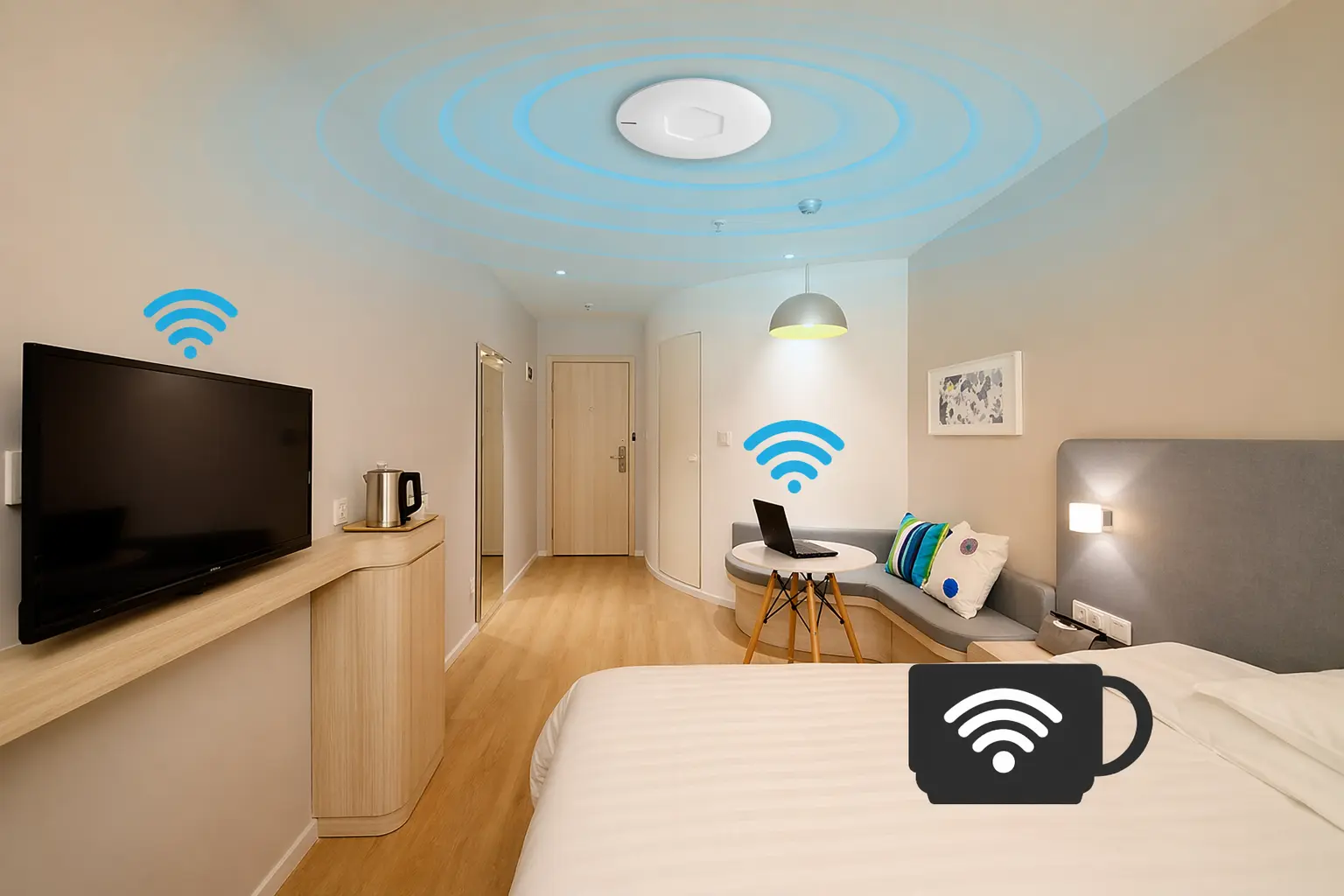
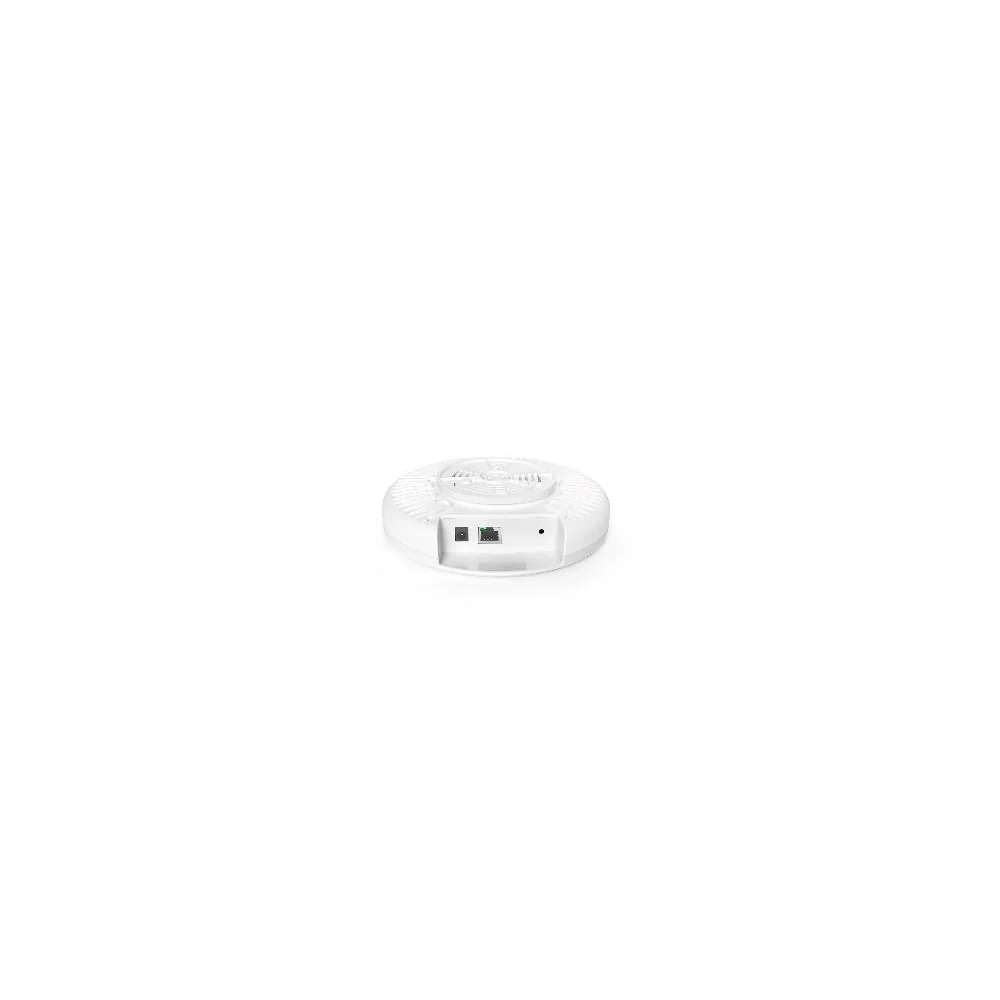
Corridor and guest-room coverage — XD3001K ceiling AP Dual-band Wi-Fi 6 on the MediaTek MT7981 platform, 128 concurrent clients, 802.3af/at PoE, slim Φ175 × 42 mm round ceiling form factor with the LED indicator disabled by default (guests do not want a blue ring above their bed). This is the workhorse — 70% of the AP count on a typical hotel job.
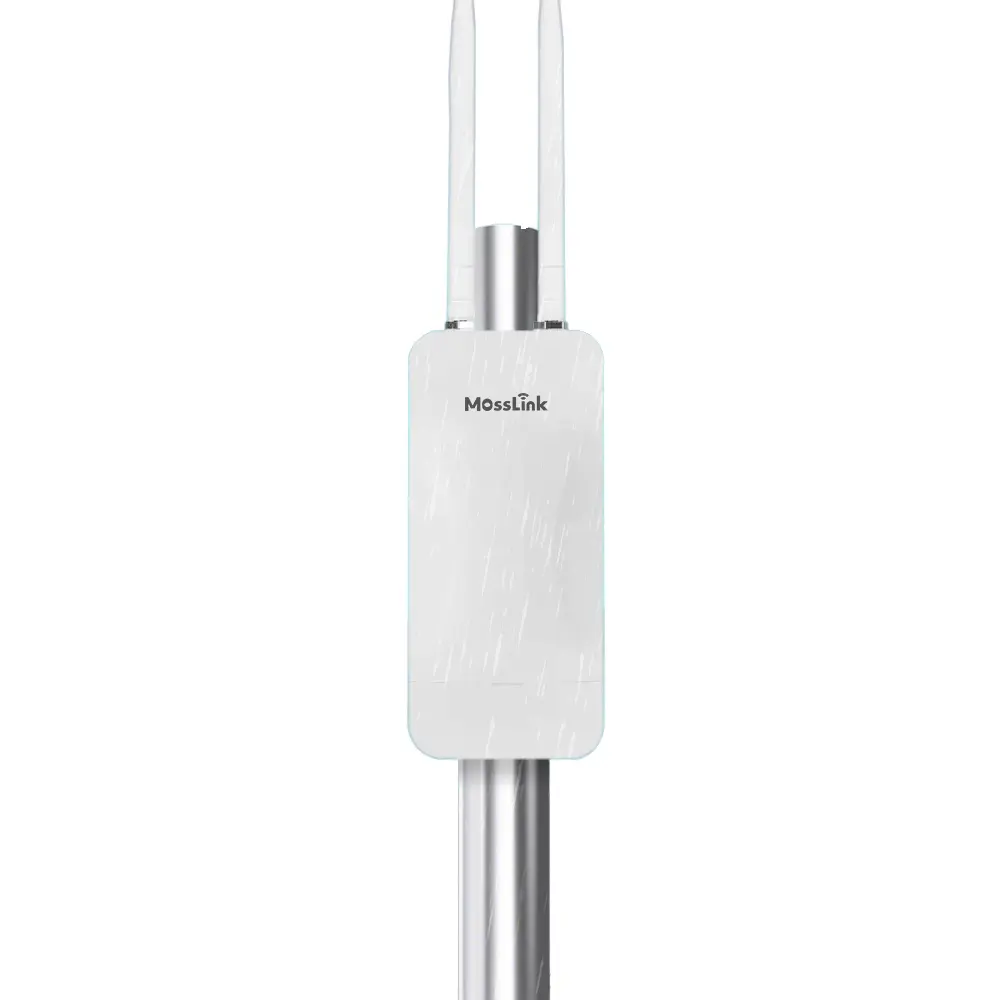
Lobby, conference, and outdoor — APH4-BE3600 Wi-Fi 7 outdoor AP Wi-Fi 7 (802.11be) on the AN7563 + MT7991B chipset, 3600 Mbps, 2.5 Gbps WAN port, IP65 UV-resistant enclosure, −30 °C to +55 °C. The 2.5G uplink is the point — a gigabit port bottlenecks a Wi-Fi 7 radio the moment two guests stream 4K on the pool deck. Use it in indoor high-density public areas too, where the 80-meter coverage radius simplifies ceiling or wall mounting.
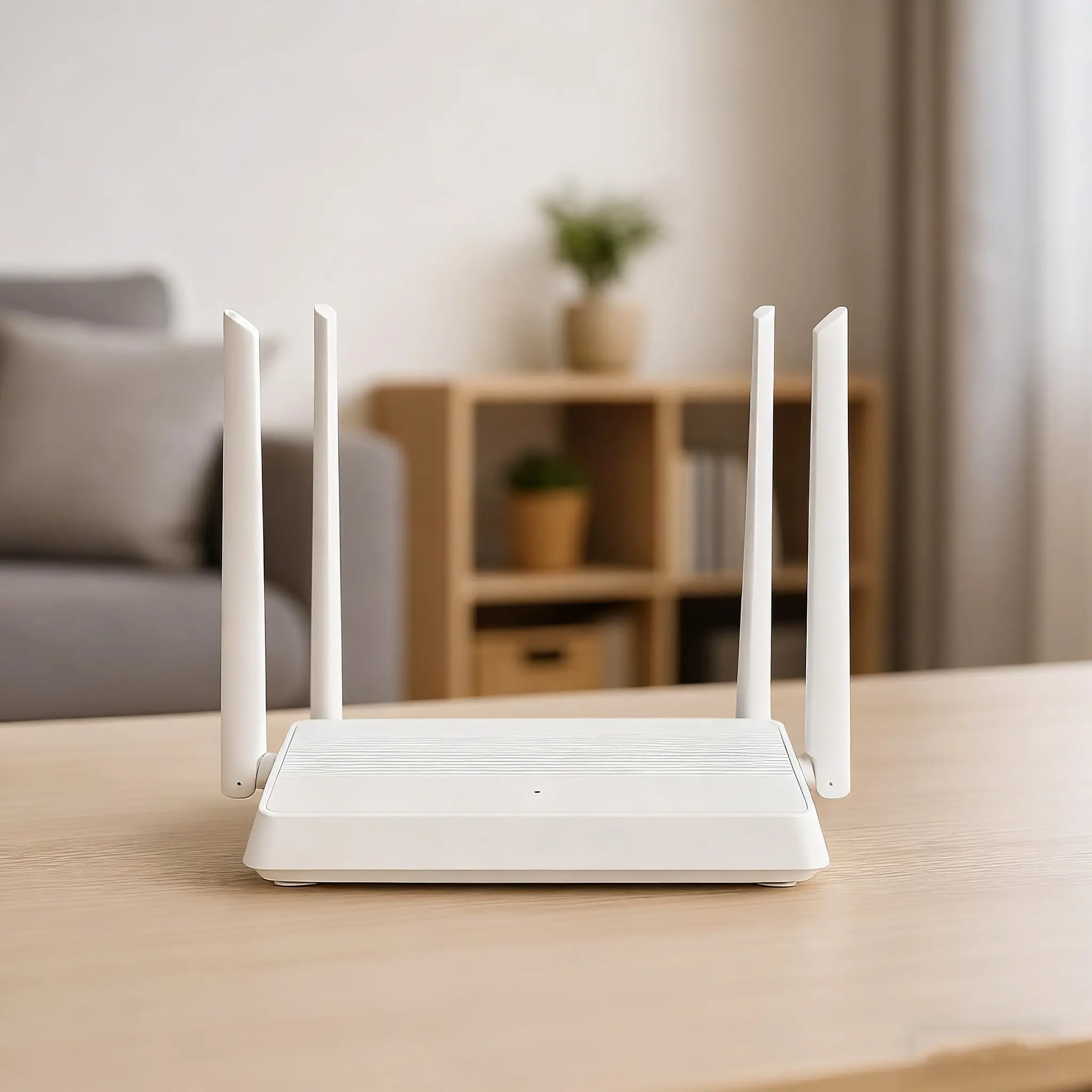
Gateway, DHCP, and captive portal host — WR3011GP AX3000 router Qualcomm IPQ5000 platform, 128 concurrent clients, VPN, TR-069 remote provisioning, and 6 kV surge protection. For a 100-room property this is the gateway that terminates VLANs and serves the captive portal. Larger properties should uplink to a dedicated managed gateway and use WR3011GP as a branch or staff-floor gateway.
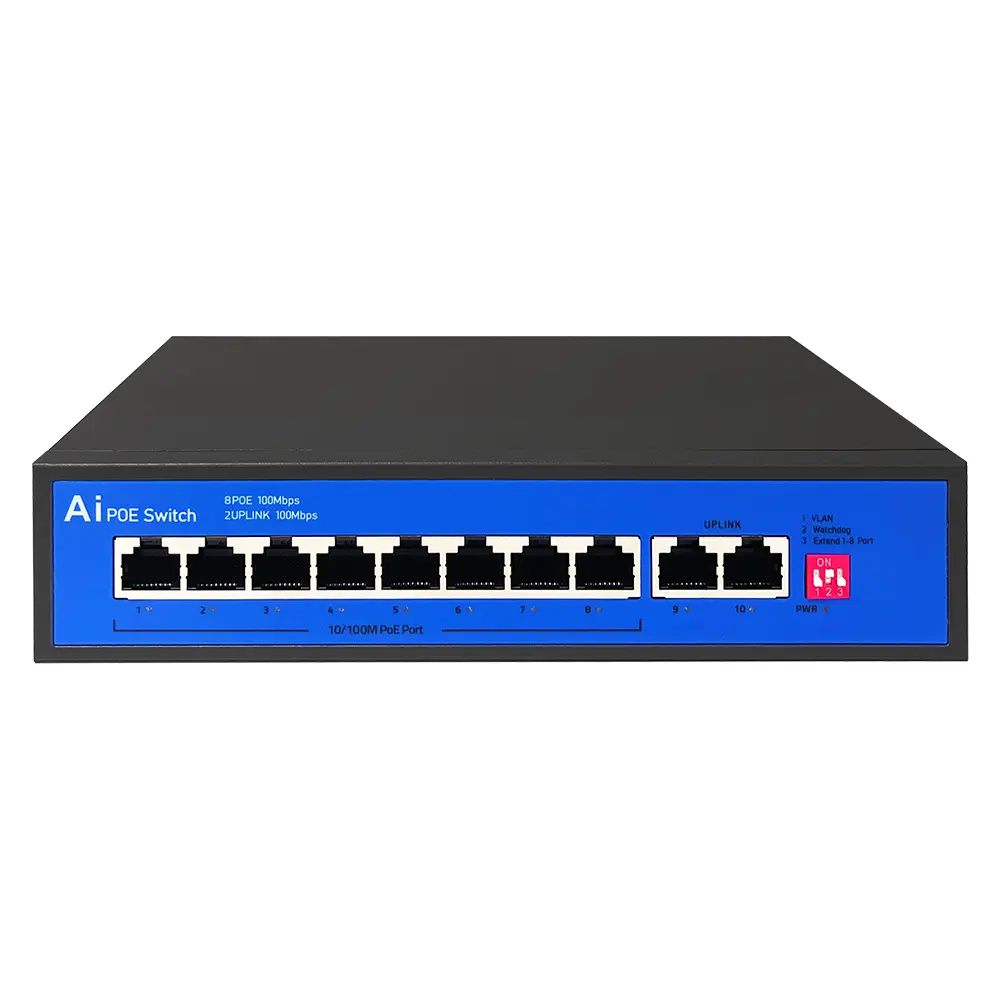
PoE backbone — S802E 8-port PoE switch 96 W budget, 802.3af/at, AI watchdog that auto-reboots unresponsive PoE devices, 4 kV surge protection. Rack one S802E per 6 corridor APs with headroom; four to five switches handle a full 100-room drywall deployment. Hotels above 150 rooms should spec a higher-capacity Gigabit PoE switch and use the S802E for floor-level sub-panels.
How Should You Structure SSIDs and VLANs for a Hotel?
Keep the SSID count at 3 visible + 1 hidden maximum. Every extra SSID costs airtime you cannot get back.
The standard five-VLAN architecture:
- Guest Wi-Fi — one SSID (
Hotel Name Guest), captive portal, tiered bandwidth (complimentary 10 Mbps, paid 50 Mbps), client isolation on. - Staff — hidden SSID, WPA3-Enterprise or pre-shared key rotated quarterly, access to internal resources.
- POS and payment — dedicated VLAN, no Wi-Fi broadcast, wired-only or a hidden SSID scoped to specific MAC addresses. PCI-DSS compliance requires this isolation.
- IoT — smart locks, thermostats, minibar sensors. Hidden SSID, blocked from internet access except to specific vendor cloud endpoints.
- CCTV — wired VLAN, no Wi-Fi exposure. Cameras and NVR live on their own segment with traffic only to the security workstation.
Captive portal placement: terminate it at the gateway router (WR3011GP or equivalent), not the AP. The AP stays in transparent bridge mode and passes tagged traffic upstream. This is how you push a new splash page at 2 AM without touching a single access point. MossLink APs support captive portal integration with MikroTik, OpenWrt, Aruba, and most hospitality cloud platforms — the AP itself does nothing except honor the VLAN tag.
For properties with multi-brand loyalty Wi-Fi (e.g., chain properties that must federate with the chain’s global SSID), use the chain’s cloud controller and treat the local gateway as a transparent VLAN translator.
How Do You Size the PoE Budget Without Blowing the Quote?
Rule of thumb: 15 W per Wi-Fi 6 ceiling AP, 20 W per Wi-Fi 7 outdoor AP, plus 20% headroom.
For a 100-room drywall property with 30 corridor APs + 4 lobby/restaurant APs + 3 outdoor Wi-Fi 7 APs:
- Corridor: 30 × 15 W = 450 W
- Lobby: 4 × 15 W = 60 W
- Outdoor Wi-Fi 7: 3 × 20 W = 60 W
- Headroom (20%): 114 W
- Total PoE budget needed: ~684 W
That works out to five S802E switches (480 W total) plus a higher-capacity floor switch for the Wi-Fi 7 outdoor trio, or a managed Gigabit PoE switch sized at 740 W+. Spec the second option if the hotel already owns a managed network backbone; go with stacked S802E units for greenfield deployments where the integrator is supplying the full backbone.
One thing to watch: the S802E is a fast-Ethernet (100 Mbps) PoE switch with 300 m extend mode. That is fine for Wi-Fi 6 ceiling APs serving guest rooms (the per-AP aggregate traffic rarely exceeds 60 Mbps even during peak check-in), but it will bottleneck a Wi-Fi 7 outdoor AP. Route outdoor and high-density APs through a Gigabit PoE switch or direct-connect them to the gateway router.
Next Steps — Spec a Hotel Wi-Fi Deployment
Before generating a bill of materials:
- Walk the property — count corridor meters per floor, note wall construction (drywall / brick / concrete), and photograph lobby, restaurant, and pool zones for AP placement.
- Confirm the SSID and VLAN plan with the hotel IT lead — specifically confirm whether POS and IoT already live on a wired segment and whether captive portal hosting is in scope.
- Choose your corridor AP — for most mid-tier properties, the XD3001K Wi-Fi 6 ceiling access point is the right fit.
- Upgrade selected zones to Wi-Fi 7 — use the APH4-BE3600 outdoor Wi-Fi 7 AP for pool, lobby, and conference halls where the 2.5 Gbps uplink matters.
- Size the PoE switches honestly — 15 W per Wi-Fi 6 AP, 20 W per Wi-Fi 7 AP, plus 20% headroom.
- Terminate VLANs at the gateway — the WR3011GP AX3000 router handles 128 clients and TR-069 remote provisioning for chain deployments.
For full architecture recommendations and a reference topology covering guest rooms, public areas, and pool coverage, see the MossLink hotel Wi-Fi manufacturer solution. If you are also handling SSID segmentation rollouts, our multi-SSID and VLAN traffic separation guide covers the controller-side configuration. Running the same per-unit architecture for residential multi-tenant properties rather than hotels? See our guide to managed WiFi for apartment buildings.
Need a bill of materials or OEM firmware customization for your hotel project? Contact the MossLink team — we quote factory-direct with project-specific lead times and pre-loaded captive portal profiles.
Featured in this guide
Frequently Asked Questions
Practical answers for planning a similar network.
How many access points does a 100-room hotel need?
Should hotels use Wi-Fi 6 or Wi-Fi 7 access points?
What VLANs should a hotel Wi-Fi network use?
Where should the captive portal run in a hotel network?
How do I calculate the PoE switch budget for a hotel deployment?
Deploy with confidence
See how MossLink builds Campus Wi-Fi Network Solution & Access Points end-to-end
Network architecture, products used, and real-world results in one place.
Tags
Share