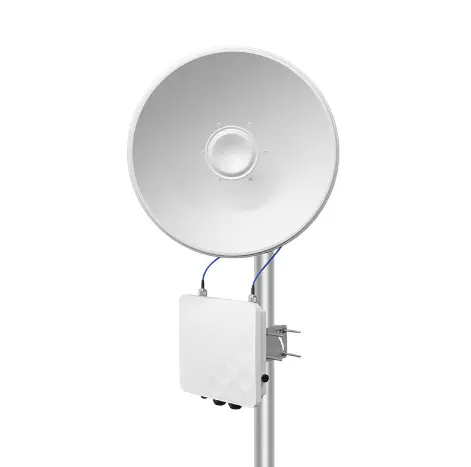
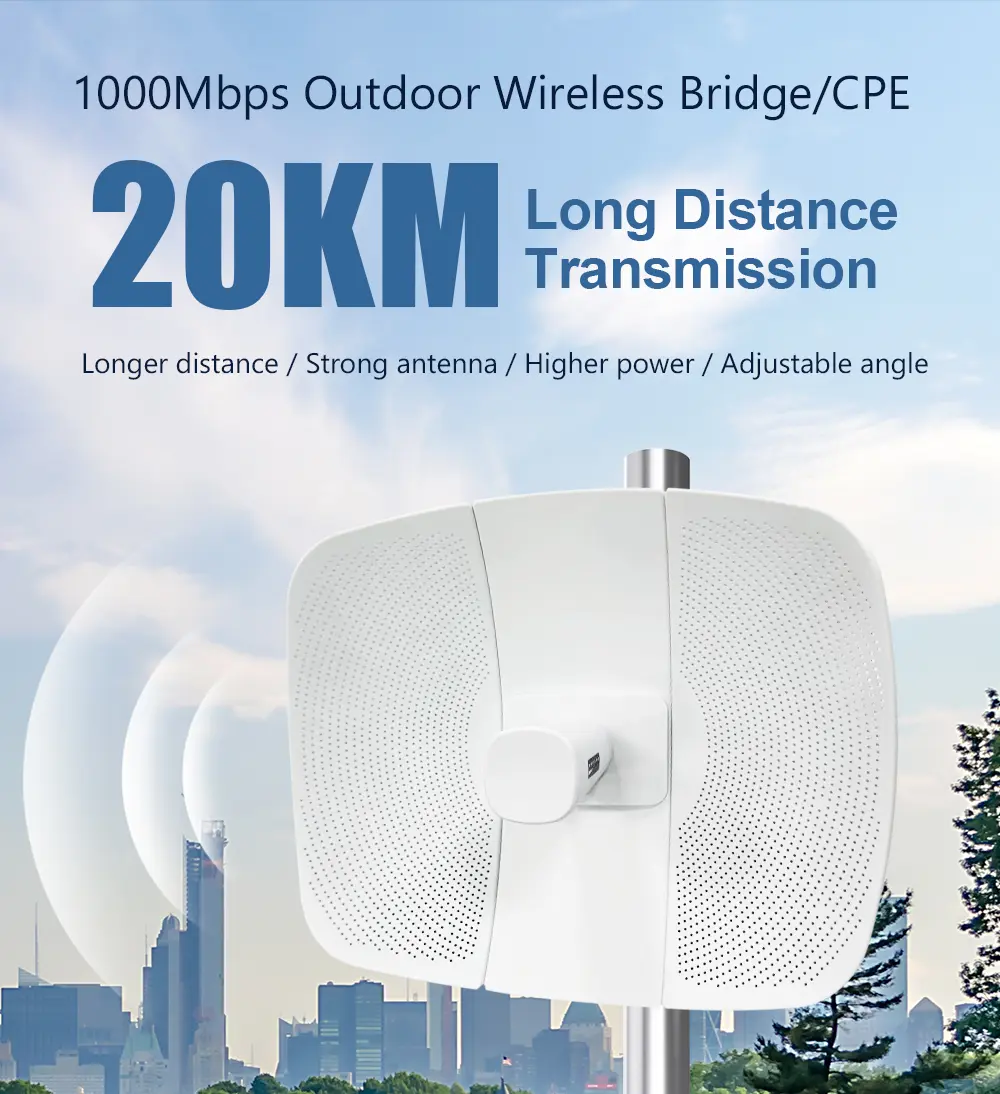
A system integrator in Bangladesh ran 4km of underground fiber to connect a factory to its warehouse. Six months later, road construction cut the cable. Repair cost: $8,000 and three weeks of downtime. The factory owner asked why they did not just use wireless.
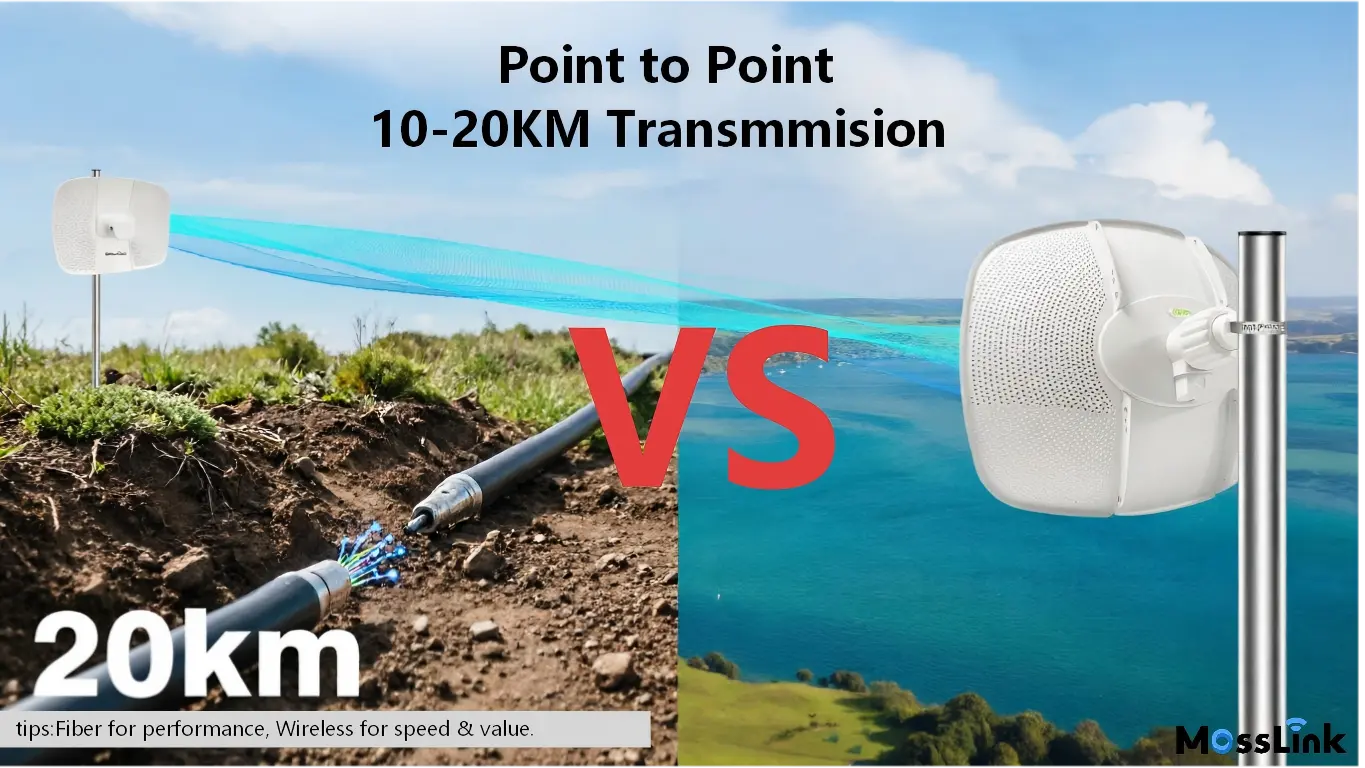
That question comes up in every project where two sites need a connection across open ground. Fiber has higher raw bandwidth. But bandwidth is only one factor — and in many real-world scenarios, it is not the deciding one.
This guide compares wireless bridges and fiber optic across the metrics that actually matter for project decisions: total cost, deployment speed, failure modes, and long-term maintenance.
How Much Does a Wireless Bridge Really Cost vs Fiber?
The equipment cost of a wireless bridge pair is obviously lower than a fiber run. But integrators who stop at equipment cost are missing the real picture.
Fiber: the hidden costs
The cable itself is cheap — about $0.50-2/meter for single-mode outdoor fiber. The expensive part is getting it from A to B:
| Cost Component | Price Range | Notes |
|---|---|---|
| Fiber cable | $0.50-2/m | Single-mode, outdoor-rated |
| Trenching (urban) | $30-50/m | Permits, traffic management, restoration |
| Trenching (rural) | $15-25/m | Easier terrain, fewer permits |
| Aerial (pole rental) | $8-15/m/year | Recurring annual cost |
| Splicing and termination | $500-1,500 | Per end, including patch panels |
| Permits and surveys | $2,000-10,000 | Varies wildly by municipality |
A 5km underground fiber run in an urban area: 5,000m x $40/m average + $3,000 termination + $5,000 permits = $203,000 installed. Timeline: 4-8 weeks including permit approval.
Wireless bridge: all-in cost
| Cost Component | Price Range | Notes |
|---|---|---|
| Bridge pair | $300-1,500 | Depends on distance and throughput |
| Mounting hardware | $100-300 | Poles, brackets, grounding |
| Installation labor | $200-500 | 2-4 hours, two technicians |
| Lightning protection | $50-100 | Grounding kit |
A 5km wireless link using a WB5acH6-29 pair: $800 equipment + $300 mounting + $400 labor + $80 grounding = $1,580 installed. Timeline: 1 day.
That is a 128:1 cost ratio. Even if the wireless bridge delivers 30% less throughput than the fiber, the ROI calculation is not close.
When fiber wins on cost
Fiber becomes cost-competitive at very short distances (under 200m) where trenching is minimal, or in new construction where conduit is already being laid. If someone is already digging a trench for power or water, adding a fiber duct costs almost nothing.
Fiber also wins when you need more than 1 Gbps sustained throughput — enterprise data center interconnects, high-frequency trading links, or backbone aggregation carrying thousands of users. A wireless bridge maxes out around 900 Mbps real throughput. Fiber does 10 Gbps on standard optics and 100 Gbps with DWDM.
Is Fiber Really More Reliable Than Wireless?
“Fiber is more reliable” is stated as fact so often that few people question it. But the failure modes tell a different story.
How fiber fails
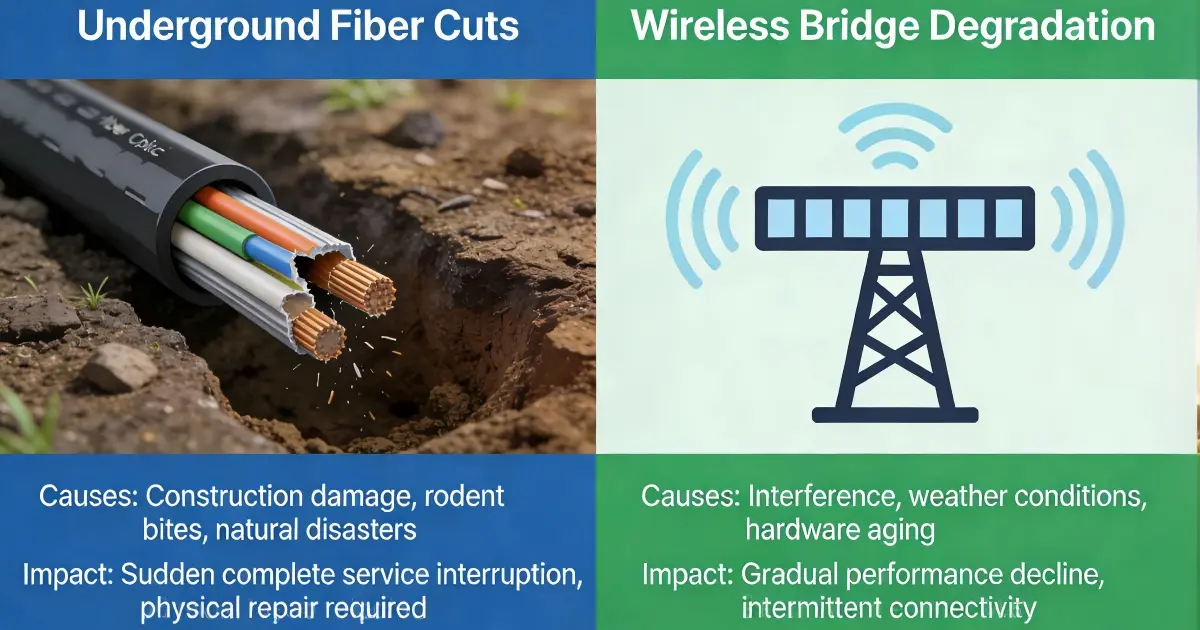
Underground fiber fails from:
- Construction damage: The number-one cause. Any digging near the cable path risks a cut. In developing regions with poor underground utility maps, this happens regularly.
- Rodent damage: Rats and squirrels chew through fiber jackets. Armored cable resists this but costs 3-4x more.
- Flooding: Water intrusion into splice enclosures causes micro-bending losses. In monsoon regions, this is seasonal.
- Theft: In parts of Africa and South Asia, fiber cable is stolen for its copper strength member or simply for the resale value of the cable itself.
Aerial fiber fails from:
- Storm damage: Wind, falling trees, ice loading. Any overhead cable is vulnerable.
- Vehicle strikes: Trucks snagging low-hanging cables at road crossings.
- Heat expansion: Tropical sun causes cable sag, increasing the risk of contact with vehicles or vegetation.
Each of these failures requires a physical truck roll, cable location, splice repair, and testing. Minimum response time: hours. Typical resolution: 1-3 days.
How wireless bridges fail
A properly installed wireless bridge has exactly two failure points: the two bridge units themselves. No cable path to damage, no splice points, no underground routing.
The WB5axH6-35 in IP67 housing with -40 to +70 degrees C operating range handles every climate condition we have encountered — from Russian winters to Saudi summers to Nigerian rainy seasons. The 6kV lightning protection on the Ethernet port survives direct strikes when properly grounded.
Wireless bridges can be degraded by:
- Rain fade: Heavy rain reduces throughput at distances above 10km. Wi-Fi 6 bridges with OFDMA maintain the connection on reduced sub-carriers instead of dropping entirely. Our Africa deployment guide documents this behavior in tropical conditions.
- Physical misalignment: Pole sway in extreme wind. IP67 bridges mounted on properly guyed masts resist this. The WB5axH6-35 survived 200 km/h wind in testing.
- Interference: Only relevant in dense urban RF environments with many competing 5.8GHz links. Proper channel planning eliminates this.
Critical difference: when a wireless bridge degrades, it reduces throughput gradually. It does not go from 100% to 0% the way a cut fiber does. And remote monitoring via SNMP or cloud management shows the degradation before it becomes a problem.
How Fast Can You Deploy Wireless vs Fiber?
This is where wireless bridges win the argument for most project managers.
| Factor | Wireless Bridge | Fiber (Underground) | Fiber (Aerial) |
|---|---|---|---|
| Site survey | 1 day | 1-2 weeks | 1 week |
| Permits | Usually none | 2-6 weeks | 1-4 weeks |
| Installation | 2-4 hours | 2-6 weeks | 1-3 weeks |
| Testing | 30 minutes | 1-2 days | 1 day |
| Total | 1-2 days | 5-14 weeks | 3-8 weeks |
For temporary projects — construction sites, event venues, disaster recovery — there is no comparison. A WB2500 pair goes up in an afternoon and comes down just as fast.
For projects with aggressive timelines — a new warehouse that needs connectivity before the lease starts, a surveillance system on a deadline — the 10-week permit process for fiber trenching is a non-starter.
When Should You Use Both Fiber and Wireless?
The smartest integrators do not choose one or the other. They use fiber for short, permanent, high-bandwidth connections and wireless bridges for everything else.
Typical hybrid architecture:
- Fiber: from the ISP POP to the main building (50-200m, already in conduit)
- Wireless bridge: from the main building to the warehouse 3km away
- Wireless bridge: from the warehouse to the remote camera cluster 1.5km further
- Fiber: between floors inside each building (vertical runs in existing risers)
This approach puts fiber where it is cheapest (short runs in existing infrastructure) and wireless where it is fastest to deploy (cross-site links over open ground).
For the cross-site links in this example, a pair of WB5acH6-29 handles the 3km warehouse link with 400+ Mbps. A pair of WB2500 handles the 1.5km camera extension at 300 Mbps. Total equipment cost for both links: under $2,000.
For operators looking at Starlink as the internet source with wireless distribution, our Starlink 5km distribution guide covers the specific configuration.
Which Should You Choose for Your Project?
| Scenario | Recommended | Why |
|---|---|---|
| Distance under 200m, conduit exists | Fiber | Cheapest, highest bandwidth |
| Distance 500m-30km, line of sight | Wireless bridge | 100x lower cost, same-day deployment |
| Need over 1 Gbps sustained | Fiber | Wireless maxes at ~900 Mbps real |
| Temporary or seasonal connection | Wireless bridge | Deploy and remove in hours |
| Underground path crosses roads/rivers | Wireless bridge | Avoid impossible or expensive trenching |
| Dense urban, no line of sight | Fiber or 4G | Cannot shoot through buildings |
| New construction, conduit being laid | Fiber | Marginal cost is near zero |
| Remote/rural, no infrastructure | Wireless bridge | Only practical option |
Next Steps: Plan Your Site-to-Site Link
Before choosing between wireless and fiber:
- Measure the distance — under 200m with existing conduit? Fiber wins. Over 500m with line of sight? Wireless bridge wins on cost 100:1
- Check for line of sight — use Google Earth to draw a path between your two sites; if buildings block the line, fiber or 4G is your only option
- Define your throughput need — under 900 Mbps? A WB5axH6-35 handles it. Over 1 Gbps sustained? You need fiber
- Factor in timeline — if the connection is needed in days not months, wireless is the only practical option
Need help choosing? Send us the distance and throughput requirement — we will recommend the right bridge model or tell you honestly if fiber is the better option.
Talk to Our Engineers on WhatsApp
Tags
Share