WiFi6 AX3000 3000Mbps Outdoor Access Point: Real Coverage Test & Installation Tips
What is the Real Outdoor Coverage of a WiFi 6 AX3000 Access Point?
By Shino Lee | November 2025 | 7 min read
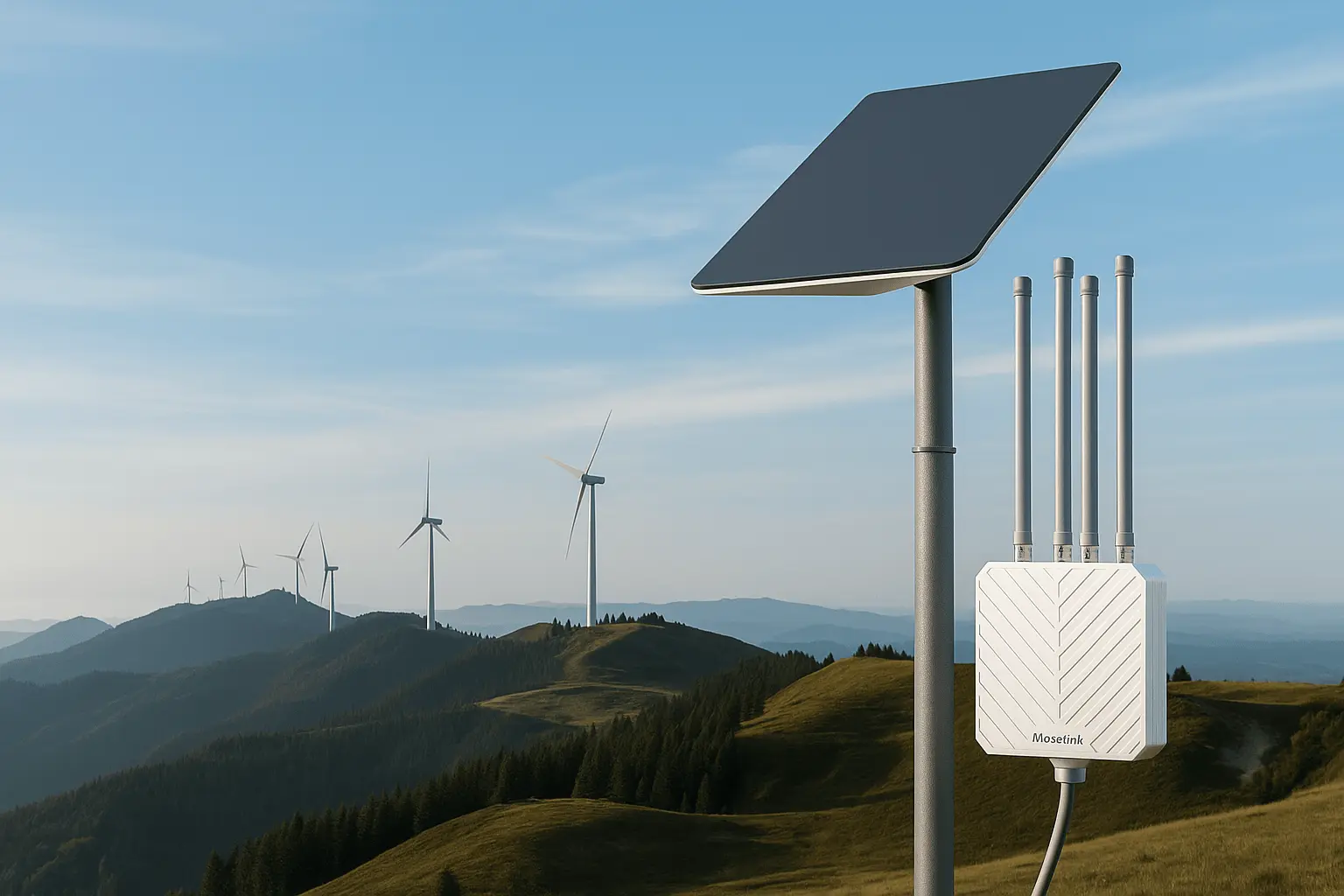
Real-world range testing with a WiFi 6 AX3000 outdoor access point
Trying to figure out the real outdoor coverage of a WiFi6 AX3000 3000Mbps outdoor access point? You’re not alone. If you’ve ever tried to hit that “300 meters” outdoor range printed on the spec sheet, you already know reality doesn’t match the marketing. Trees, walls, and weather always win.
Under perfect line-of-sight, an AX3000 outdoor AP can reach up to 300 meters. In most deployments though—especially with mild obstruction—you’ll get 100–150 meters of reliable, high-throughput coverage.
This post breaks down what really affects outdoor coverage, how to position your access point for best results, and what kind of performance you should realistically expect in the field.
How Do Trees, Walls, and Rain Affect the Signal Range?
When I installed an AX3000 AP on a resort roof in Zanzibar, everything looked great—until sunset rain turned the palm leaves into signal sponges. Suddenly, clients 100 m away vanished from the dashboard.
Moisture, foliage, and building materials absorb or scatter WiFi waves. The 5 GHz band is especially vulnerable, with each layer of wet foliage or wall cutting several decibels from your signal margin.
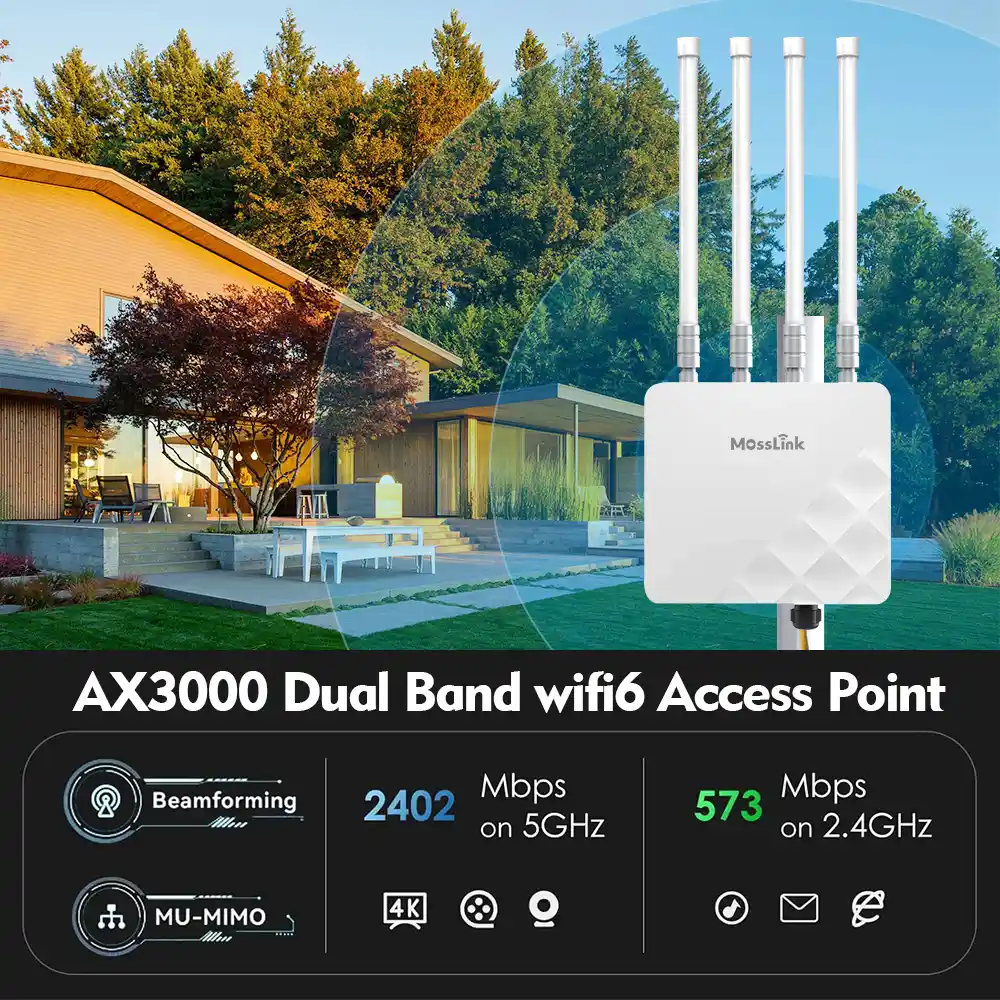
Rain and foliage reduce 5 GHz signal strength faster than 2.4 GHz
| Obstacle Type | Typical Loss (dB) | Example Scenario |
|---|---|---|
| Wet Tree Foliage | 10–15 dB | Resort gardens, coastal villas |
| Concrete Wall (20 cm) | 15–20 dB | Warehouse or hotel wall between nodes |
| Heavy Rain | 3–6 dB | Tropical or marina environments |
As a rule of thumb: every 6 dB loss cuts your usable range by about half. That’s why “300 m” turns into “100 m” once the trees grow leaves.
Can Placement or Mounting Improve My Range?
One time in a Dubai marina we mounted the same AX3000 AP twice: once on a 2 m fence, once on a 6 m pole. The higher mount gave nearly double the range—same device, same firmware, different angle.
Elevation and clean line of sight make the biggest difference. A 3–6 meter mounting height clears ground clutter, while correct antenna direction adds several decibels of link margin.
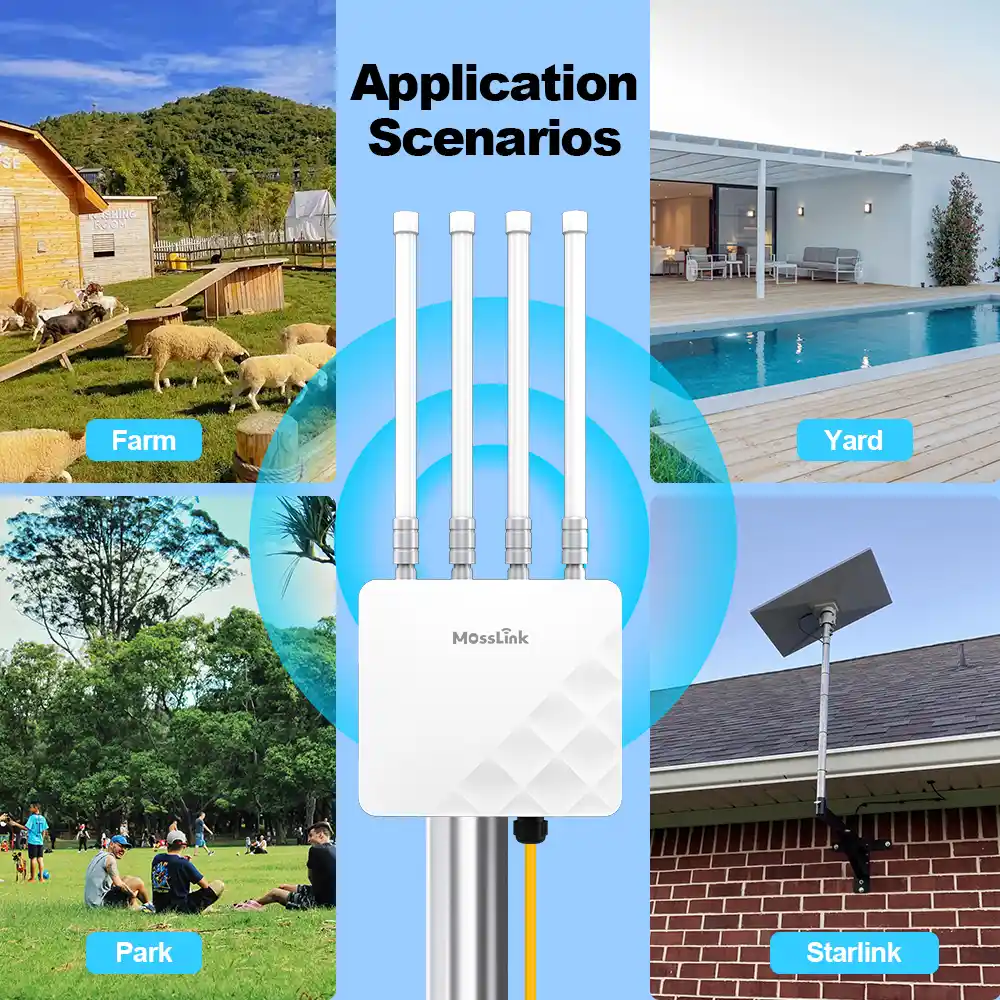
Higher mounting height clears obstacles and extends the Fresnel zone
| Mounting Factor | Effect on Range | Recommended Practice |
|---|---|---|
| Mounting Height | Reduces ground reflection and obstacles | 3–6 m above ground |
| Antenna Orientation | Improves signal focus and SNR | Slight downward tilt toward users |
| Nearby Metal Objects | Cause multipath and reflection | Keep 1 m clearance |
If you’re running PoE over long cable runs, check voltage drop. I’ve seen APs throttle RF output simply because the injector was 80 m away on thin wire.
What’s the Average Coverage Distance I Can Expect?
Specs show 300 m, but that’s under lab-perfect, flat-earth conditions. In actual deployments with wind, dust, and people walking around, 100–150 m is the sweet spot.
Plan 100–150 meters as your “effective coverage radius.” You can still detect signal beyond that, but throughput will collapse below usable thresholds.
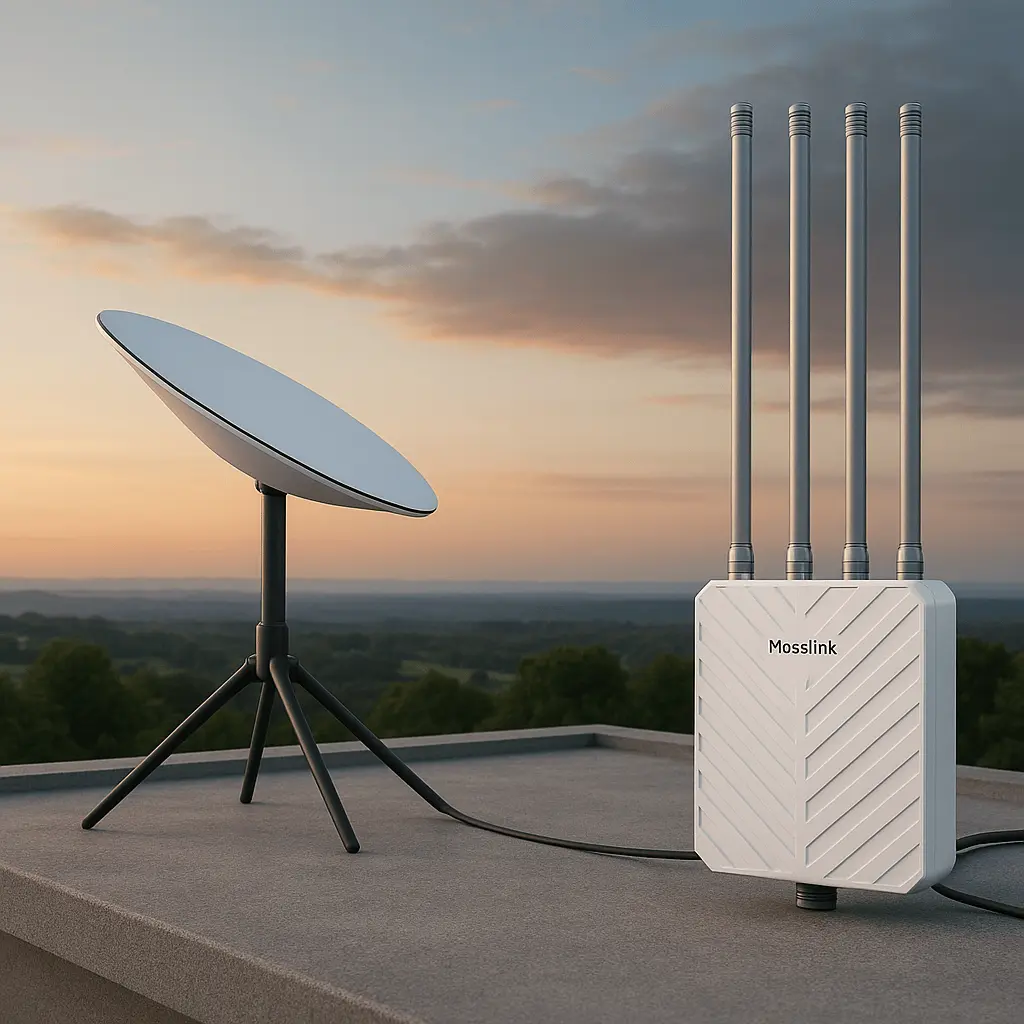
Typical outdoor coverage range under various real-world conditions
| Environment | Range (m) | Expected Throughput |
|---|---|---|
| Open Field (LOS) | 250–300 | 200–300 Mbps |
| Campus / Park | 100–150 | 100–150 Mbps |
| Urban Rooftop | 50–80 | 50–100 Mbps |
Remember that client devices (like smartphones) have weaker antennas. So your AP might still transmit far, but those devices can’t talk back at the same strength.
That’s why choosing the right WiFi6 AX3000 3000Mbps outdoor access point and optimizing its placement is essential for stable and extended outdoor wireless coverage.
Share