How can I manage all my APs remotely from one place?
How can I manage all my APs remotely from one place?

I used to waste hours managing every access point separately, especially when I had different brands in one deployment. Every firmware update or SSID change turned into a manual headache.
The best way to manage all your wireless APs remotely is by using a centralized system—either cloud-based or controller-based. These platforms give you a single dashboard to control configuration, monitor health, push updates, and manage multiple sites at once.
Without centralized management, maintaining APs gets complicated fast—especially in regions like Africa where support infrastructure varies by location. But with the right tools, it’s possible to streamline everything from setup to daily operation, even across cities or countries.
What remote tools work best for African WISPs?
I’ve worked with WISPs in places like Nigeria and Ghana, where power and bandwidth are limited. The tools I used needed to be lightweight, low-latency, and reliable—even when internet links were unstable.
For African WISPs, the best remote AP management tools are hybrid systems like TP-Link Omada or Ubiquiti UniFi, which allow both local controllers and cloud access. These are cost-effective, easy to deploy, and don’t depend 100% on constant internet uptime.
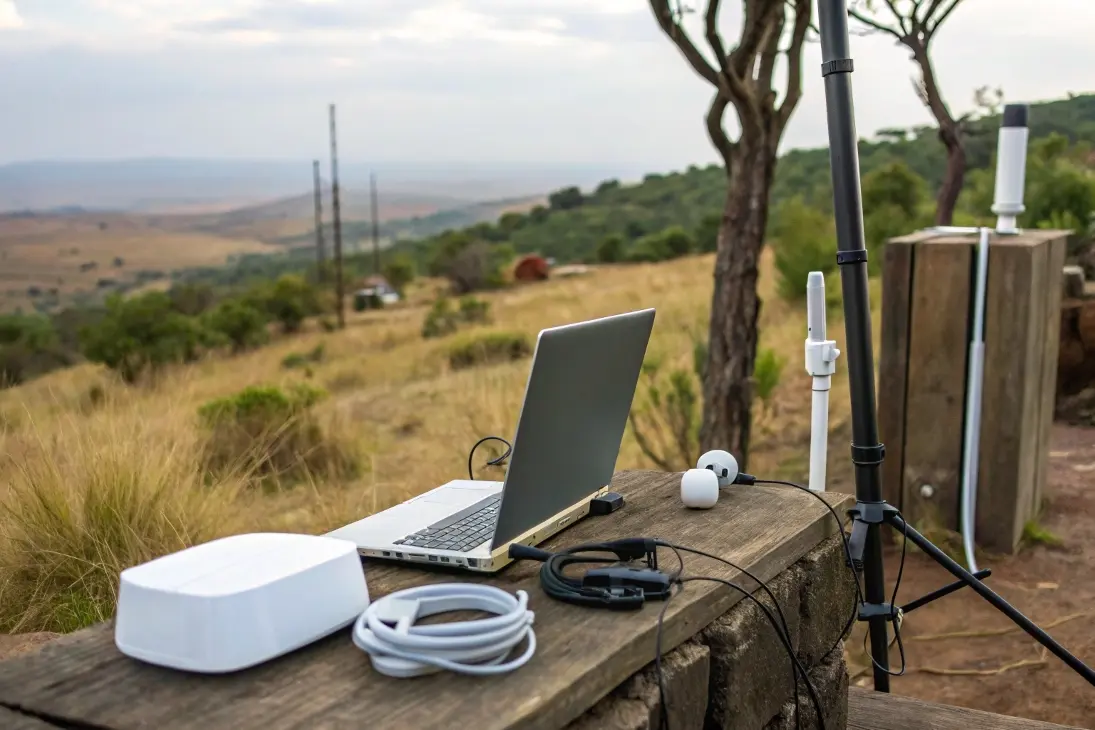
When I set up a site in Lagos, I used Omada with a local controller but enabled cloud access so I could still log in from China. This gave me the flexibility to monitor uptime, push firmware, and make adjustments—even when I wasn’t on-site.
| Platform | Cloud Access | Local Controller Option | Cost Efficiency | Offline Operation |
|---|---|---|---|---|
| Mosslink AC | Yes ✅ (Cloud Portal) | Yes ✅ | ⭐⭐⭐⭐⭐ | Yes ✅ |
| TP-Link Omada | Yes ✅ | Yes ✅ | ⭐⭐⭐⭐ | Yes ✅ |
| Ubiquiti UniFi | Yes ✅ | Yes ✅ | ⭐⭐⭐ | Yes ✅ |
| MikroTik CAPsMAN | No ❌ | Yes ✅ | ⭐⭐⭐⭐ | Yes ✅ |
| Cisco Meraki | Yes ✅ | No ❌ | ⭐ | No ❌ |
| Arista CloudVision | Yes ✅ | No ❌ | ⭐⭐ | No ❌ |
Mosslink AC combines local controller reliability with a secure cloud portal for remote visibility. It manages multi-site fleets of outdoor access points and long links built with a wireless bridge, supports zero-touch provisioning, batch firmware upgrades, RF templates, and role-based access. For OEM/ODM projects, Mosslink can deliver OpenWrt-based customization to align controller policies with your exact workflows, giving strong features at a very competitive total cost of ownership for WISPs and integrators.
These solutions support unified control of outdoor access points and help simplify the setup of long-distance wireless bridges in areas with limited infrastructure.
Can I customize firmware for easier management?
In many projects, I needed features that stock firmware did not offer, such as custom captive portals, ZTP scripts, or deeper telemetry. Custom firmware solved these gaps without changing the hardware.
Yes. You can customize firmware to streamline remote management. OpenWrt and vendor SDKs let you add packages for monitoring, automate provisioning with scripts, and standardize configs across mixed hardware fleets. This reduces manual work and improves consistency.
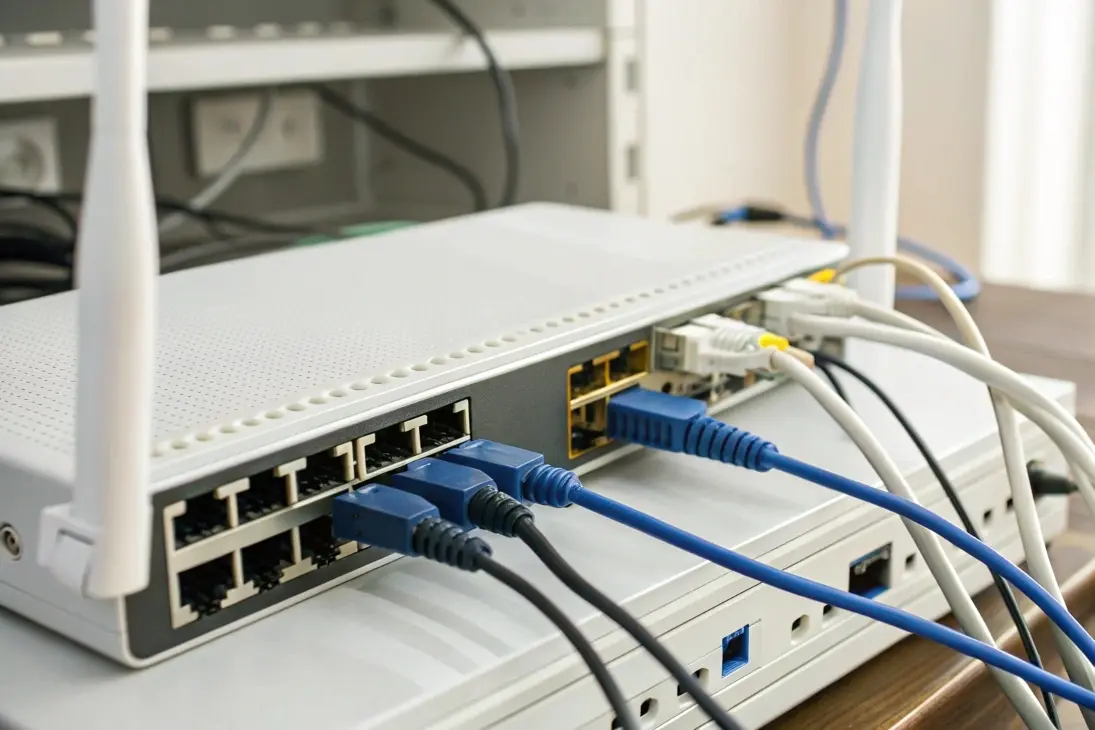
A practical path is to start with OpenWrt on selected SKUs, define a golden configuration, and build a repeatable rollout process. I often include a management VPN, a watchdog, and a lightweight agent for metrics. This keeps remote access stable, even over long-distance links that use a wireless bridge in rural areas.
| Customization Task | OpenWrt Package / Method | Outcome | Effort |
|---|---|---|---|
| Zero-Touch Provisioning (ZTP) | uci + shell scripts + dropbear/ssh | Auto join, pull config, set site variables | Low–Medium |
| Centralized Monitoring | collectd, prometheus-node-exporter | Unified metrics (CPU, memory, radio, clients) | Low |
| Secure Remote Access | openvpn/wireguard | Persistent mgmt tunnel behind NAT | Low |
| Captive Portal / Splash | nodogsplash/chilli + custom HTML | Guest auth, branding, vouchers | Medium |
| Fleet-wide Updates | sysupgrade + Ansible | Coordinated firmware rollout | Medium |
When I deploy in harsh environments, I add voltage and temperature checks in scripts and log them to the controller. This helps me catch issues early and plan truck rolls. If the site also has outdoor access points, I standardize radio power and channel plans in templates for clean roaming.
Do I need a controller for multiple APs?
When I had only three APs, I could live without a controller. After I crossed ten, manual changes became risky and slow. A controller removed guesswork and cut errors.
Yes, past a small number of APs, a controller is the most efficient choice. It gives one source of truth for SSIDs, VLANs, firmware, radios, and alerts. It also enables zero-touch provisioning, bulk actions, and uniform security policies.
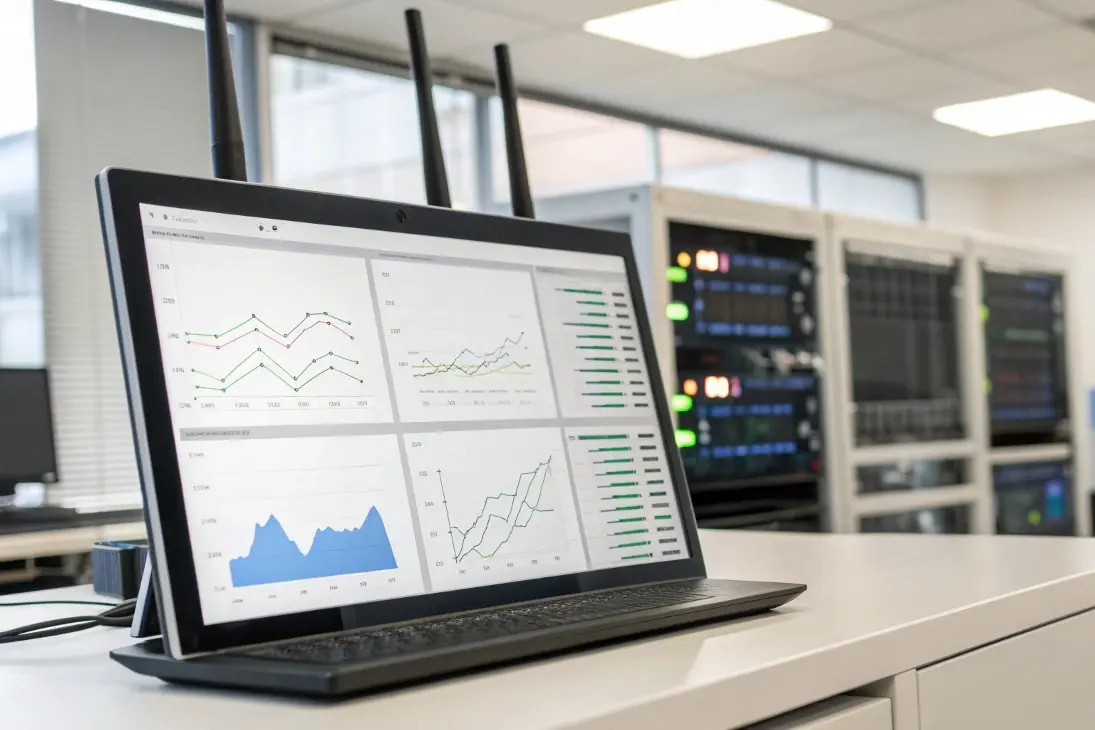
Controller options fall into on-prem, cloud, and hybrid. In regions with unstable backhaul, I prefer hybrid: a local appliance or VM manages real-time control, while a cloud portal provides remote visibility and access. This design keeps Wi-Fi stable when internet drops but still lets me work from anywhere.
| Model | Where Control Runs | Resilience if WAN Fails | Licensing | Best Fit |
|---|---|---|---|---|
| Cloud (SaaS) | Vendor cloud | Low–Medium (depends on vendor) | Per-AP/site (common) | Multi-site with strong WAN |
| On-Prem (WLC/VM) | Local data center/site | High | Perpetual or none | Campuses, factories |
| Hybrid | Local + cloud portal | High | Often lighter | WISPs, distributed SMEs |
- Use DHCP Option 43 or DNS discovery so new APs auto-find the controller[1].
- Segment management traffic on its own VLAN and apply ACLs[2].
- Pros: cost control, no vendor lock-in, deep customization[3].
For long links between buildings, I pair the controller with a backhaul wireless bridge. This keeps AP control traffic separate from client VLANs and improves reliability.
Is OpenWrt good for centralized control?
Many teams assume OpenWrt is only for hobby projects. In my deployments, it became a flexible backbone for mixed fleets and tight budgets.
OpenWrt is a solid base for centralized control when combined with simple automation and monitoring stacks. With WireGuard/OpenVPN for access, Ansible for config, and Prometheus/Zabbix for metrics, you get vendor-neutral orchestration at scale.
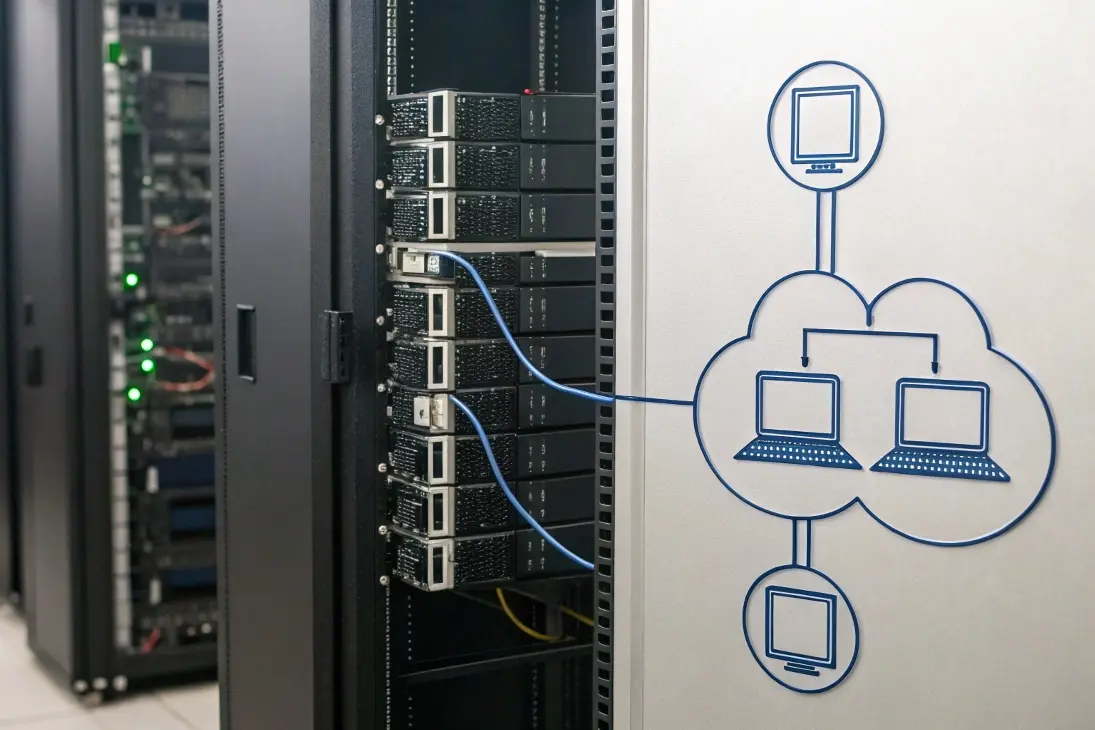
I standardize three layers: access, automation, and observability. Access uses a secure VPN mesh so every device is reachable behind NAT. Automation uses idempotent playbooks to apply UCI settings, SSIDs, VLANs, QoS, and files. Observability collects logs and metrics and pushes alerts to chat or email. This stack runs on modest hardware and supports remote sites that depend on an uphill microwave or fiber link.
| Layer | Typical Tools | What It Controls/Measures | Why It Matters |
|---|---|---|---|
| Access | WireGuard / OpenVPN | Out-of-band mgmt, SSH, APIs | Stable remote reachability |
| Automation | Ansible + templates | UCI, files, cron, packages | Fast, uniform changes |
| Observability | Prometheus, Zabbix, Syslog | CPU/RAM, radios, clients, link SNR | Early warning, SLA insight |
- Pros: cost control, no vendor lock-in, deep customization[3].
- Cons: needs Linux skills, testing discipline, and package curation.
- Tip: maintain a “golden image” per hardware SKU and a versioned config repo.
- Tip: document a break-glass procedure for field teams with minimal commands.
If you prefer a turnkey GUI but want hybrid control, a vendor ecosystem with a local controller and cloud portal also works well. I often mix: OpenWrt for routing/backhaul roles and a vendor controller for radio orchestration on dense Wi-Fi, especially for outdoor hotspots that rely on an outdoor access point grid.
Conclusion
Use a controller once you grow. Choose hybrid for resilience. Add OpenWrt where you need flexibility. Standardize templates, automate updates, and monitor everything.
Footnotes
Share